1
Upload your video
Drop an MP4 or MOV clip with a clearly visible face — up to 10 seconds and 100MB. Front-facing framing and an unobstructed mouth give the AI lip sync engine the cleanest tracking signal.

Upload a video with a visible face, add speech audio — or generate it with the built-in text to speech — and the AI lip sync engine re-animates the mouth, jaw, and expressions to match the new track. Cost is shown before every generation.
Click or drag to upload
MP4/MOV • 2-10s • 720p-1080p • Max 100MB
Click or drag to upload
MP3/WAV/M4A/AAC • Max 5MB
Sign in to generate lip sync videos
Curated Lip Sync examples will appear here.
Lip sync is one step — transfer motion, transcribe TikToks, generate voices, or clean up footage without leaving ViralClip.
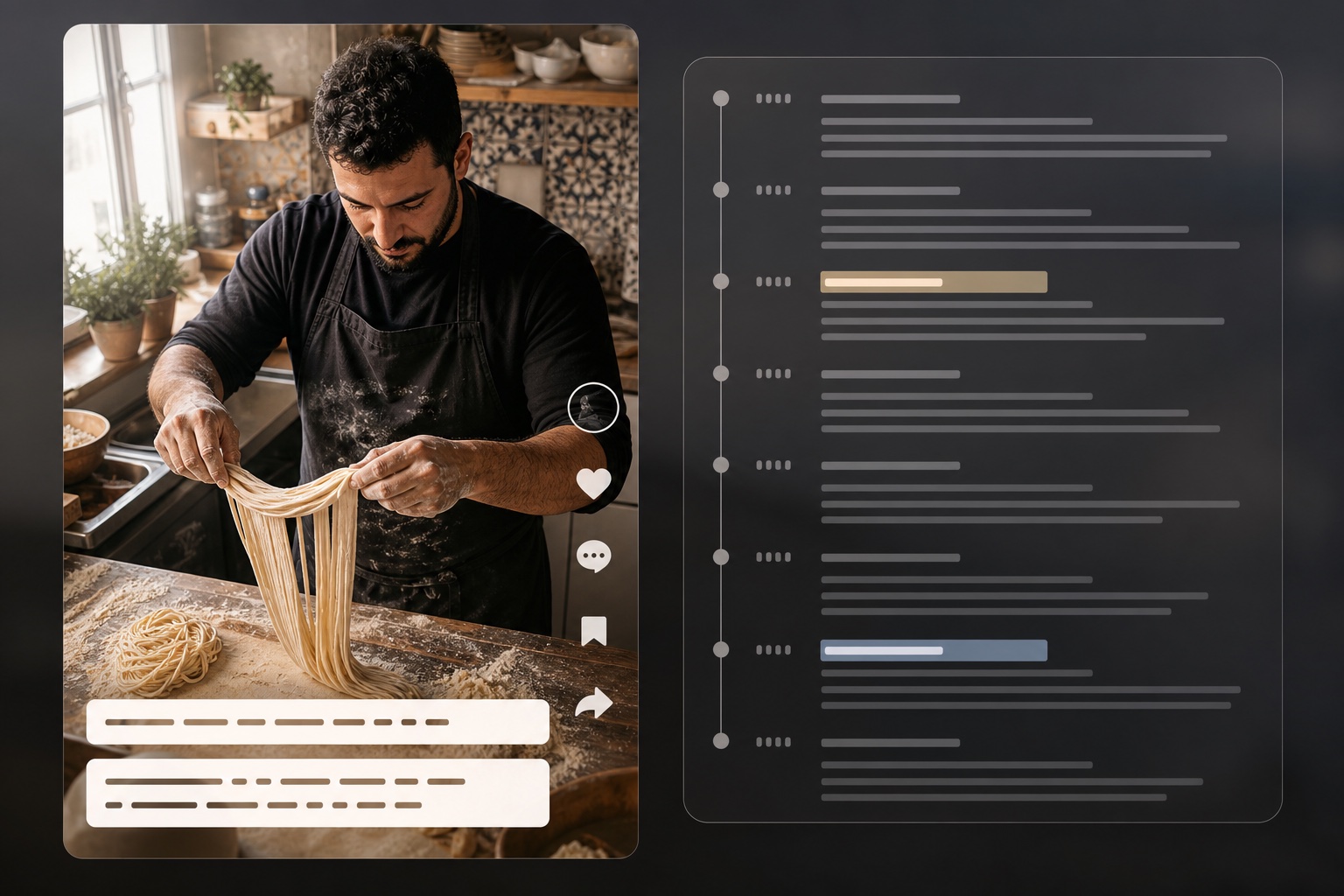
Extract scripts and timestamps from TikTok videos
Open tool
Reverse-engineer video into structured AI prompts
Open tool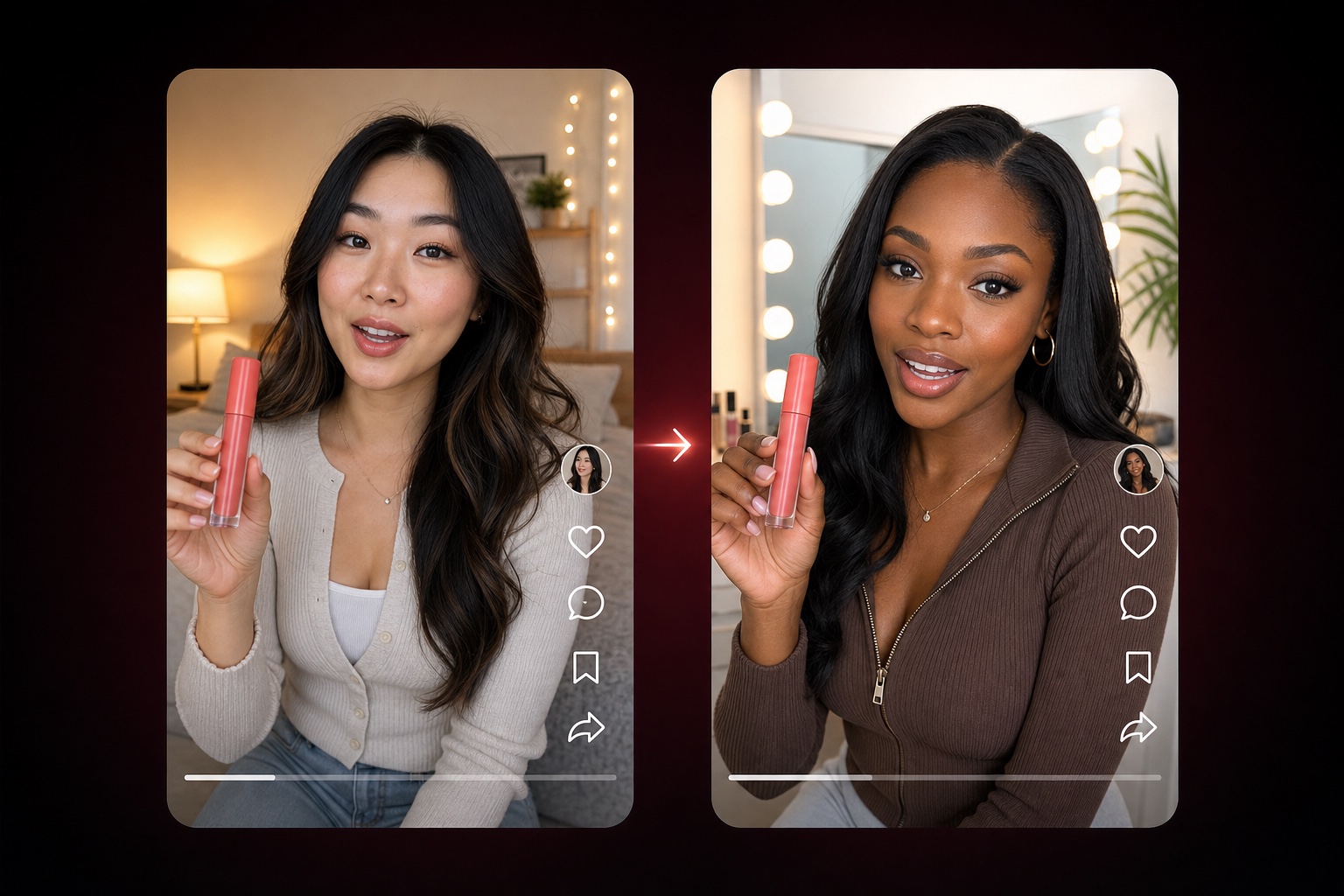
Adapt a TikTok product-video structure with nine editable dimensions
Open tool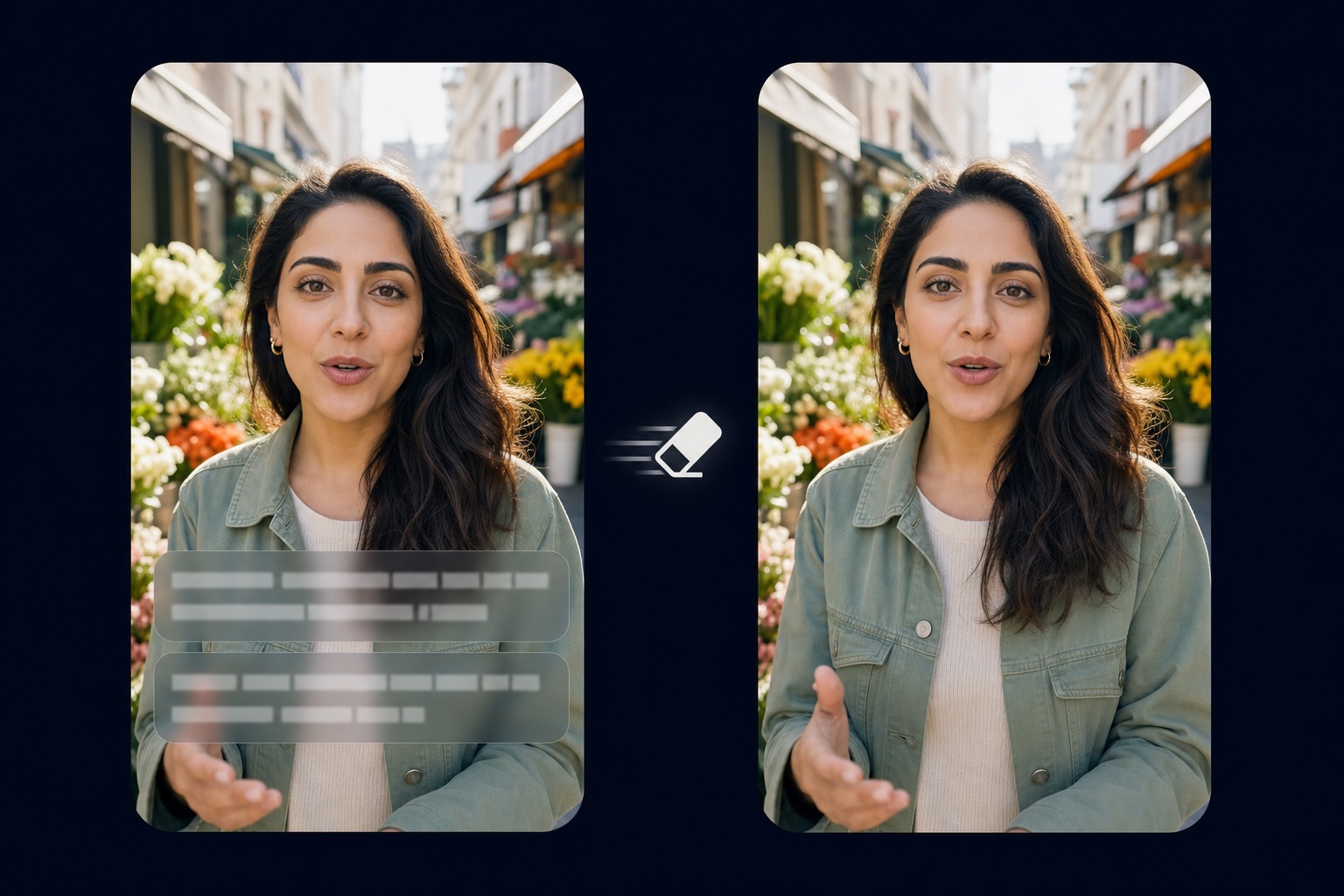
Remove burned-in captions and text from video
Open tool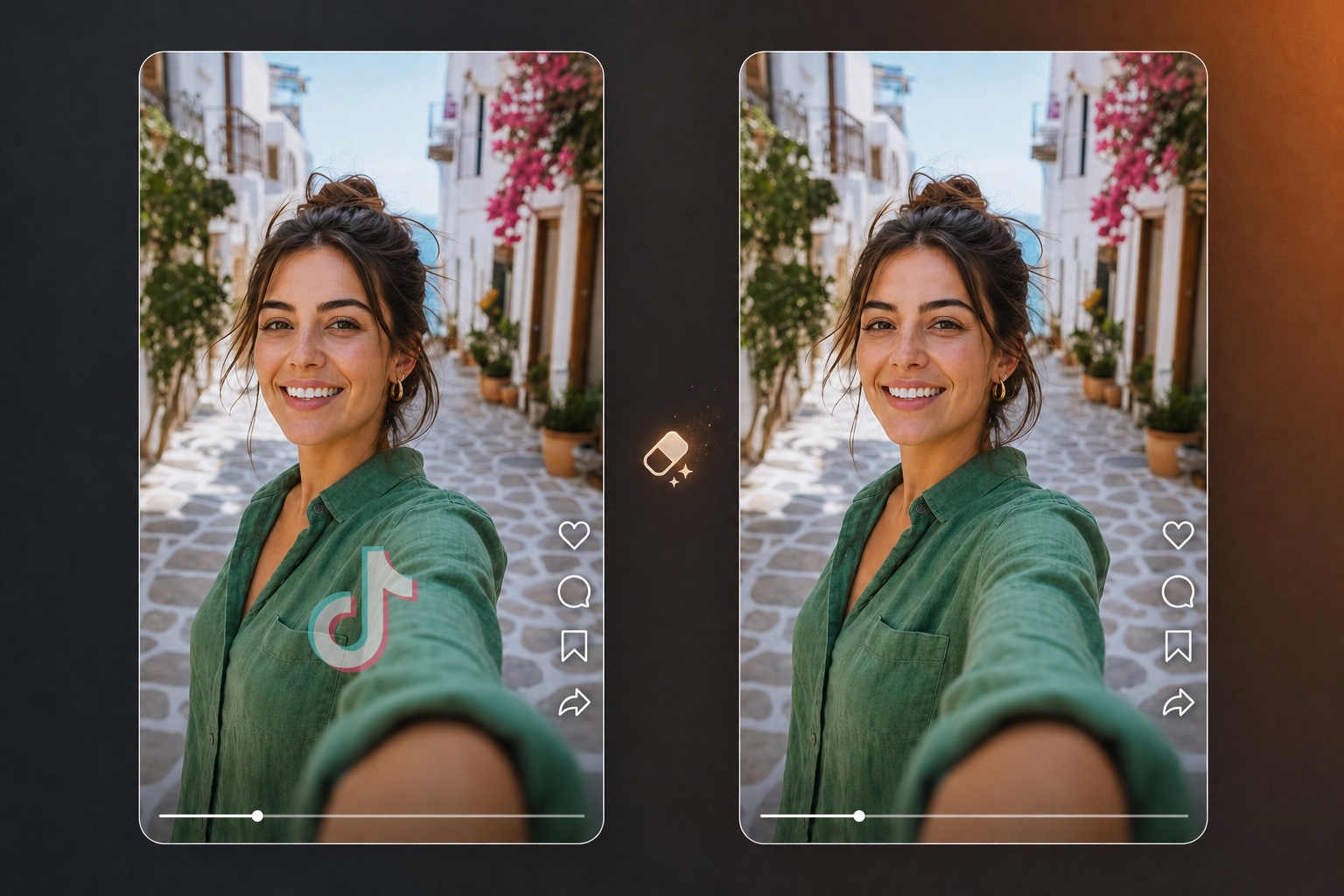
Erase logos, watermarks, and branding overlays from video
Open tool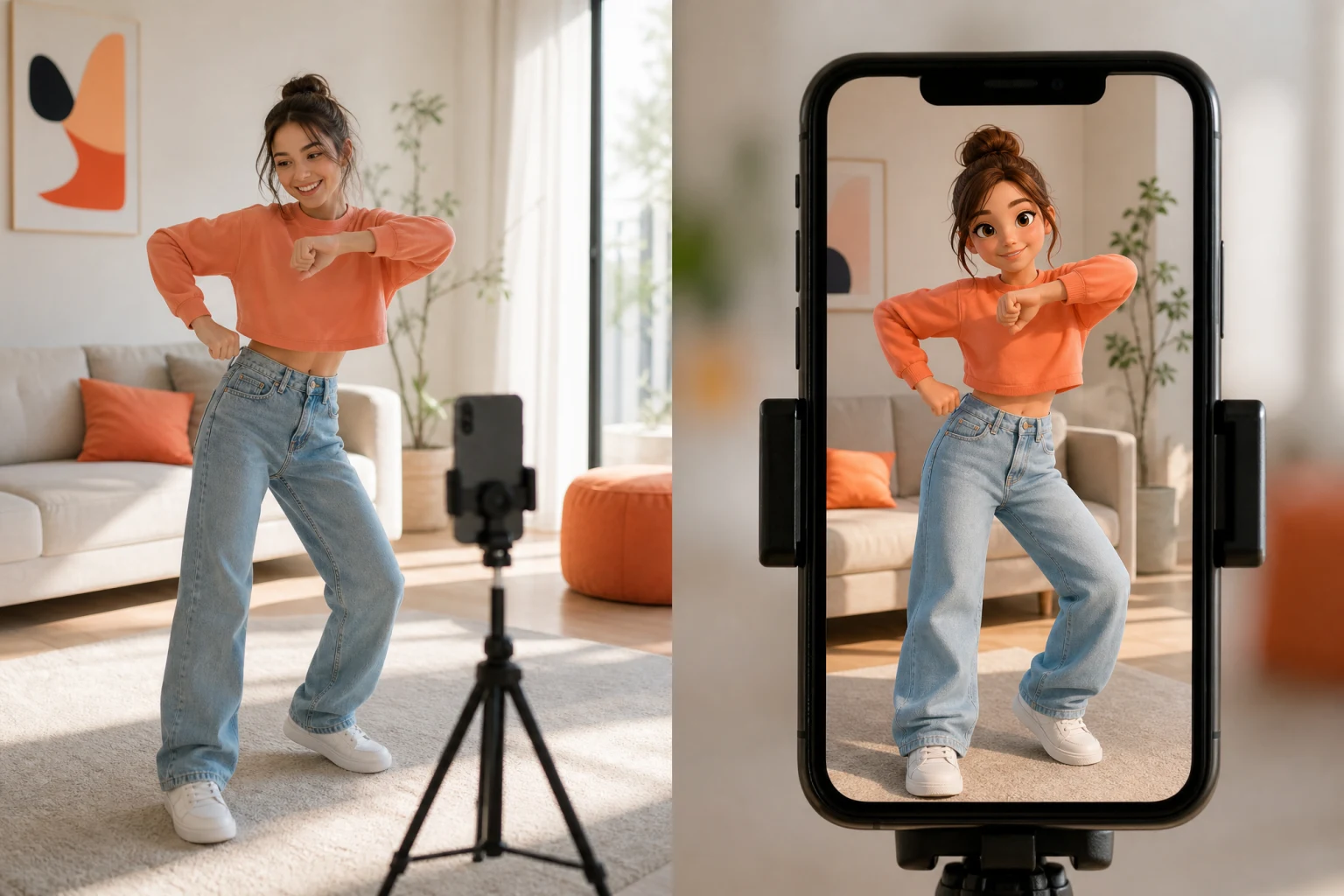
Transfer reference motion to a character image
Open tool
Generate a full listing image set from product photos
Open tool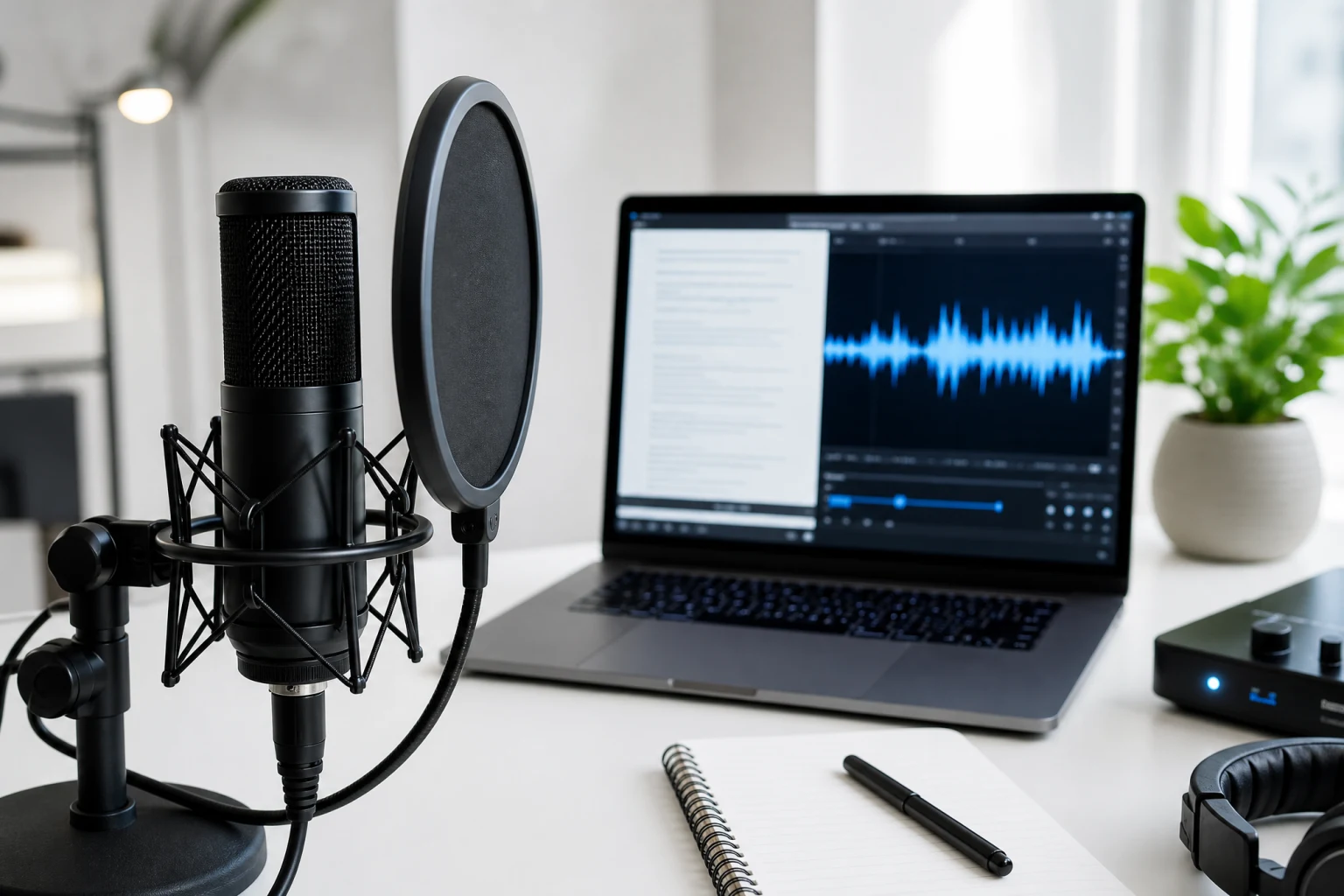
Turn text into natural AI speech
Open toolOne source video and one speech track go in — a talking video where the subject appears to genuinely speak the new audio comes out.
The AI lip sync engine reads the timing and rhythm of your audio and generates matching mouth shapes, jaw articulation, and supporting facial movement, so the lip sync video reads as spoken, not dubbed-on.
Upload an MP3, WAV, M4A, or AAC file, or skip the microphone entirely: the built-in text to speech turns your script into a voice track with selectable voices and speed, right inside the lip sync editor.
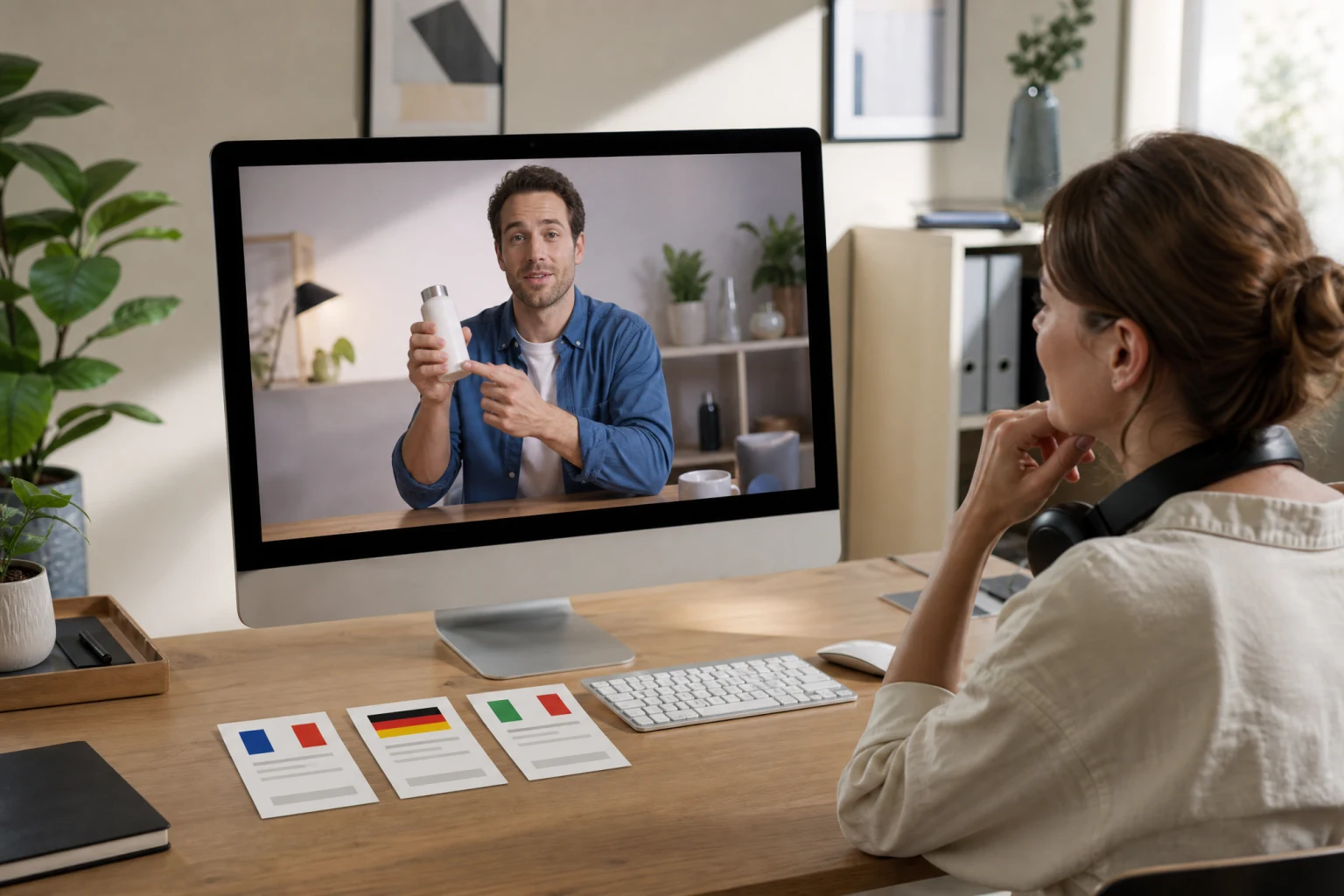
Reuse one spokesperson clip across markets: swap the audio for another language and the AI lip sync re-syncs the mouth to the new track — no second take, no new presenter, no manual animation.
The editor shows the audio duration, the credit cost, and a live preview before anything is billed. Output keeps your source resolution and downloads as an MP4 ready to edit or post.
From source footage to a synced talking video — the four parts of the workflow, and what each one does for you.
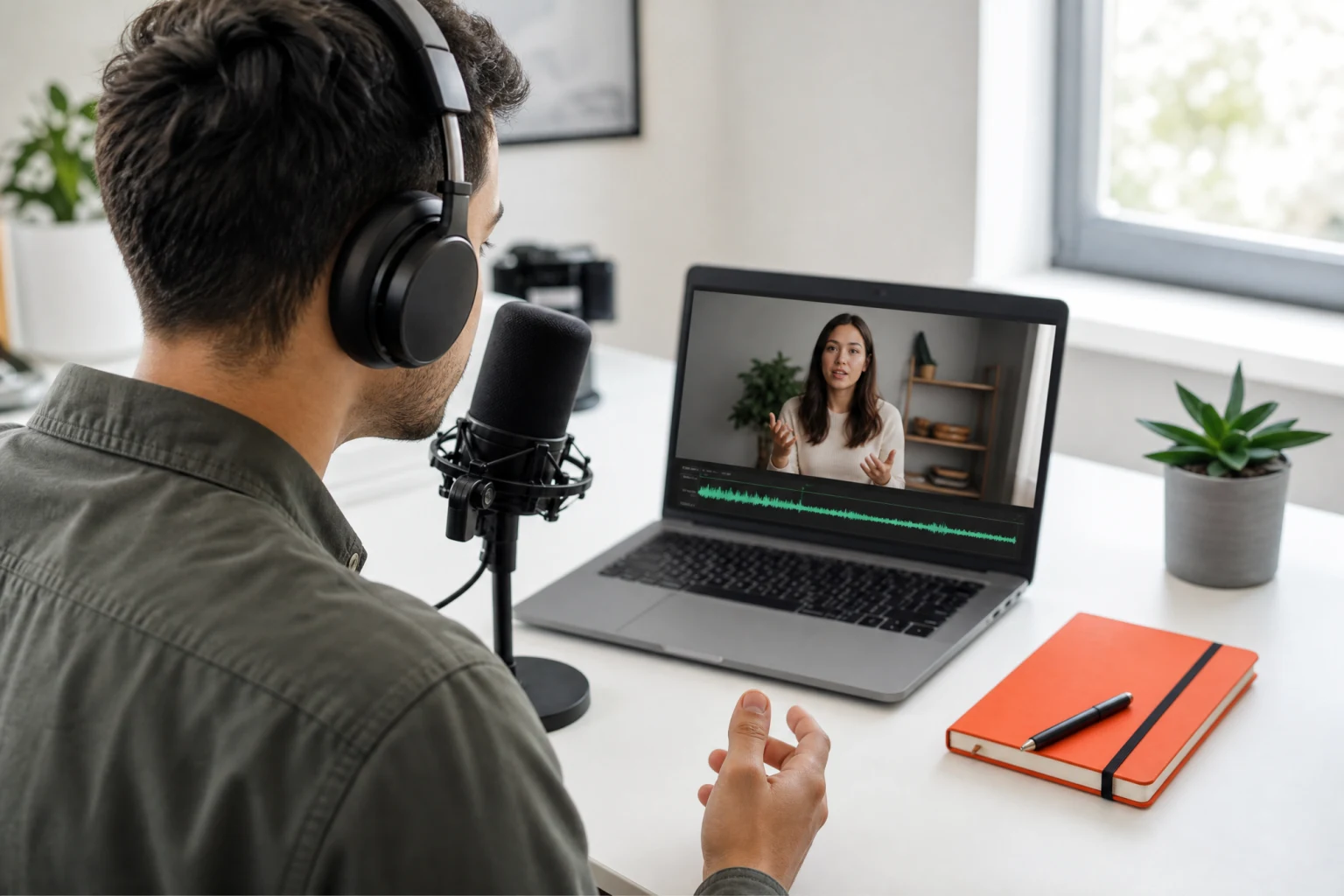
Everything starts from two files: a video with a clearly visible face and a speech track. The AI lip sync generator accepts MP4 and MOV clips up to 10 seconds and 100MB — talking-head footage, spokesperson clips, animated characters, or avatar renders — and MP3, WAV, M4A, or AAC audio up to 5MB. Front-facing or lightly angled faces with an unobstructed mouth give the sync engine the cleanest signal, and the editor validates both inputs before you spend a credit.
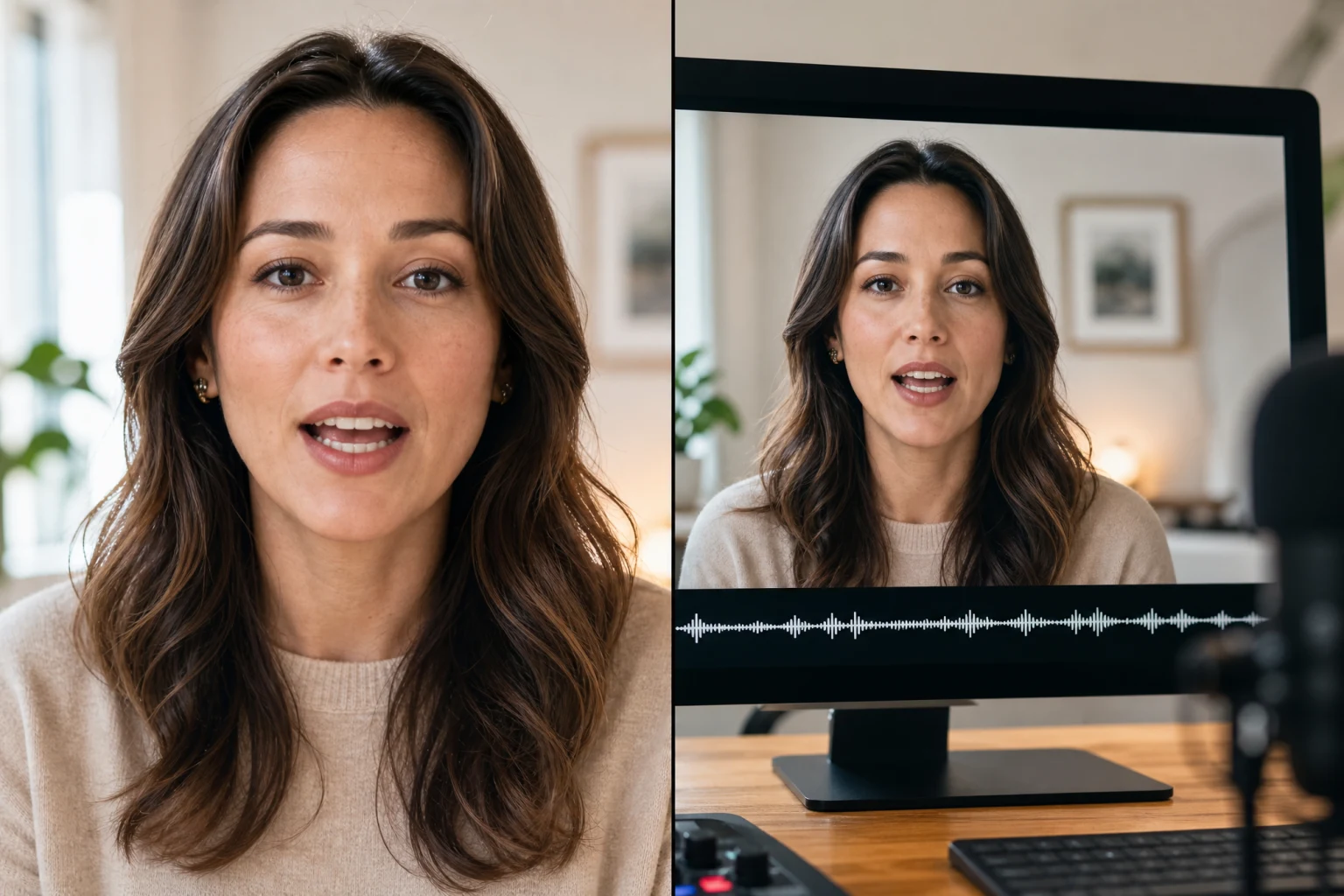
A convincing lip sync video needs more than an opening and closing mouth. The AI analyzes the speech waveform — phoneme timing, pauses, and emphasis — and renders coordinated mouth shapes, jaw motion, and cheek movement that track the dialogue continuously across the clip. The subject's identity, lighting, and background stay untouched; only the speech-related facial movement is re-animated. Review the result frame by frame in the preview and rerun with a cleaner track when a transition looks off.
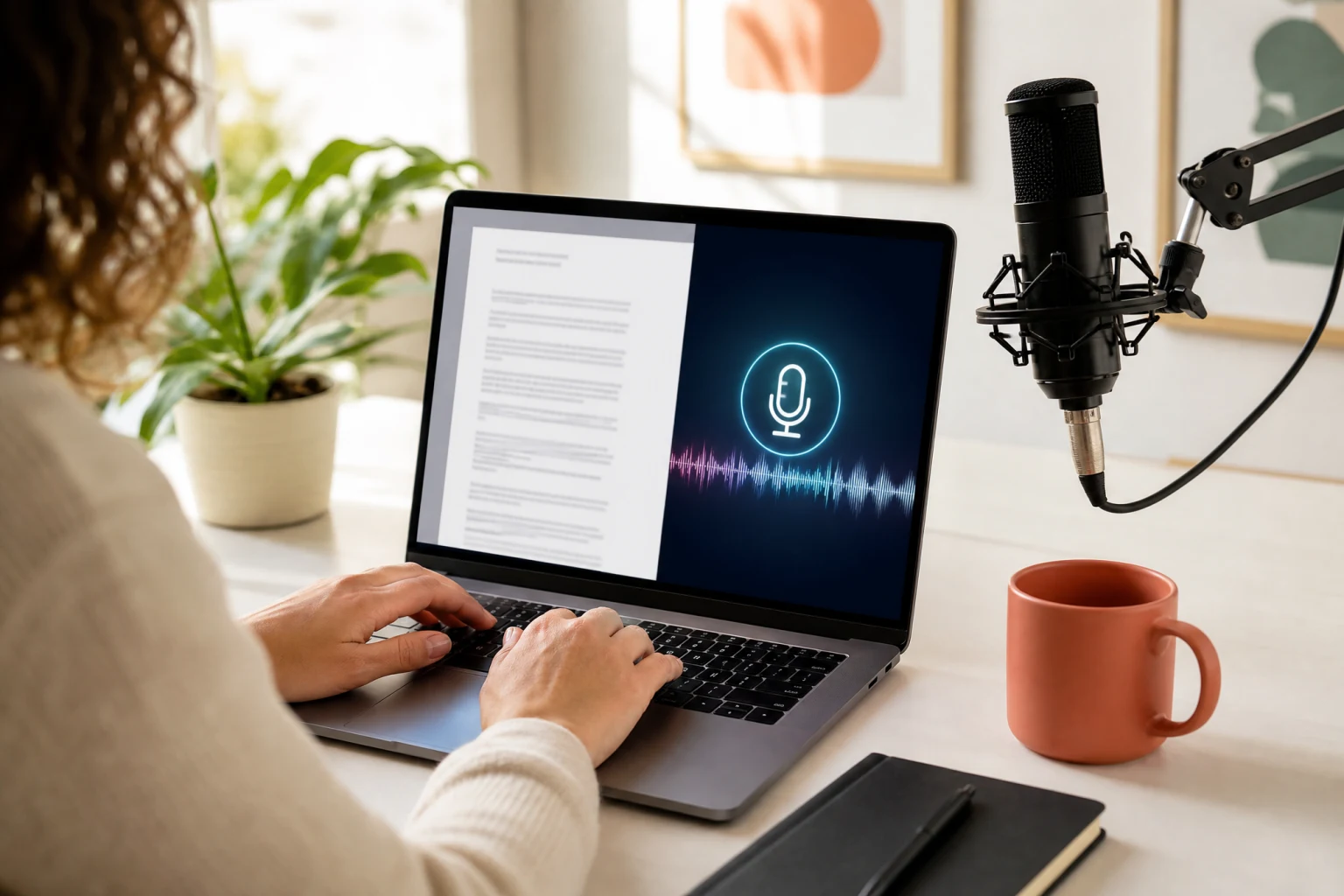
No microphone, no problem. Switch the audio source to text to speech inside the same editor: paste your script, pick a voice, adjust the speaking speed, and generate the voice track in place. The confirmed track feeds straight into the lip sync pass, so a written script becomes a finished talking video without leaving the page or stitching tools together. TTS credits and lip sync credits are itemized separately before you generate.
Localization is where AI lip sync pays for itself. Keep the spokesperson clip you already have, record or generate the same script in the target language, and generate a new lip sync video per market — the presenter appears to speak each language natively. E-commerce sellers use this to turn one product video into regional ad variants; educators use it to offer the same lesson in multiple languages. Rights to the footage, voice, and likeness remain your responsibility, as with any dubbing workflow.
No animation software, no motion capture — a source video and a voice track are the whole setup.
Drop an MP4 or MOV clip with a clearly visible face — up to 10 seconds and 100MB. Front-facing framing and an unobstructed mouth give the AI lip sync engine the cleanest tracking signal.
Upload an MP3, WAV, M4A, or AAC track up to 5MB, or open the built-in text to speech tab to generate the voice from your script with selectable voices and speed.
Check the credit cost, generate, and preview the lip sync video in the browser. Download the MP4 when the sync reads naturally, or adjust the track and rerun — iteration uses the same two inputs.
From solo creators to e-commerce teams, AI lip sync serves anyone who needs a talking video without a reshoot.
Add clean voiceover to footage where the original audio was noisy, re-record a flubbed line without refilming, or make a character deliver custom dialogue. The AI lip sync video generator turns existing clips into fresh talking videos for YouTube, TikTok, and Reels.
Film one product spokesperson clip and lip sync it into every campaign's script and every market's language. Regional ad variants, seasonal re-voicing, and A/B message testing all start from the same source video.
Offer the same lesson in multiple languages: record the instructor once, then dub each language track with AI lip sync so the teacher appears to speak every version naturally — keeping the instructor-student rapport that makes video courses work.
Update training and announcement videos by replacing the audio instead of scheduling an executive reshoot. New policy, new script, same presenter — the lip sync generator keeps internal content current at a fraction of the production cost.
Prototype character dialogue scenes with real voice tracks before committing to manual animation. AI lip sync gives animatics and production drafts synchronized mouth movement for review, and scales to multilingual character voices.
Pair a digital avatar or AI-generated presenter with text to speech to produce talking-head content entirely from a script — no camera, no microphone, no actor booking. Ideal for always-on brand spokesperson formats.
How AI lip sync works, what inputs get the best results, language support, credits, and what to expect from a generated talking video.

Upload a clip with a visible face, add a speech track or generate one with text to speech, and review your first AI lip sync video in minutes — the credit cost is always shown before you generate.