1
Upload your clip
Drag and drop an MP4, MOV, AVI file — the uploader supports all video formats we list, up to 1080p and 1 GB. Files are processed securely and automatically deleted after the retention window.

Upload a clip and the AI caption remover erases hardcoded subtitles, captions, and text overlays in minutes — the video subtitle remover supports clips up to 5 minutes and keeps the original quality of every frame.
MP4, MOV, AVI · up to 5 minutes · up to 1080p and 1 GB.
Removal mode
The clean, subtitle-free video appears here.
Waiting for your video
Cleaning captions is step one — the same workspace also animates, extends, and restyles your footage.
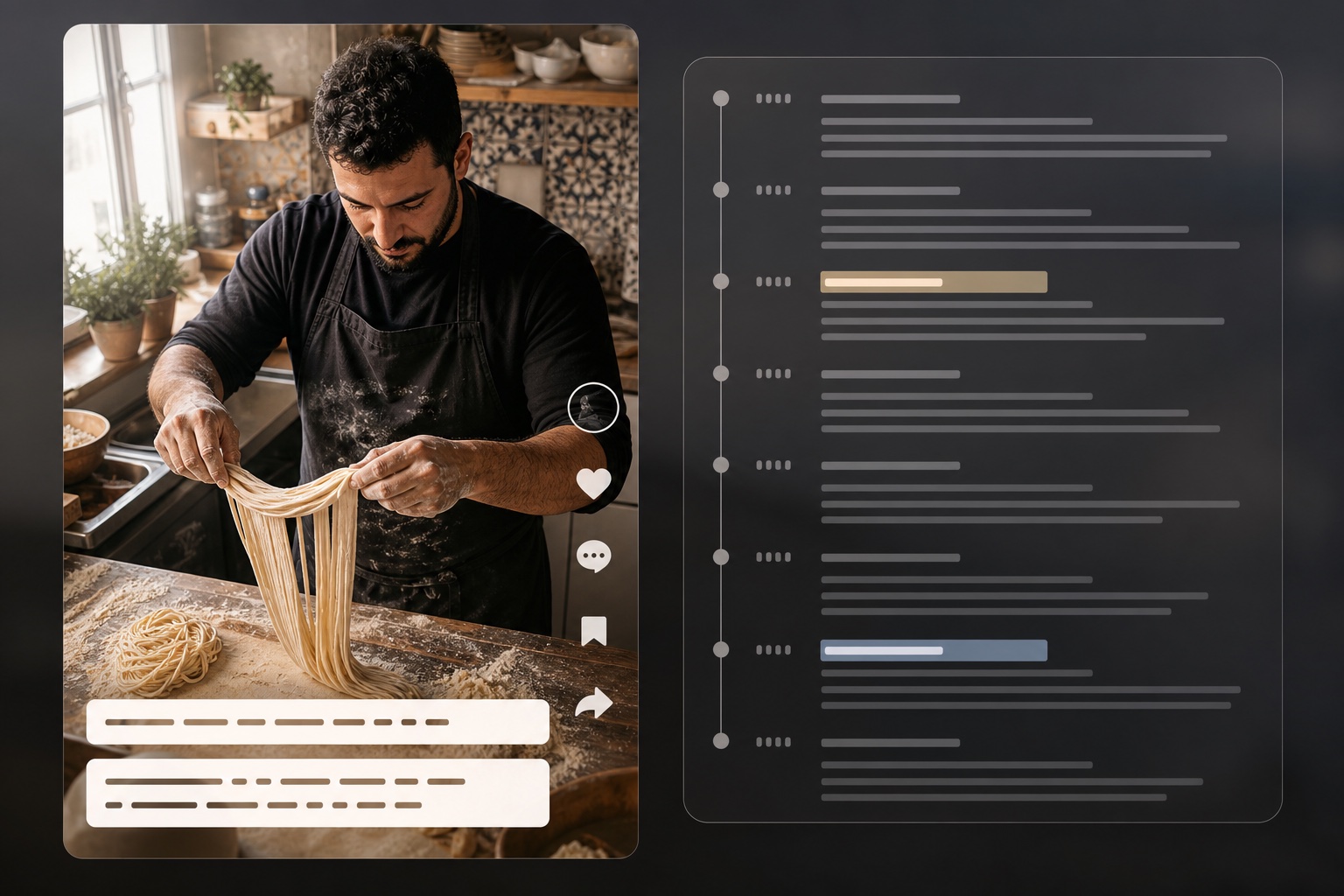
Extract scripts and timestamps from TikTok videos
Open tool
Reverse-engineer video into structured AI prompts
Open tool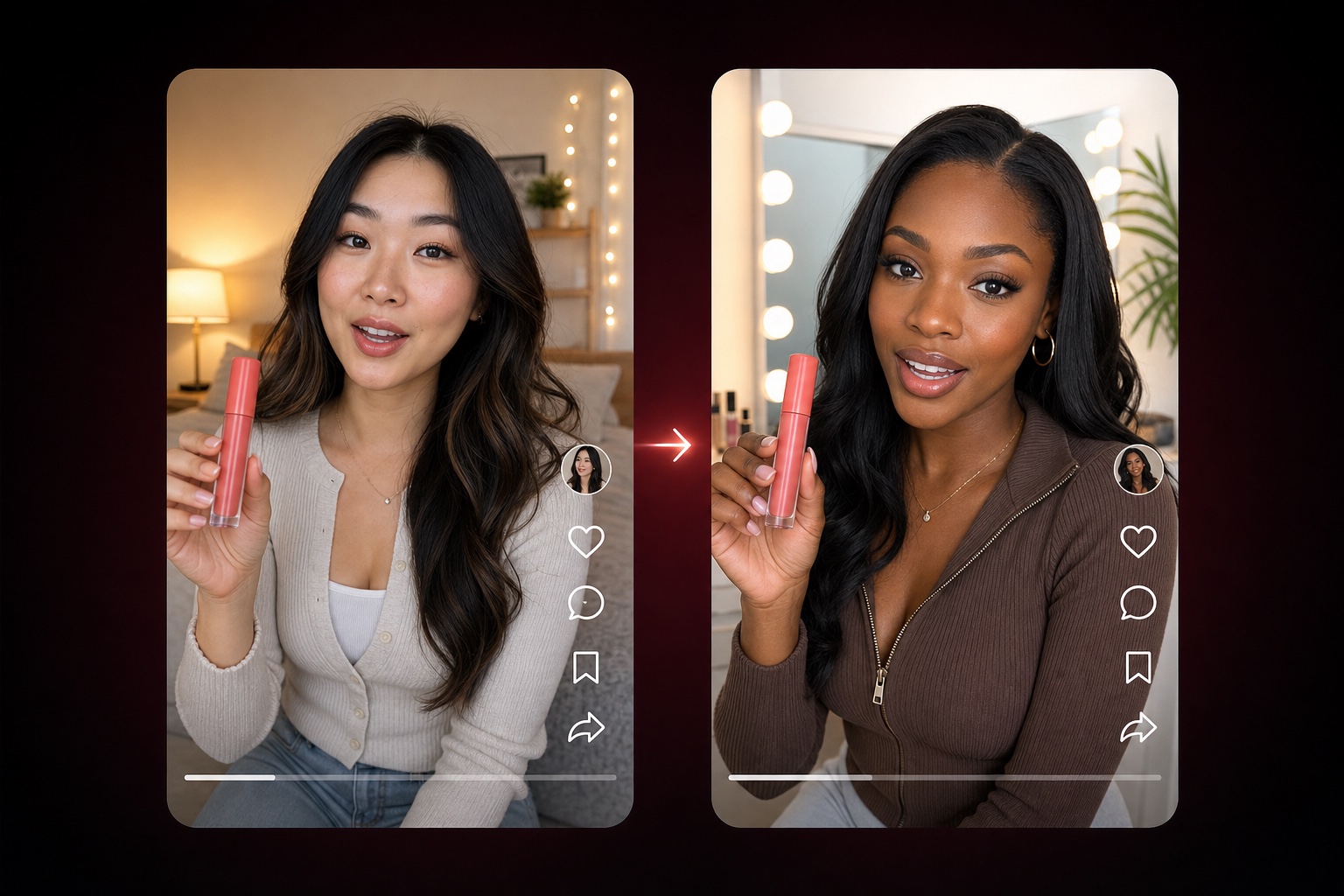
Adapt a TikTok product-video structure with nine editable dimensions
Open tool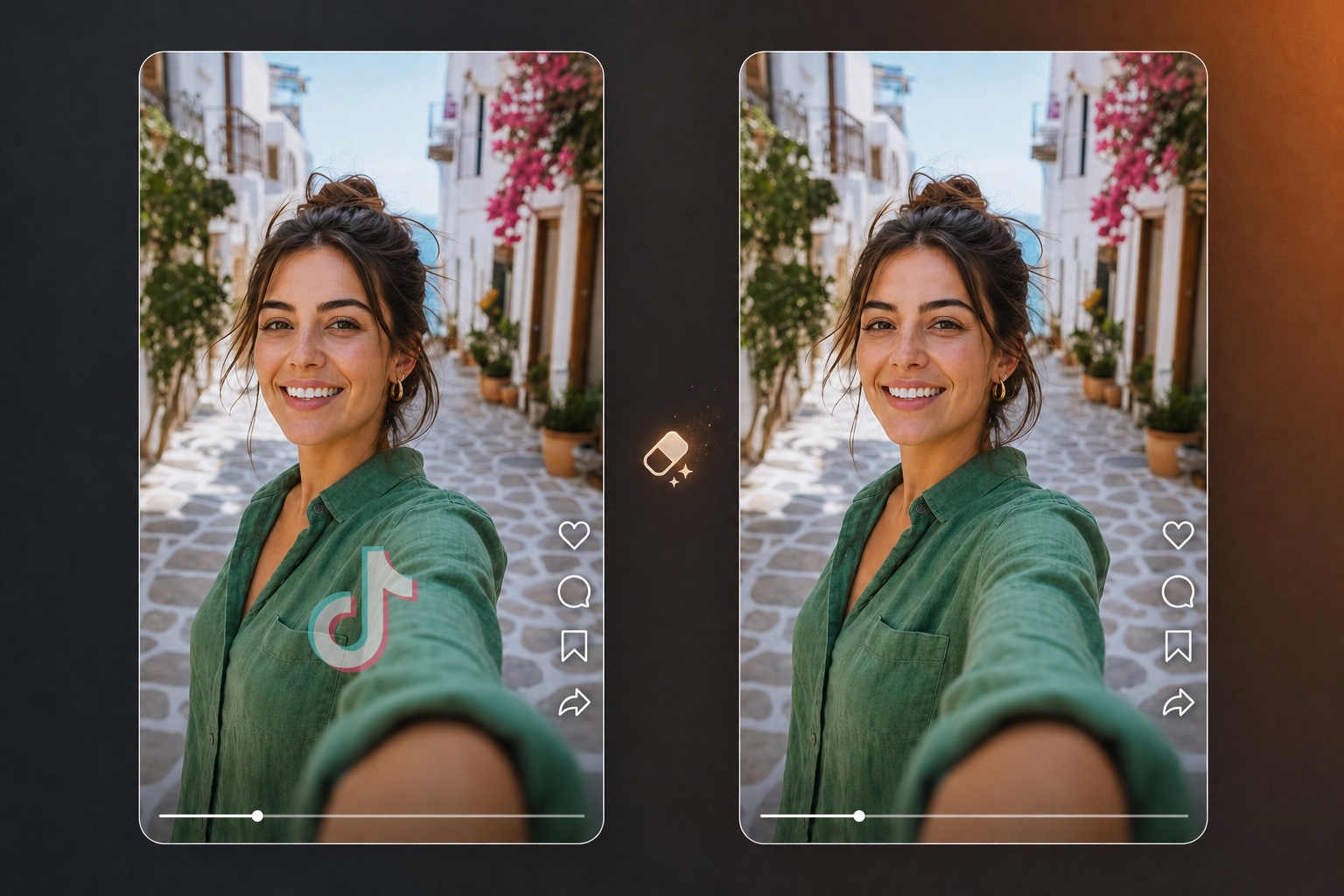
Erase logos, watermarks, and branding overlays from video
Open tool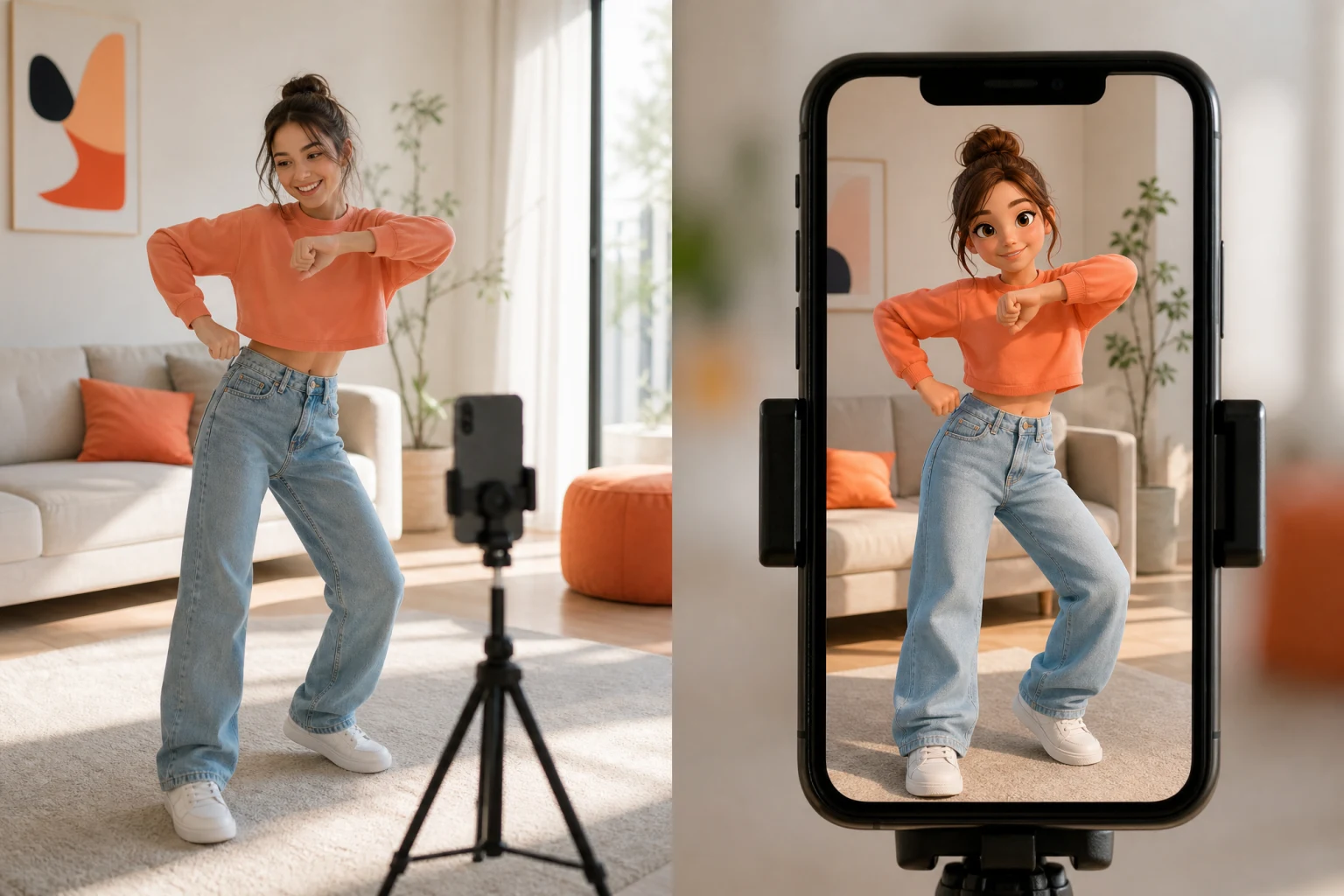
Transfer reference motion to a character image
Open tool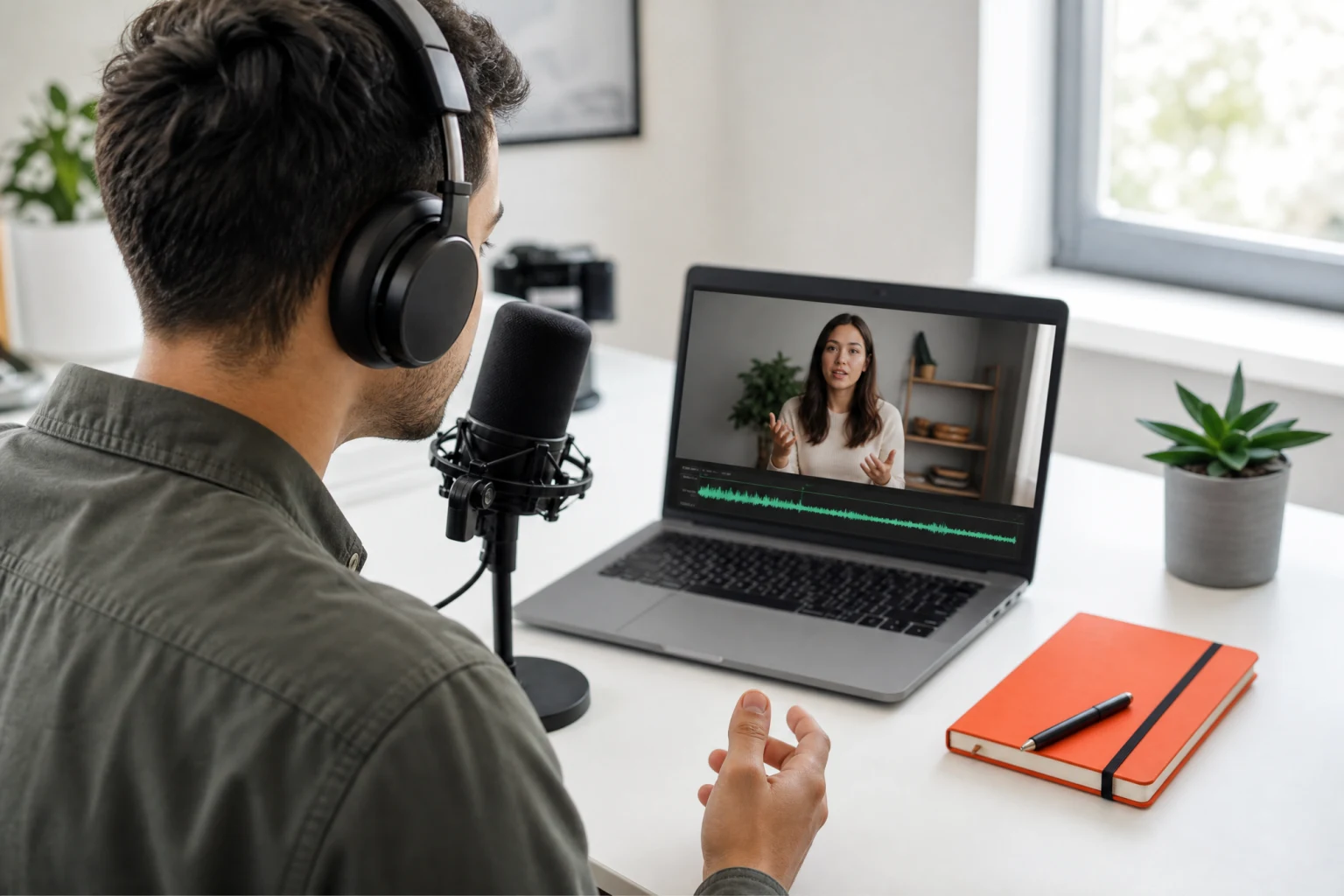
Synchronize speech audio with natural lip movement
Open tool
Generate a full listing image set from product photos
Open tool
Turn text into natural AI speech
Open toolOne upload into the video subtitle remover returns a clean, caption-free video — the AI detects burned-in subtitles and text in videos, erases them frame by frame, and rebuilds the background behind them.
The AI can remove subtitles without any quality loss you would notice in normal playback — the subtitle remover erases the text and reconstructs what was behind it, so the result looks like the captions were never burned in.
Automatic mode scans the whole frame and erases every caption, subtitle line, and text watermark it finds. The caption remover works across all video formats we accept — no manual masking required.
The subtitle remover supports videos up to 5 minutes and typically clears a 30-second clip in about two minutes, with live progress from queue to finished video.
Your videos are processed securely and automatically deleted after completion of the storage window — footage is never used for training or shared.
Detection, erasing, and inpainting — the three passes that turn a subtitled clip into clean, caption-free footage.
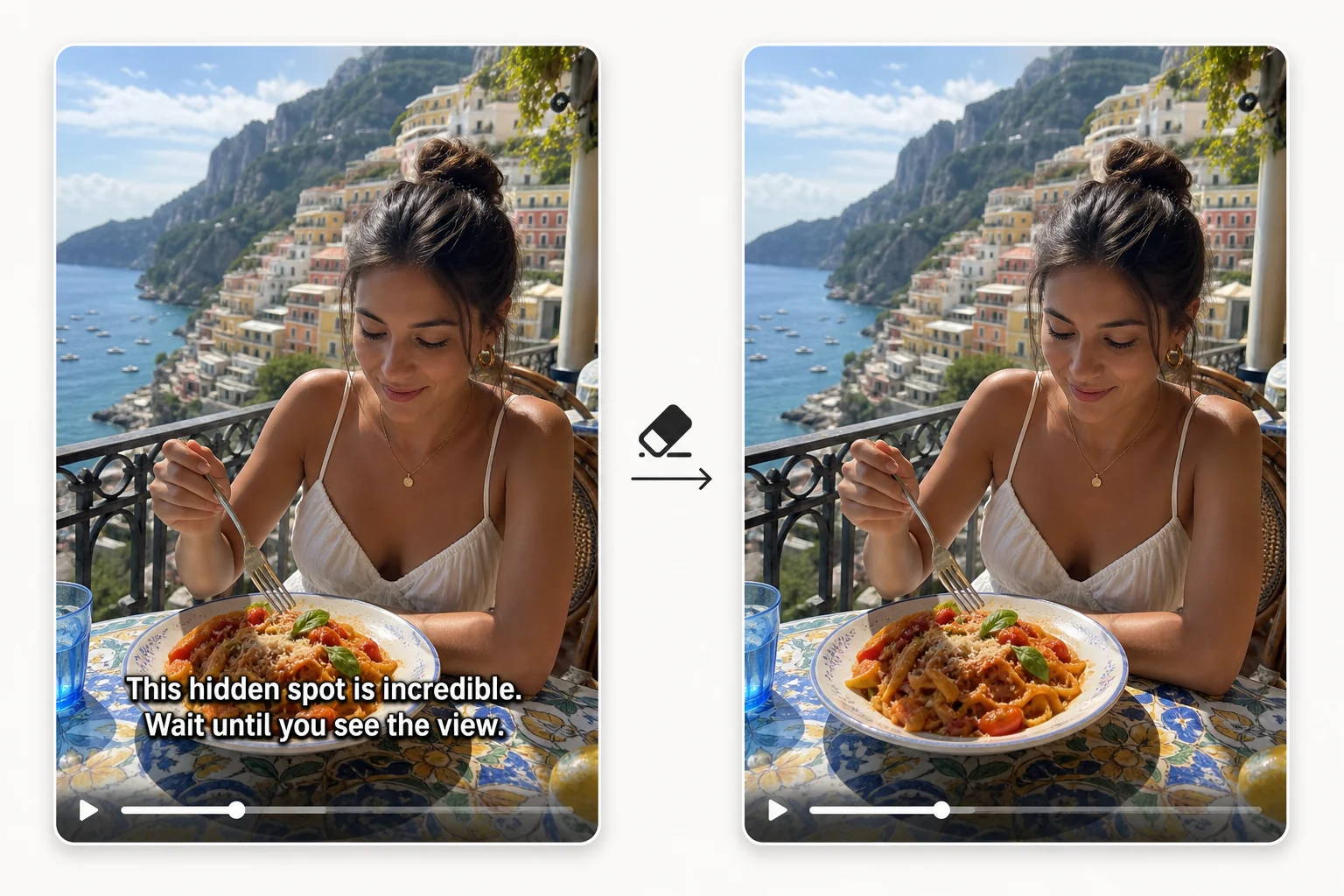
Hardcoded subtitles are pixels, not a text layer, so no player setting can switch them off. To remove subtitles from video permanently, the video subtitle remover locates the burned-in text in every frame, erases it, and inpaints the background that was underneath. Static scenes come back essentially untouched; even busy footage keeps its motion and color grading. The result is a video that looks exported without subtitles in the first place — not blurred, not cropped, not watermarked over.
Subtitles are only part of the problem — clips collect auto-captions, sticker text, and platform watermarks too. The free caption remover treats them all the same way: detect the text region, remove captions from video pixels, and rebuild the frame. That makes it an all-in-one AI caption remover for TikTok-style auto captions, translated hardsubs, and promotional text on supplier footage. If it reads as text on screen, the video caption remover targets it.

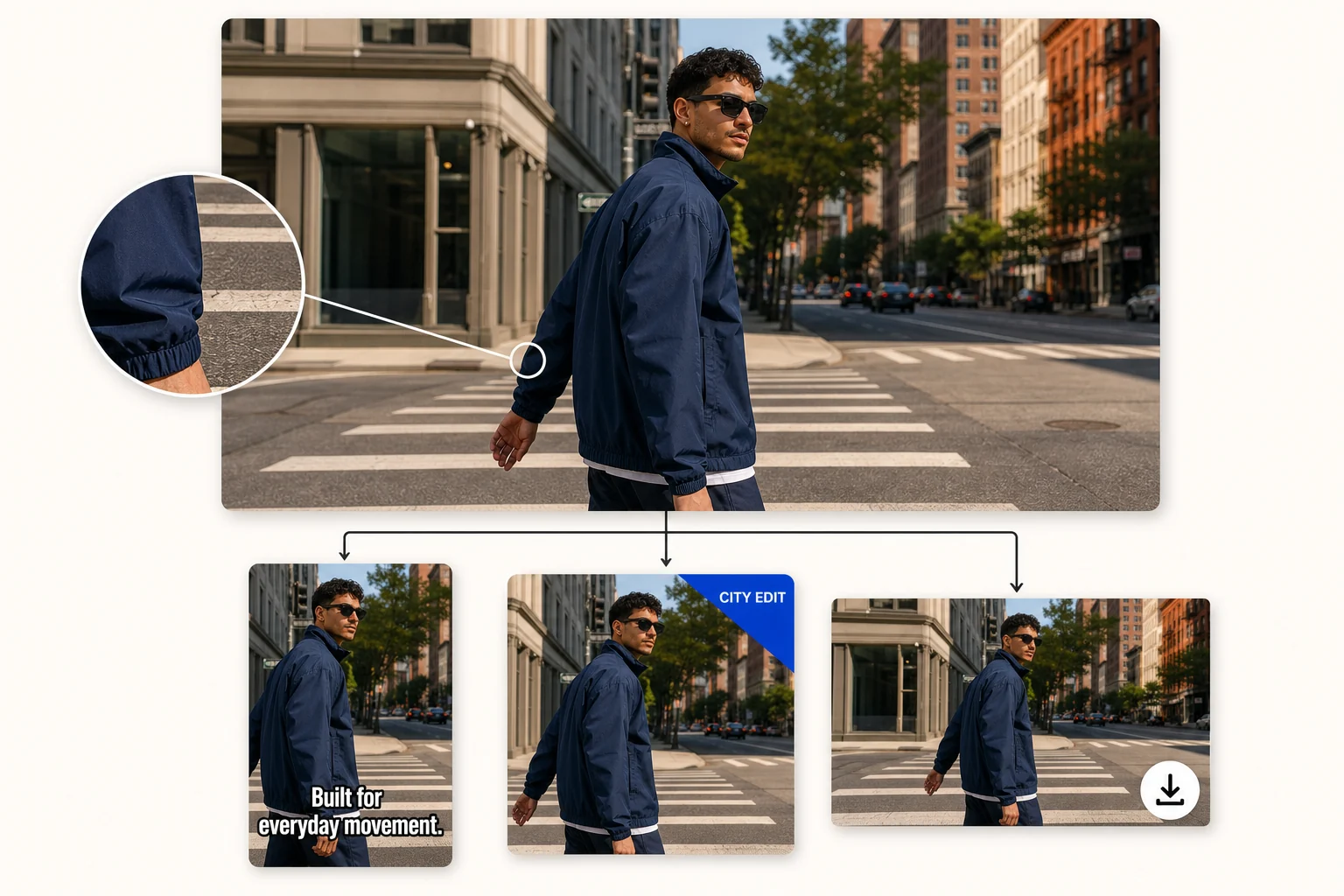
The output keeps your clip's resolution and frame rate — up to 1080p, 5 minutes, 1 GB. Once the subtitle remover erases text from video frames, the clean master is ready for re-captioning in another language, fresh branding, or a straight repost. Preview the result side by side with the original before you download, so you can check the erased regions at full size instead of trusting a thumbnail.
No editing skills, no software install — the subtitle remover supports videos up to 5 minutes straight from your browser.
Drag and drop an MP4, MOV, AVI file — the uploader supports all video formats we list, up to 1080p and 1 GB. Files are processed securely and automatically deleted after the retention window.
The video subtitle remover detects hardcoded subtitles and captions in every frame, removes the text, and inpaints the background so the video quality stays intact. A live progress bar tracks the job.
Preview the result next to your original, then download the subtitle-free video at its original quality and resolution — remove subtitles from video once and reuse the clean master everywhere.
Repurposing videos usually starts with taking the old subtitles and captions off them.
Reuse an old TikTok or Reel with fresh captions — run the subtitle remover on the burned-in text first, then re-edit the clean clip for a new platform. Access resets every day instead of a free monthly quota you have to ration.
Strip the original-language subtitles from source videos so the ad can be re-captioned or dubbed for another market without a reshoot — a video subtitle remover pass beats re-exporting from a lost project file.
Remove captions from video listings supplied by manufacturers before adding your own branding and price overlays — the footage keeps its quality.
When the project file is gone and only the exported, subtitled video survives, the video subtitle remover recovers a caption-free master you can cut from again.
Formats the subtitle remover supports, video quality, limits, and what hardcoded captions the AI can erase.

Upload in any of the supported formats, let the AI remove subtitles without any quality loss, and download the caption-free version — the fastest way to make old videos reusable.