


ViralClip
Choose your remix type · TikTok reference · Editable workflow

Viral Video Cloner for Product Ads

Study the creative structure behind a short-form video without copying its protected expression. Pick one of two remix types: recreate the format on its own, or promote your product inside it. Either way you compare four adaptation distances, edit all nine creative dimensions, review the timed storyboard, and generate a new video in one resumable workflow.

Viral cloning workspace

Creative inputs

Choose a remix type, then add the reference you want to adapt.

Choose remix type
Reference video

Paste a link to import automatically, or click Import.

Choose whether to recreate the format or promote a product.

Preview

Recreate Viral Hits

Example
Reference video
Sign in when you analyze. Your work will remain resumable in the workspace.

Clone the Creative Logic, Not the Original Video

ViralClip keeps reference analysis, product evidence, creative decisions, and final generation separate so every change remains visible and editable.

Reference video analysis

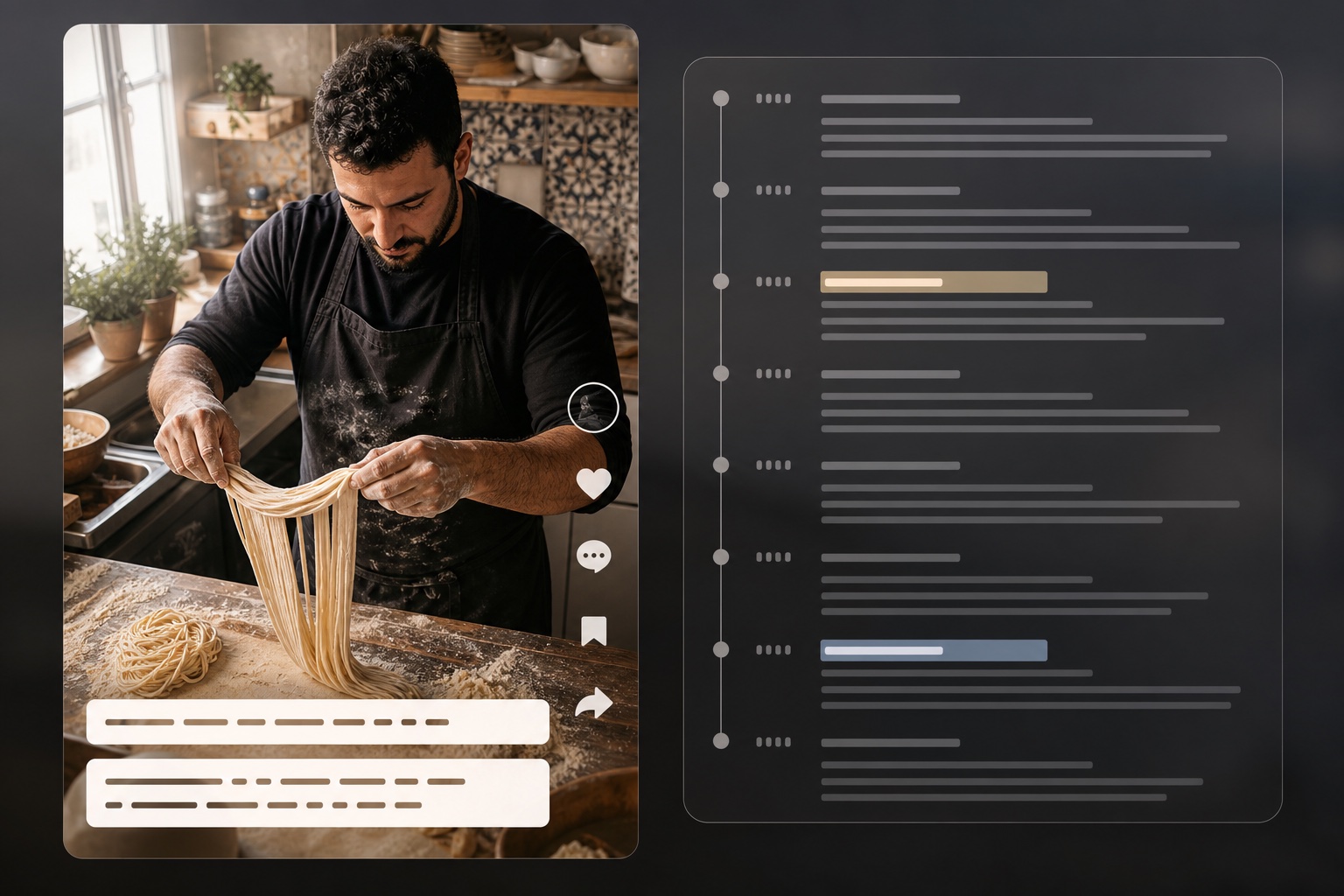
Map the opening hook, scene timing, camera choices, creator persona, demonstration order, proof beat, audio strategy, and CTA from a TikTok URL or local clip.

Product evidence layer

Import the available TikTok Shop gallery or enter the product manually. Choose up to three validated angles for selling-point analysis and video generation while product facts stay distinct from creative inference.

Four adaptation distances

Compare the reference structure with conservative, balanced, and aggressive remixes. Each option names the dimensions it changes before you select it.

Nine editable dimensions

Control angle, creator persona, scene, selling method, capture device, props, action, result proof, and visual style before storyboarding.

Timed storyboard and prompt

Review every scene's time range, visual, action, camera, dialogue, subtitle, audio, marketing role, proof point, and product focus before generation.

Existing video pipeline

Generate with Seedance 2.0 models through the same credit reservation, status polling, storage, watermark, history, and retry flow used elsewhere in ViralClip.

A Complete Viral Video Adaptation Workspace

The workflow moves from evidence to strategy to execution, with a human decision at every creative handoff.

Analyze Product Facts Separately From Video Structure

Analyze Product Facts Separately From Video Structure

A reference video can reveal a strong hook and demonstration sequence, but it does not know the facts of your product. ViralClip therefore resolves those inputs independently. The video analysis covers timeline, camera, pacing, dialogue, text overlays, persuasion beats, product moments, proof, and CTA. The product layer can import a supported TikTok Shop PDP—including available name, description, price context, images, variants, rating, sales context, and related affiliate videos—or accept a manual brief when a listing is private or unavailable in the selected region. The product strategist turns that evidence into ranked, editable primary and supporting selling-point candidates while flagging unsupported claims instead of blending them into the script.

Compare Every Change Across Nine Creative Dimensions

A useful viral video cloner should show what it intends to preserve and what it intends to transform. ViralClip decomposes the creative into nine named dimensions: angle, creator persona, scene, selling method, capture device, props, action, result proof, and visual style. Four plan cards expose increasing adaptation distance from the reference. Changed dimensions are highlighted, every direction includes a rationale, and you can rewrite any value before moving on. The plan is never silently applied: your selected option and edits become the explicit source for the next storyboard.

Compare Every Change Across Nine Creative Dimensions
Review the Storyboard Before Spending Video Credits

Review the Storyboard Before Spending Video Credits

Creative analysis and planning do not launch a video task. First, ViralClip converts your approved dimensions into a timed storyboard and a production-ready prompt. Review the scene order, visual action, camera direction, dialogue, subtitles, audio, marketing role, proof point, and product focus. Edit the final prompt, rebuild the storyboard after a setting change, choose a supported model, aspect ratio, 480p or 720p output, and a duration from 4 to 15 seconds. Only the Generate Video action creates an immutable run snapshot and calls the existing generation endpoint, where normal reserve, capture, release, polling, and result history rules apply.

How to Adapt a Viral Product Video

One guided workflow takes the reference apart, maps it to your product, and packages the final generation safely.

1

Choose a remix type, then add the reference

Pick Recreate the format or Promote a product first — the choice is saved with the draft and decides which evidence the workflow reads. Then paste a public TikTok video URL or upload an MP4, MOV, or WebM clip up to 60 seconds, and for a product remix import a TikTok Shop product page or enter a manual product brief.
2

Analyze the reference, plus the product on a product remix

ViralClip extracts the reference's creative mechanics. On a product remix it separately identifies supported audiences, pain points, selling points, proof assets, and compliance notes; a format remix plans against the reference alone and never reads product data.

3

Choose and edit a nine-dimension plan

Compare reference, conservative, balanced, and aggressive options. Select one, inspect every changed dimension, and rewrite the creative directions you want to control.

4

Review, generate, and resume

Build the timed storyboard, edit the prompt, see the estimated video credits, generate, then monitor every saved generation from the workspace history.

Built for Real Short-Form Commerce Workflows

The same structured workflow supports rapid creator iteration, paid-ad planning, product research, and production handoff.

TikTok Shop affiliates

Adapt a proven demonstration or objection-handling structure around a different catalog item while keeping product claims tied to imported evidence.

Performance creative teams

Compare low-, medium-, and high-distance concepts before production, then preserve the selected rationale, storyboard, prompt, model settings, and output task in the generation record.

Short-form creators

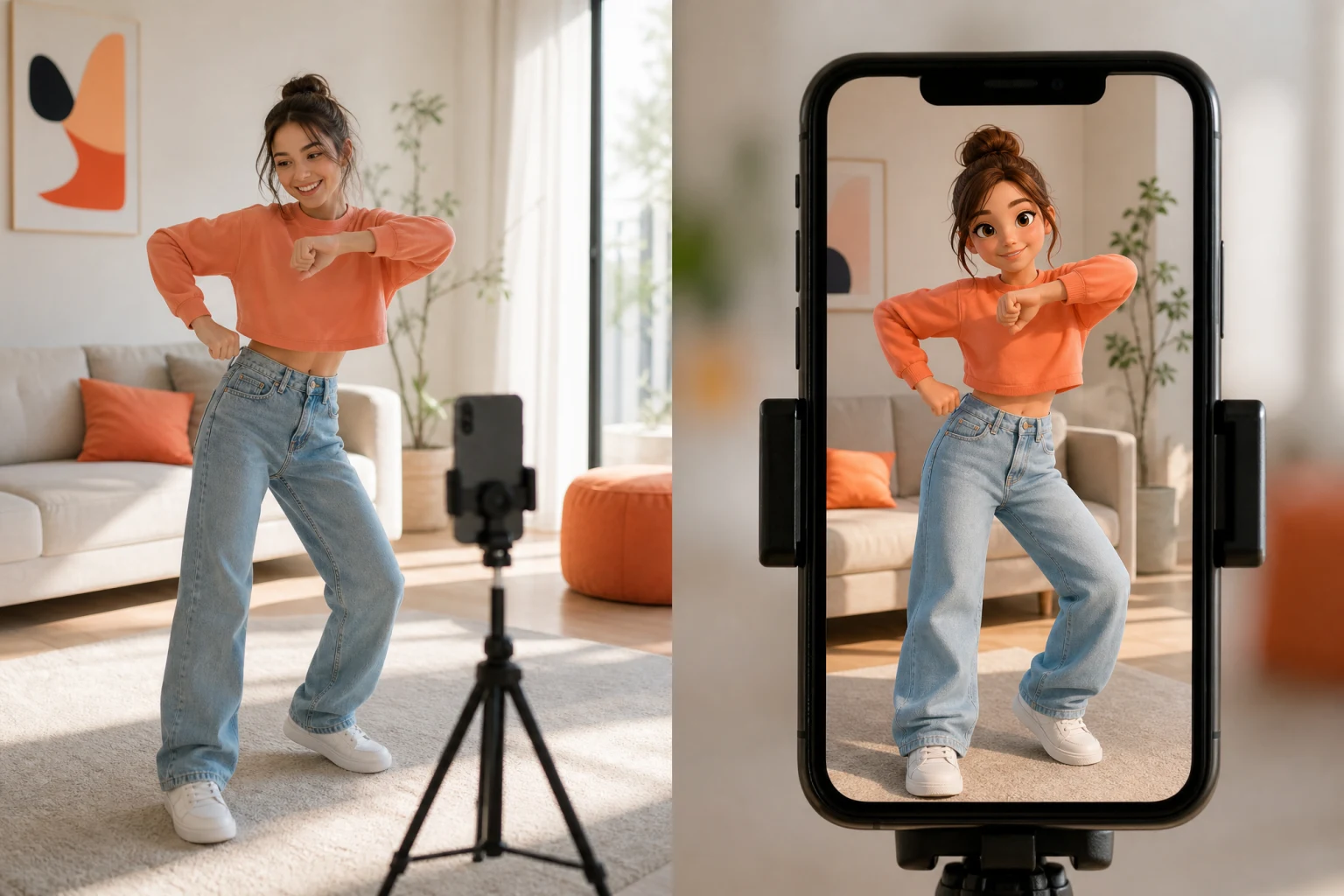
Study pacing, camera, product moments, creator energy, captions, and CTA timing without reusing a source creator's exact identity, words, or distinctive performance.

Creative producers

Turn an informal reference link into a reviewable nine-dimension brief and timed scene plan before handing the work to an AI model or a human production team.

Viral Video Cloning Questions

What the tool analyzes, what it imports, how generation history persists, and when generation credits are used.

It means analyzing reusable creative mechanics—such as hook type, pacing, scene order, camera language, selling method, proof beat, and CTA—then adapting those mechanics to your own product. It does not mean downloading and reposting the original video or copying a creator's exact wording, identity, music, or distinctive performance.

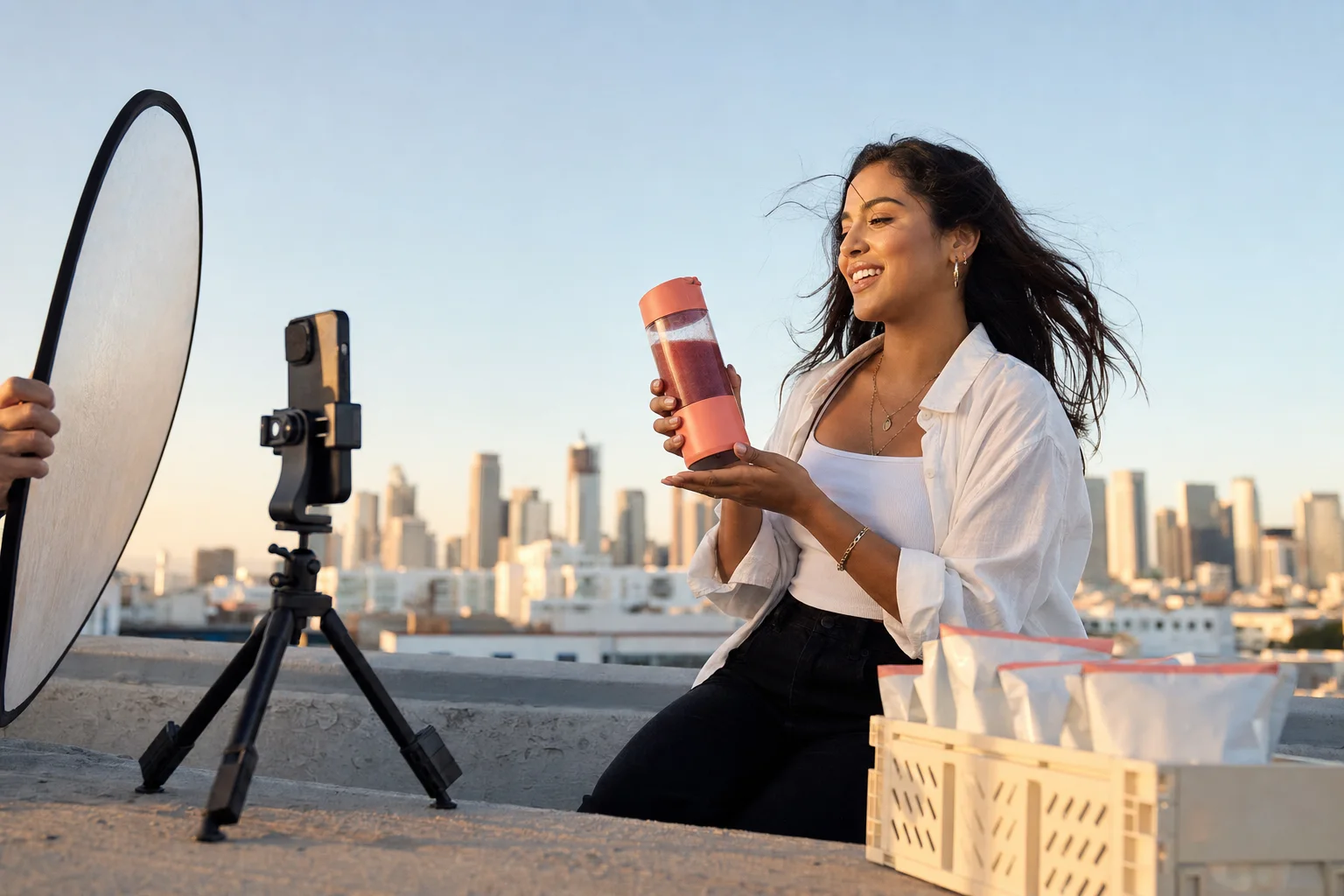
A creator filming a polished product demo on a rooftop at golden hour
Start Creating Today

Turn a Strong Reference Into Your Own Product Story

Choose a remix type, add a TikTok reference, bring real product evidence for a product remix, inspect every creative change, and approve the storyboard before the video task begins.

TikTok URL or local uploadFormat remix or product remixNine editable dimensionsResumable editing and complete generation history