1
Paste a TikTok link or upload a clip
Use a public TikTok video URL, including supported short links, or choose an MP4, MOV, or WebM file up to 50MB. The tool does not impose a separate video-duration cap.
Paste a public TikTok URL or upload a short video. ViralClip reconstructs its visual style, camera work, pacing, dialogue, on-screen text, and sound as a ready-to-edit generation prompt.
One fixed reference for comparing prompt styles.
Style: Bright, fresh beauty-creator video with soft natural light, warm tones, and an approachable home setting.

Cinematography:
Shot: Medium shot, fixed camera, direct eye contact
Lens: 35mm equivalent, shallow depth of field
Lighting: Bright window light with soft frontal fill
Mood: Friendly, confident, energetic

Storyboard

Shot 1
Duration: 0.0sec - 3.5sec
Scene:
A creator greets the camera from a sunlit living room as white title text appears above her.
- She smiles directly at the viewer.
- The composition keeps attention on her expression.
Dialogue: female_1 says: "Three glow-up tips you should start this month."
Background Sound: Light upbeat music and a crisp notification chime.
After you reconstruct the reference, move from research into scripts, prompts, images, and generated video with the rest of the ViralClip toolkit.
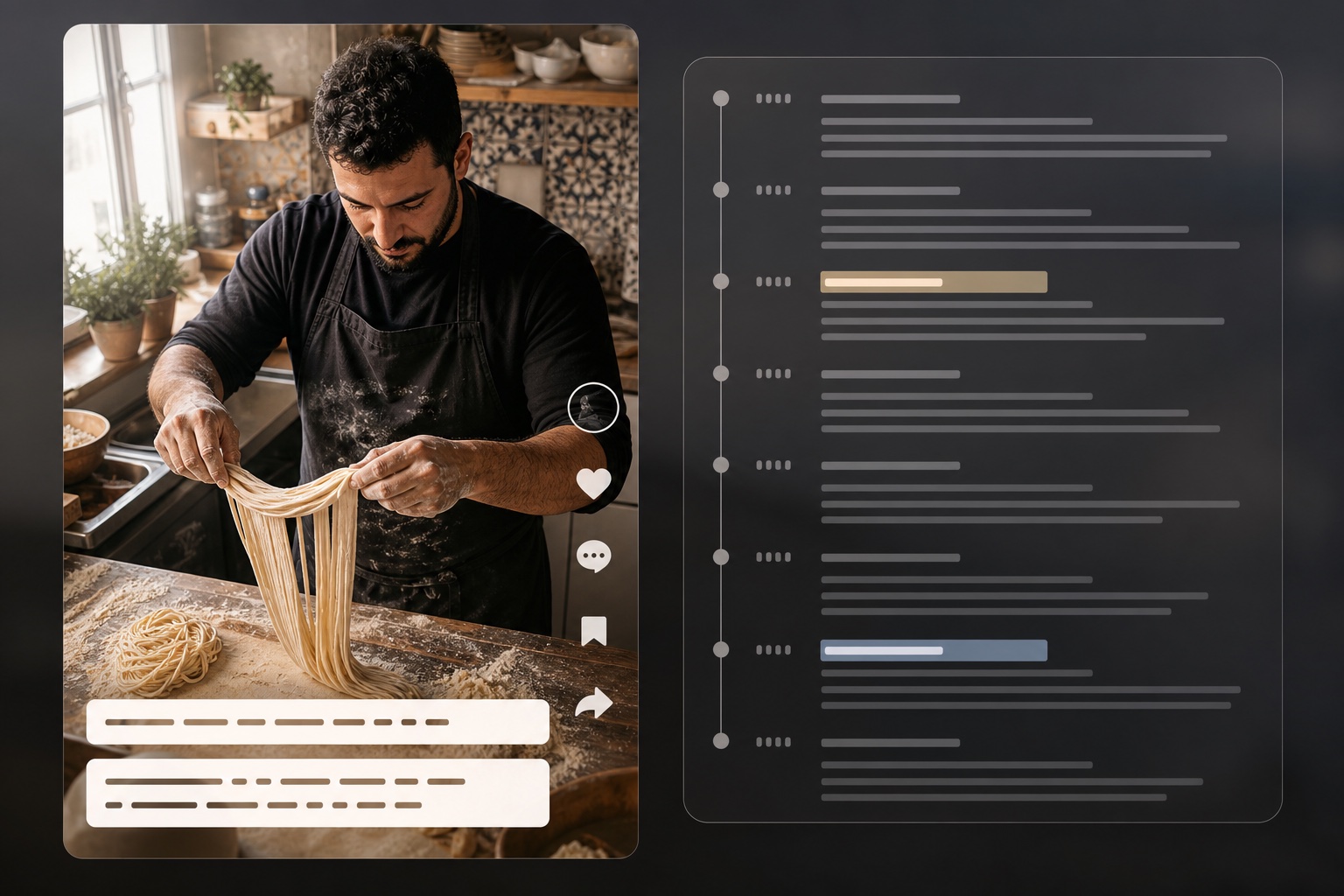
Extract scripts and timestamps from TikTok videos
Open tool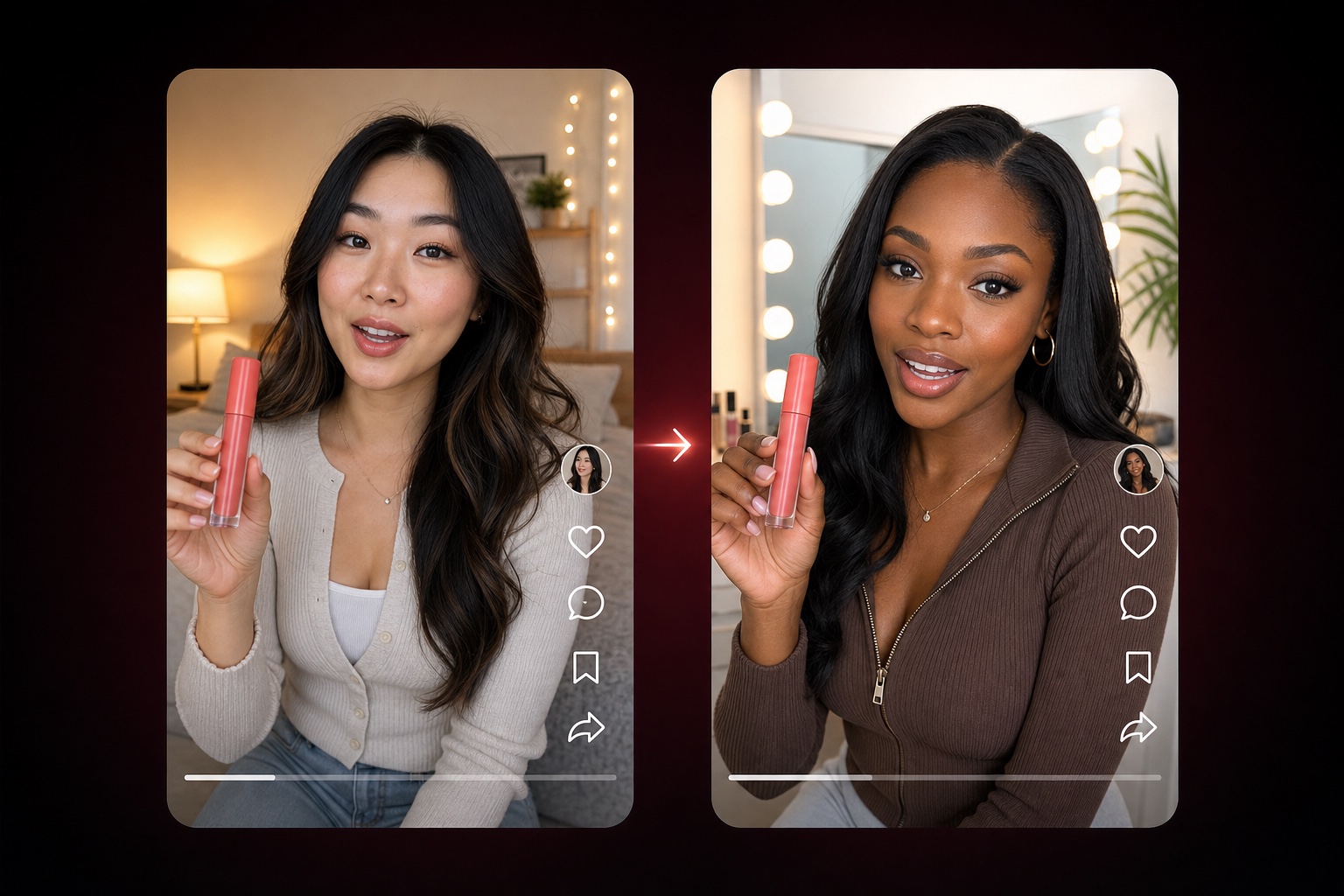
Adapt a TikTok product-video structure with nine editable dimensions
Open tool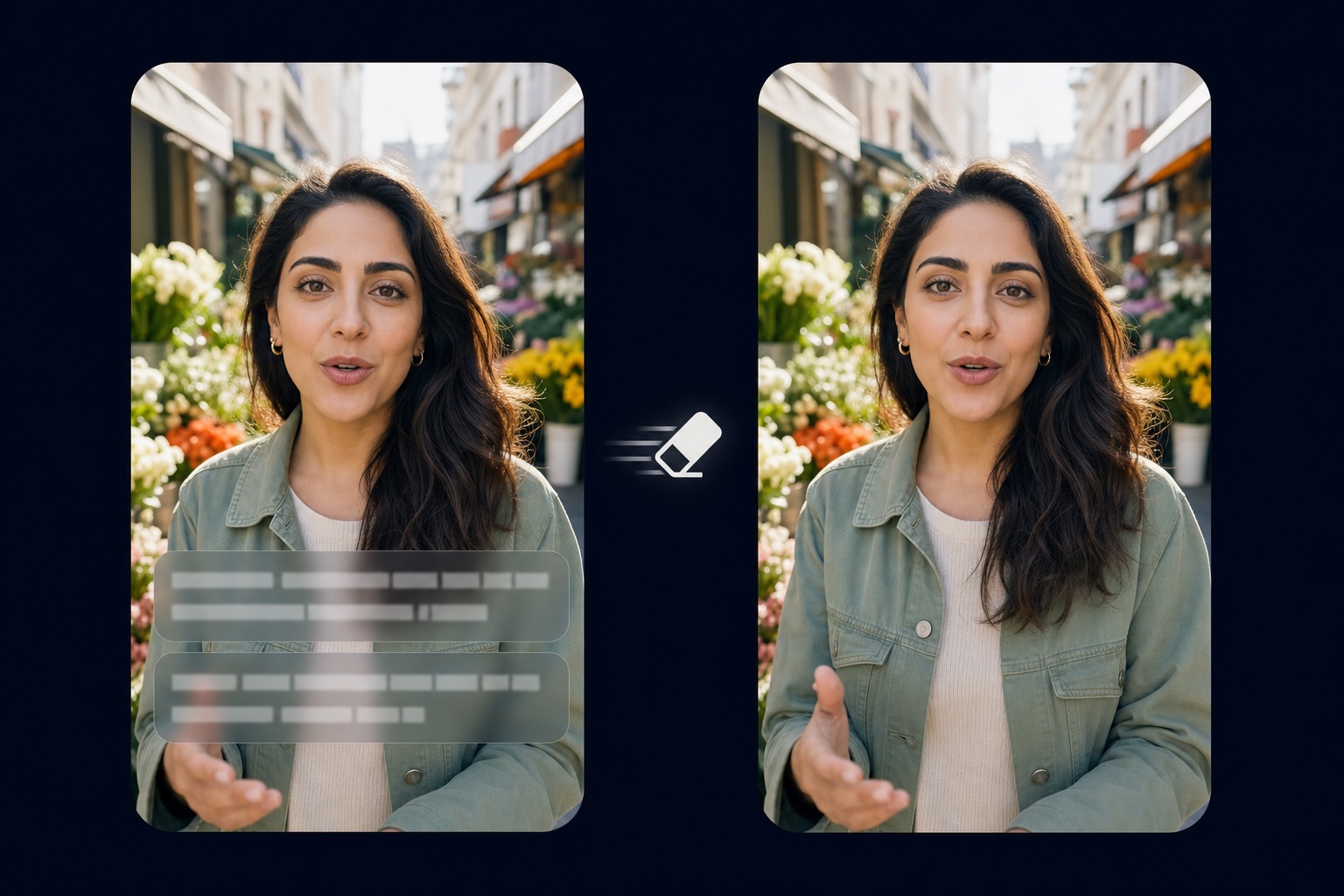
Remove burned-in captions and text from video
Open tool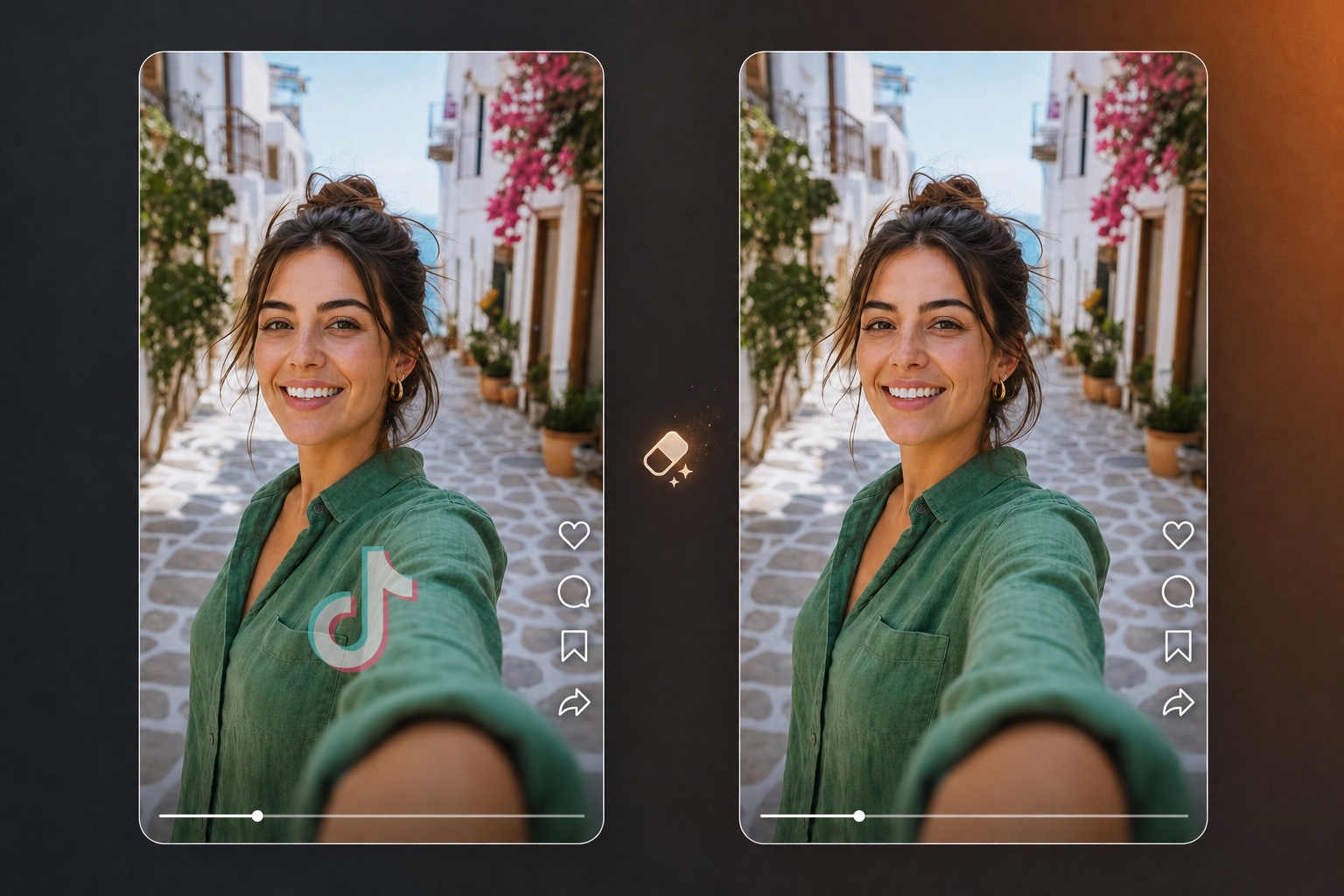
Erase logos, watermarks, and branding overlays from video
Open tool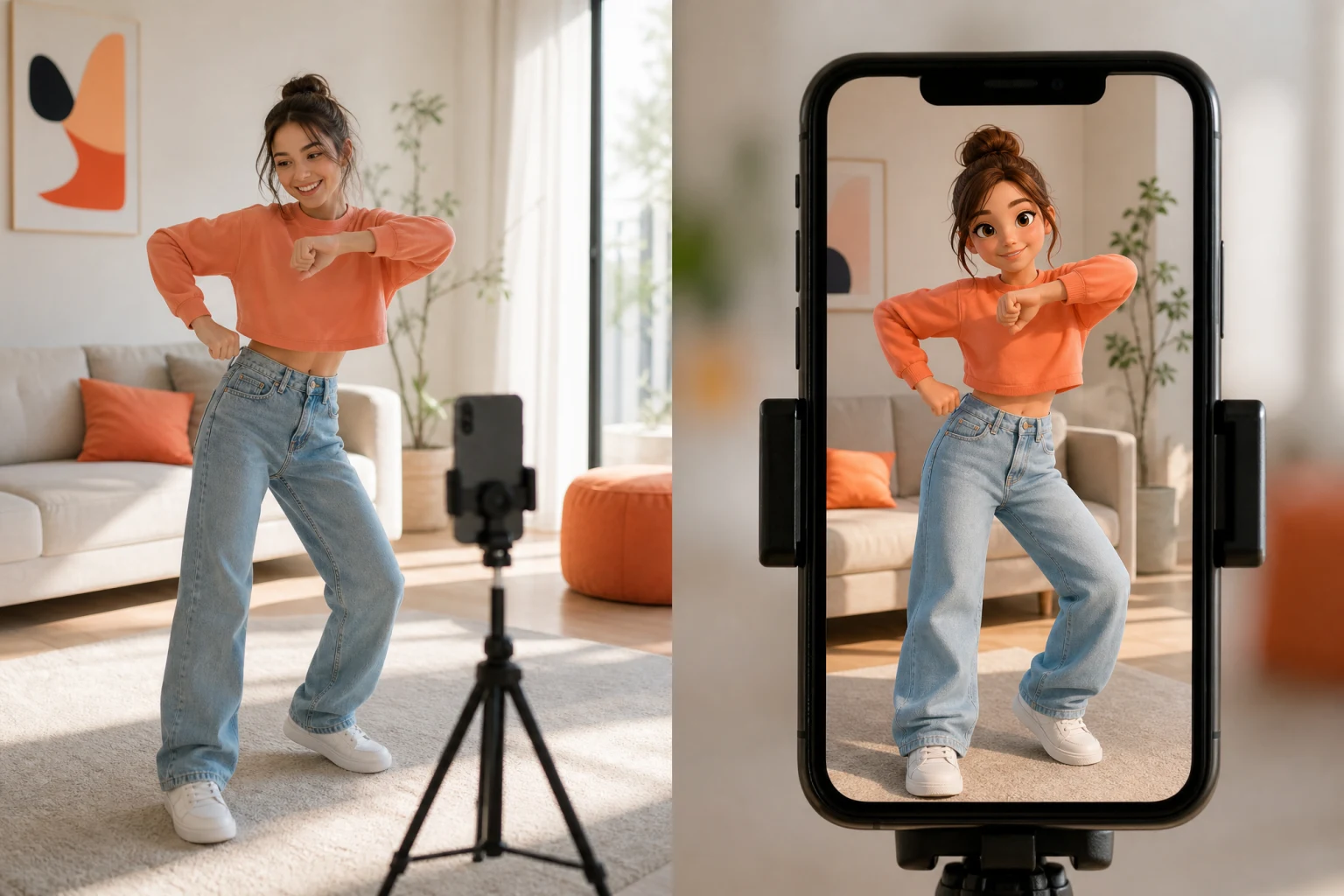
Transfer reference motion to a character image
Open tool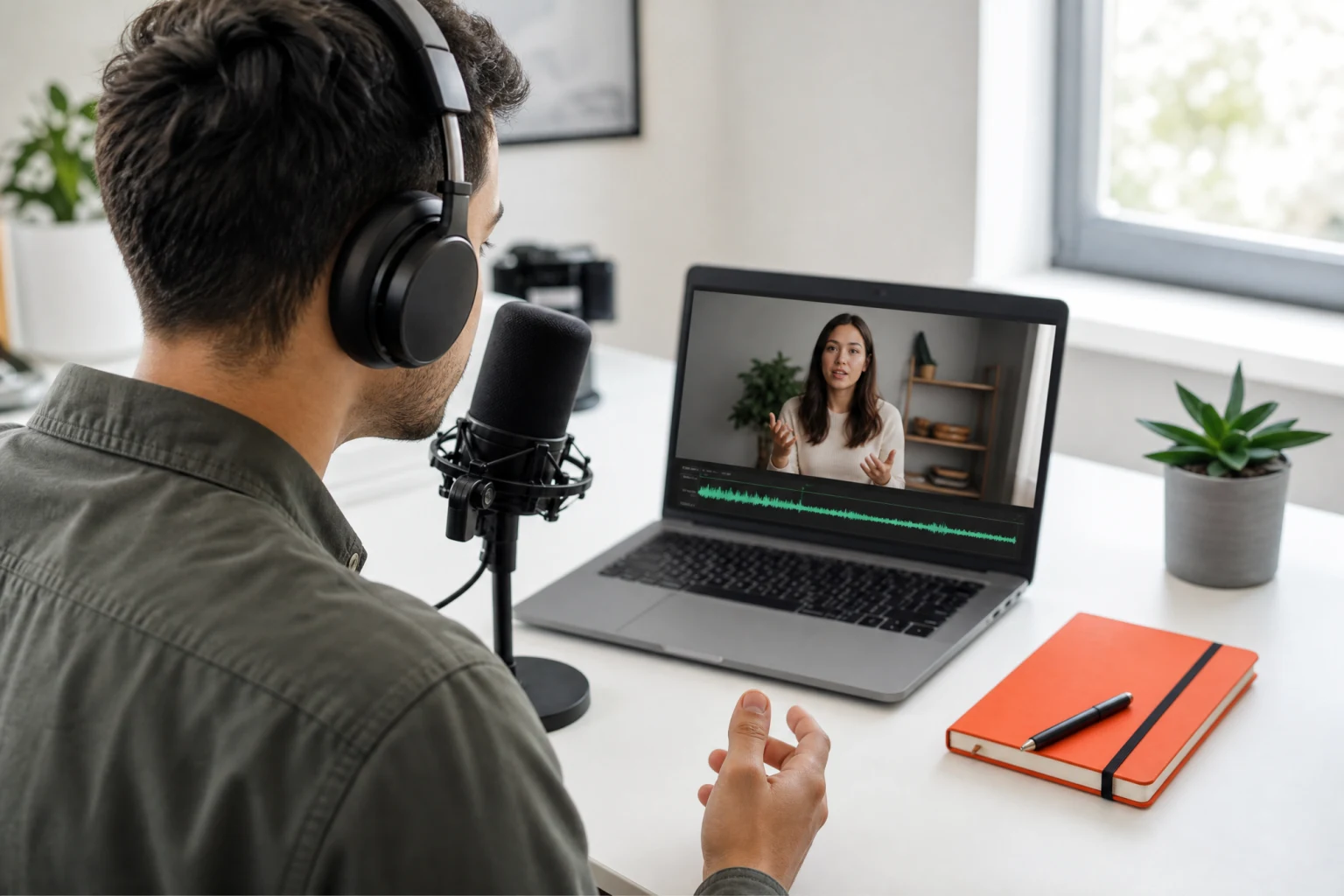
Synchronize speech audio with natural lip movement
Open tool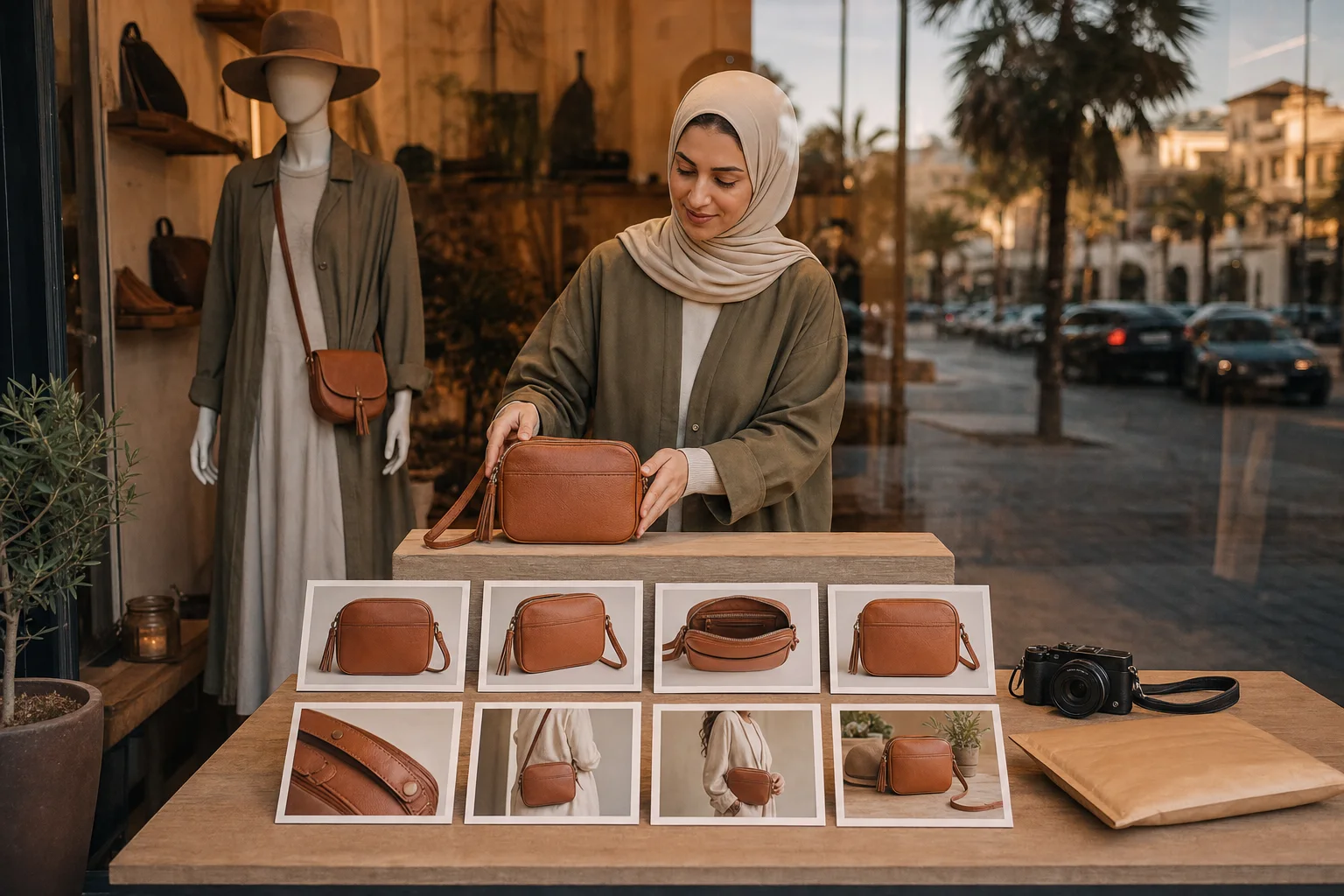
Generate a full listing image set from product photos
Open tool
Turn text into natural AI speech
Open toolThe video to prompt generator keeps the parts that vague summaries lose, so the result can guide a real AI video workflow instead of merely describing the topic.
Every cut and content beat receives a numbered shot with start and end times. You can see how the reference opens, develops, demonstrates, and closes.
Shot size, viewpoint, movement, likely focal length, depth of field, lighting direction, color, and atmosphere are captured when the video supports them.
Spoken lines remain distinct from titles, captions, labels, and overlays, making the prompt useful for creator videos, ads, demos, and narrative clips.
Switch between General, Natural, and Cinematic output without running the analysis again or spending another credit.
Refine the result directly in the page, restore the original version, copy it, or send the edited prompt into ViralClip's video generator.
The same analysis becomes a precise shot plan, a model-friendly prompt, and an editable starting point for your next generation.
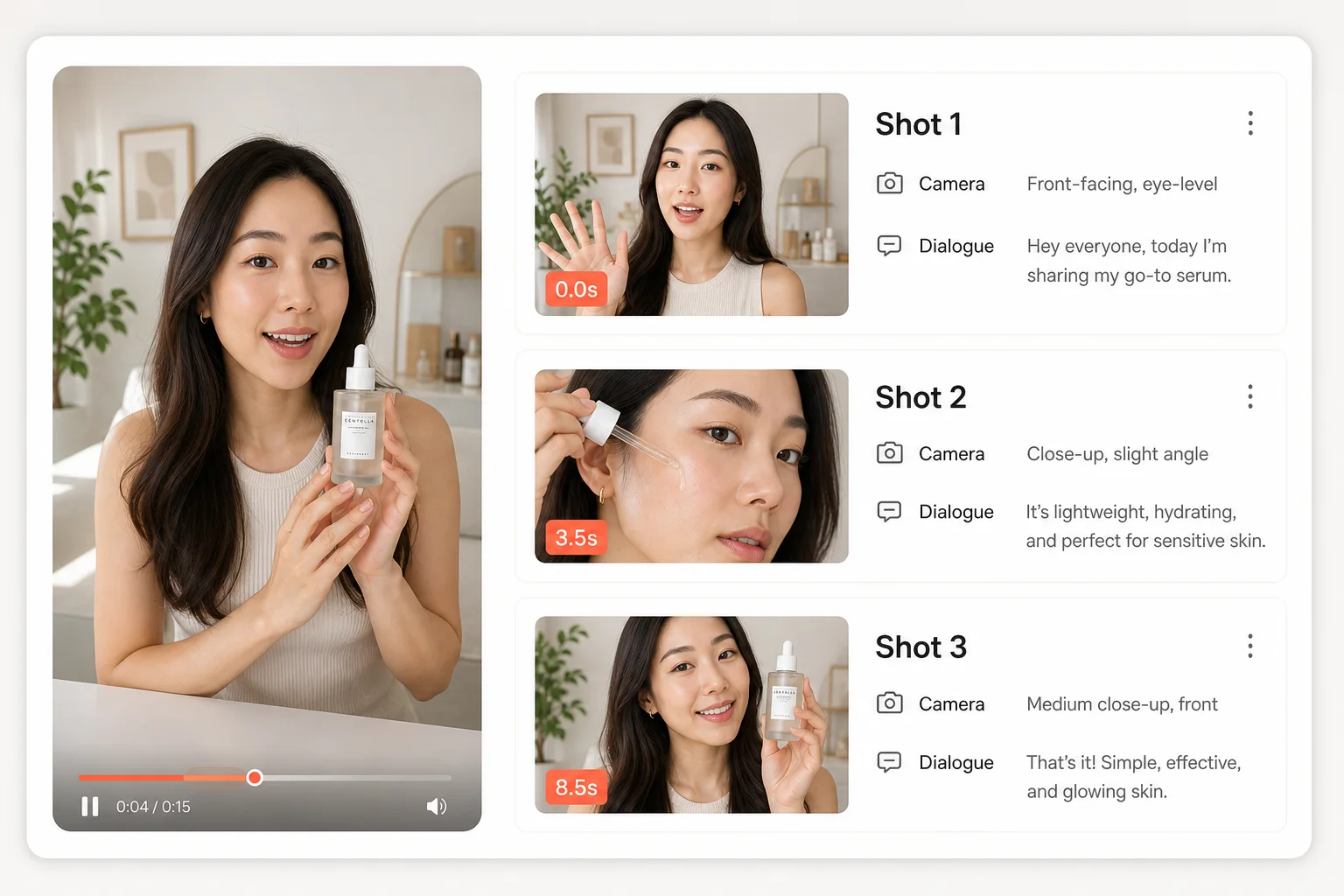
A useful video to prompt result must explain when visual decisions happen, not only what the finished clip feels like. ViralClip separates the reference into numbered shots with timestamps, scene descriptions, subject actions, dialogue, on-screen text, and background sound. That structure exposes the hook, pacing, product reveal, transition rhythm, and closing beat in a form a creator or production team can actually review. For talking-head videos, spoken lines remain attached to the right shot; for visual demonstrations, the prompt records the action and framing that carry the story.
Different video models and workflows prefer different levels of structure. General output keeps the style, cinematography, storyboard, dialogue, and sound in clearly labeled sections. Natural output turns the same evidence into fluent prose for models that respond better to narrative instructions. Cinematic output uses scene headings and screenplay language for film-oriented work. All three versions are rendered from one canonical analysis, so switching formats is instant and free rather than another AI call with a second charge.
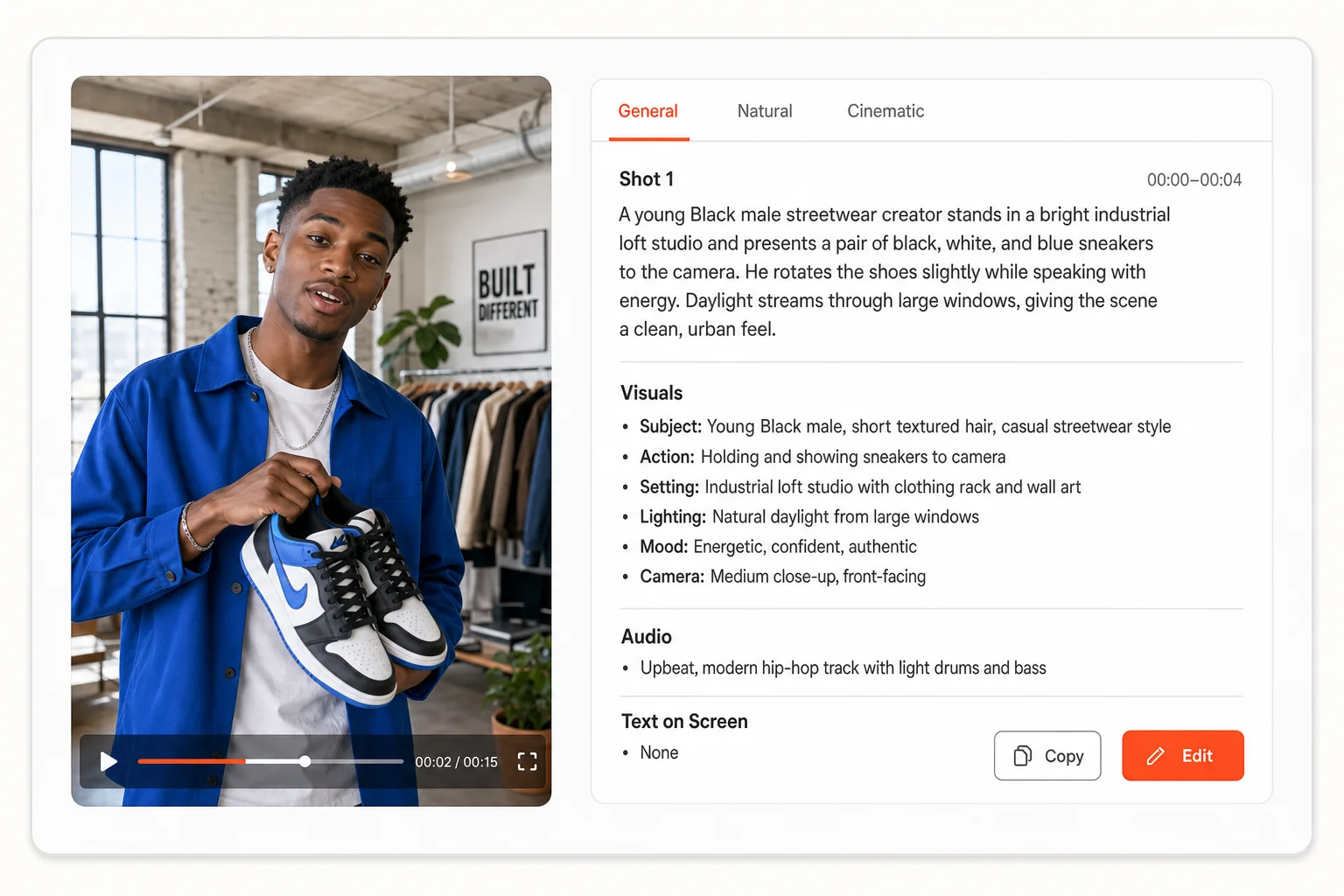
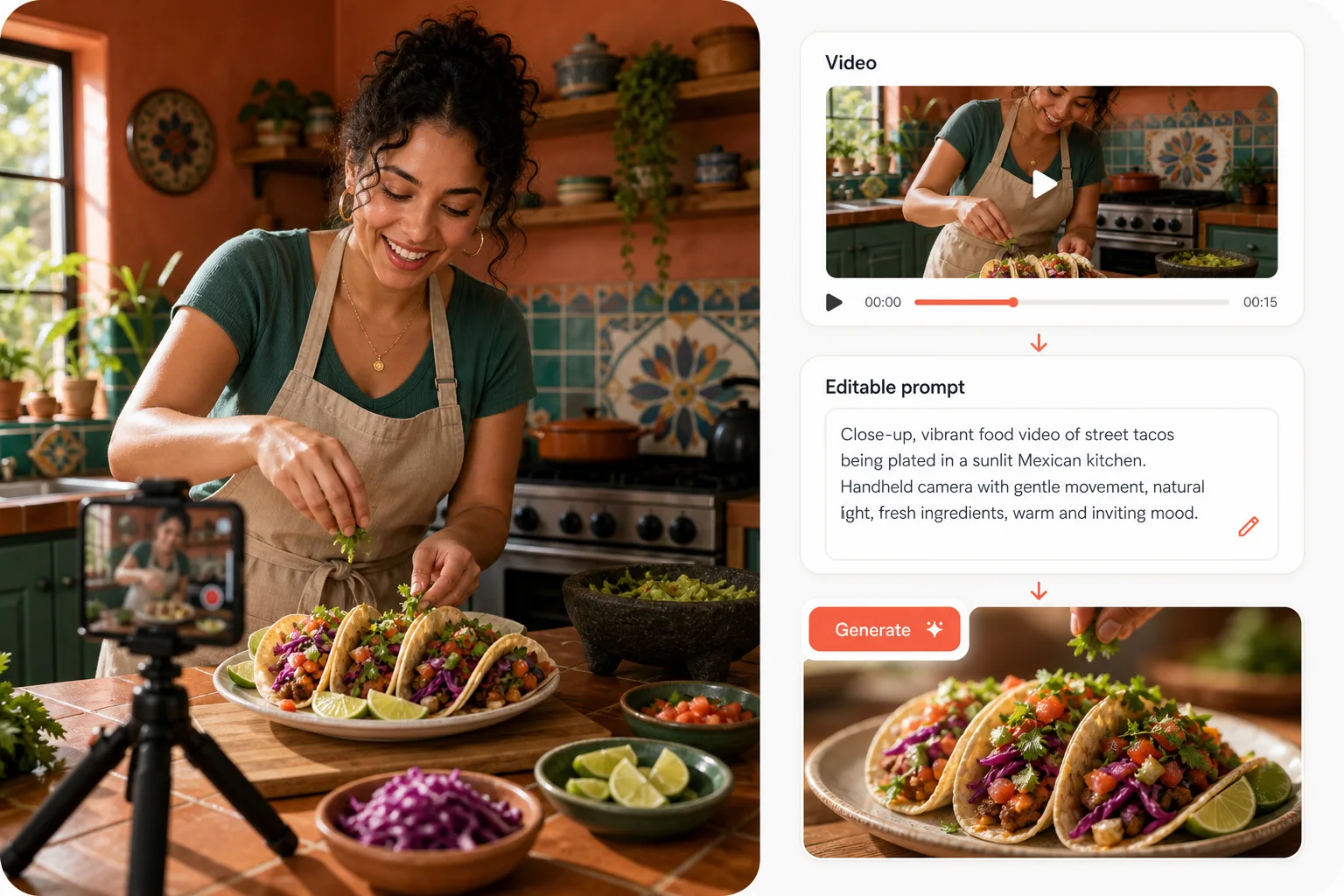
Reverse engineering is most useful when the result is a starting point rather than a locked answer. Edit any generated prompt in place to replace the subject, product, location, dialogue, or brand details while keeping the reference video's camera language and pacing. Copy the revision to another tool, reset one style to the original analysis, or choose Use This Prompt to prefill ViralClip's text-to-video generator. Your edited version—not a hidden source copy—is the version carried into the next workflow.
Two source options, one analysis, and a result you can continue editing after it appears.
Use a public TikTok video URL, including supported short links, or choose an MP4, MOV, or WebM file up to 50MB. The tool does not impose a separate video-duration cap.
Multimodal analysis maps the style, cinematography, scenes, subject actions, dialogue, overlays, sound, and timing into one validated breakdown.
Review General, Natural, or Cinematic output, refine the wording, then copy it or send the edited prompt directly to the video generator.
Teams use the same reconstruction differently—from studying a viral hook to planning a production-ready shot list.
Break down a reference video's hook, speaking rhythm, overlays, framing, and transitions, then rebuild the pattern around your own subject and voice.
Turn competitor ads or campaign references into structured creative notes before adapting the approach to brand-safe concepts and products.
Extract the demonstration order, close-ups, texture shots, benefit overlays, and CTA timing from product videos that already communicate clearly.
Convert a motion reference into a practical shot list with timing, composition, camera movement, atmosphere, dialogue, and scene headings.
Supported sources, output accuracy, credits, editing, languages, and what happens when analysis fails.
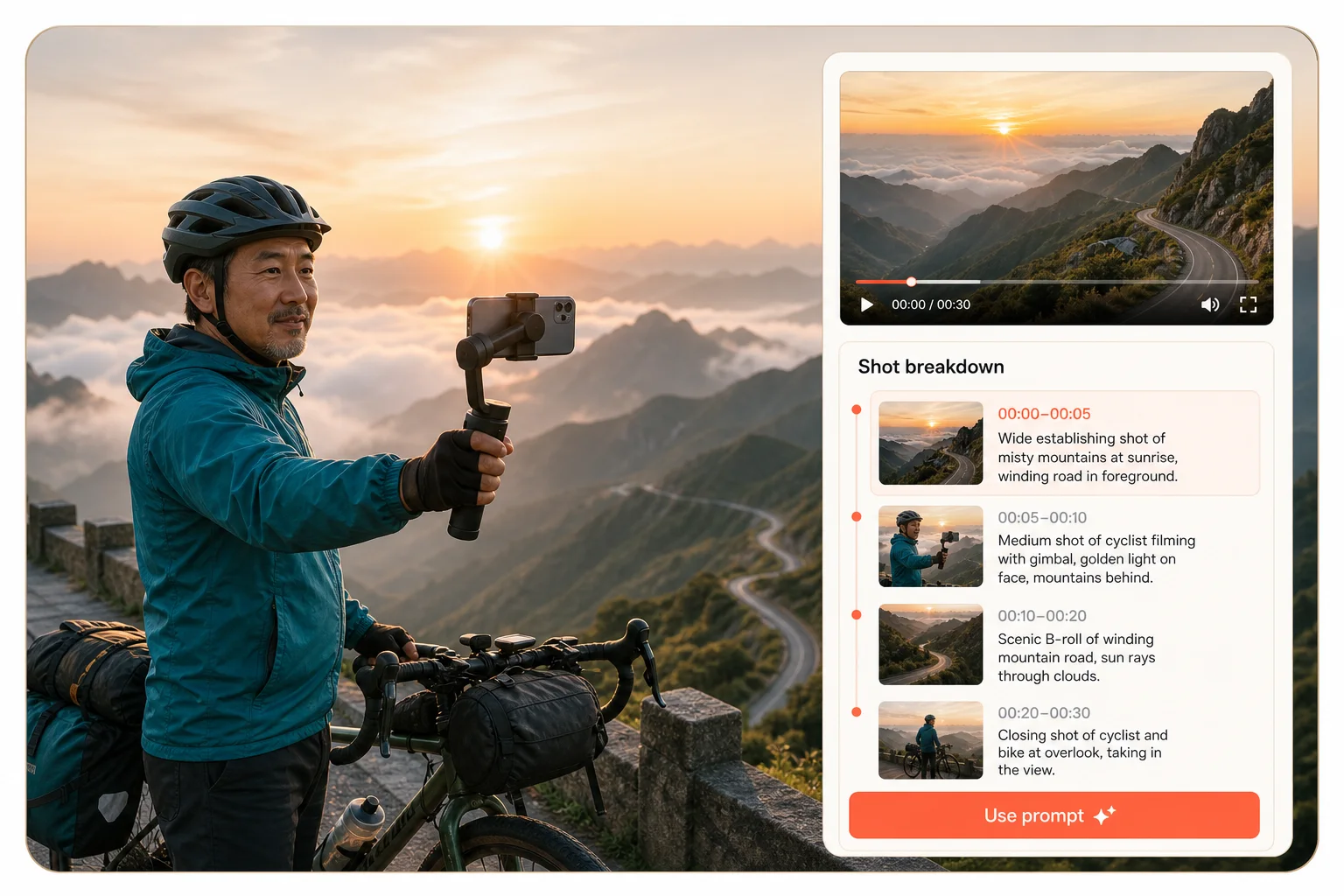
Paste a TikTok link or upload a clip, inspect the shot-by-shot reconstruction, and carry your edited prompt into the next generation workflow.