1
Upload a reference video
Drop an MP4 or MOV clip with the performance you want to transfer. One visible performer, a steady camera, and full-body framing work best; the editor shows the duration limit for the selected mode before you continue.
Motion control AI transfers the performance in a reference video onto your character — upload a clip and a character image, choose Kling 3.0, Kling 2.6, or Wan 2.2, and generate a motion transfer video with orientation, sound, and quality controls shown before every generation.
Click or drag
Front-facing • Single person • Min 340px • Max 3850px • Max 10MB
Click or drag
3-30s • MP4/MOV • Min 340p • Max 100MB
Leave blank to use the default prompt.
Sign in to generate motion control videos
We're curating amazing motion templates for you. Check back soon!
Motion control is one step — sync lips, transcribe TikToks, clone viral structures, or clean up footage without leaving ViralClip.
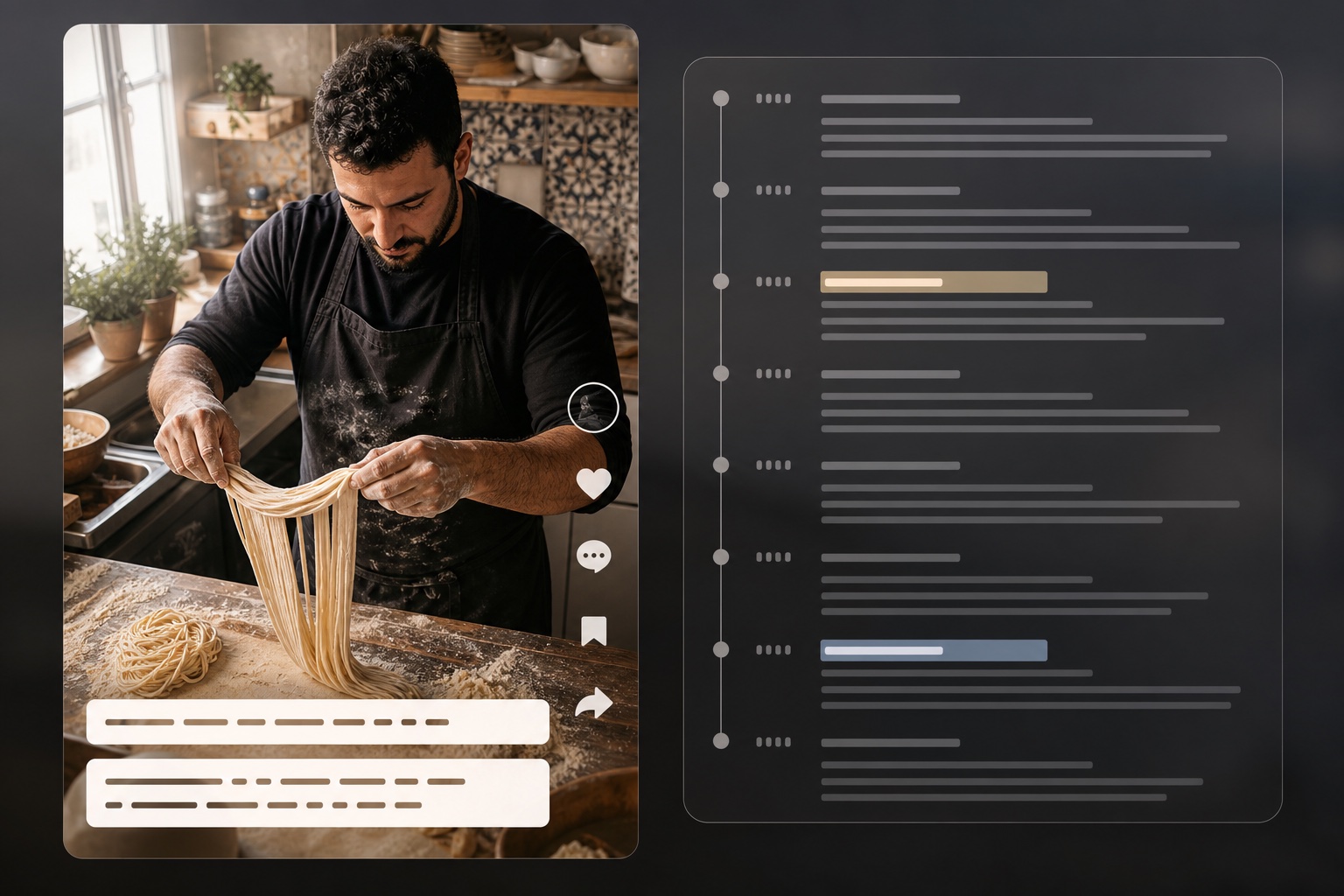
Extract scripts and timestamps from TikTok videos
Open tool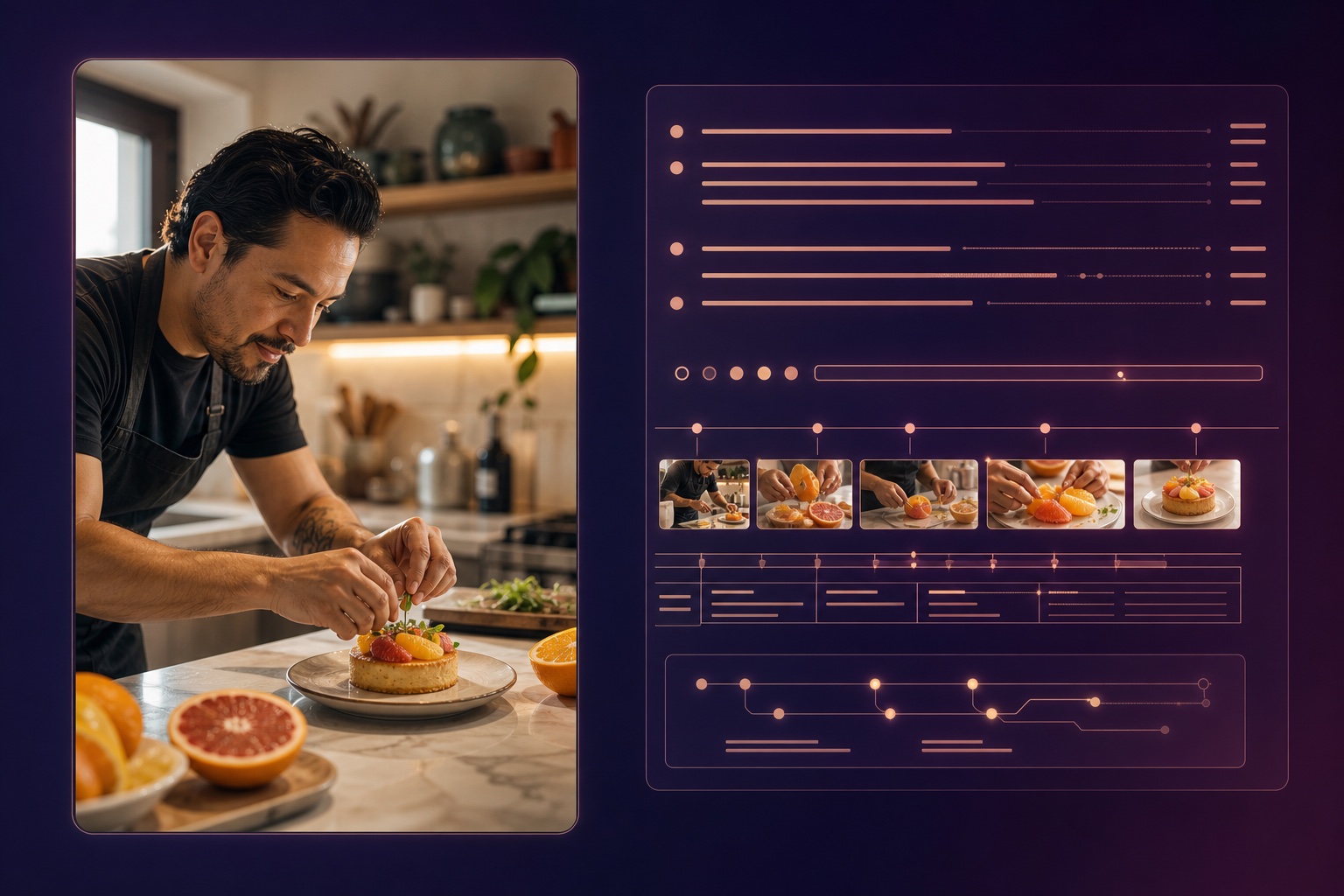
Reverse-engineer video into structured AI prompts
Open tool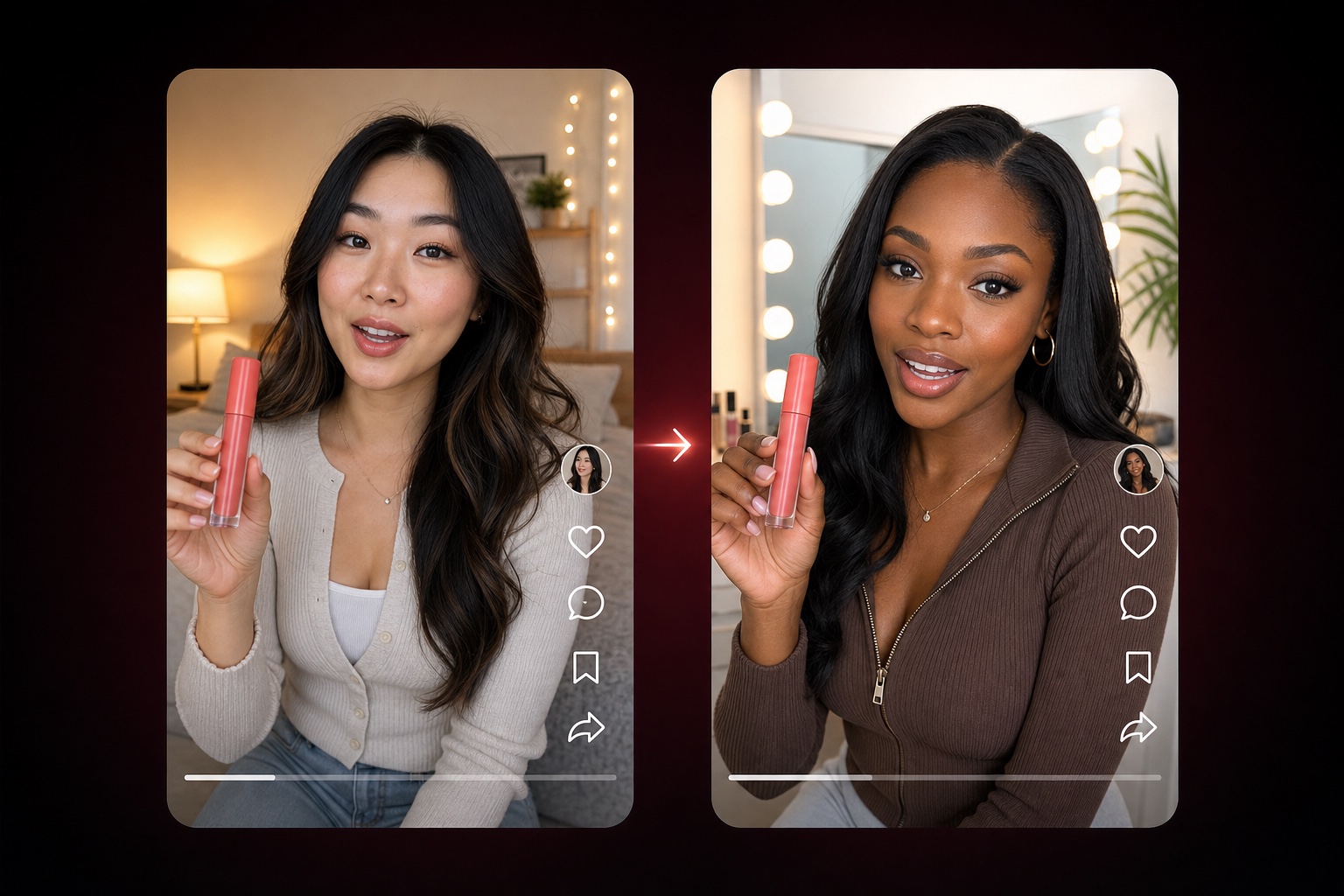
Adapt a TikTok product-video structure with nine editable dimensions
Open tool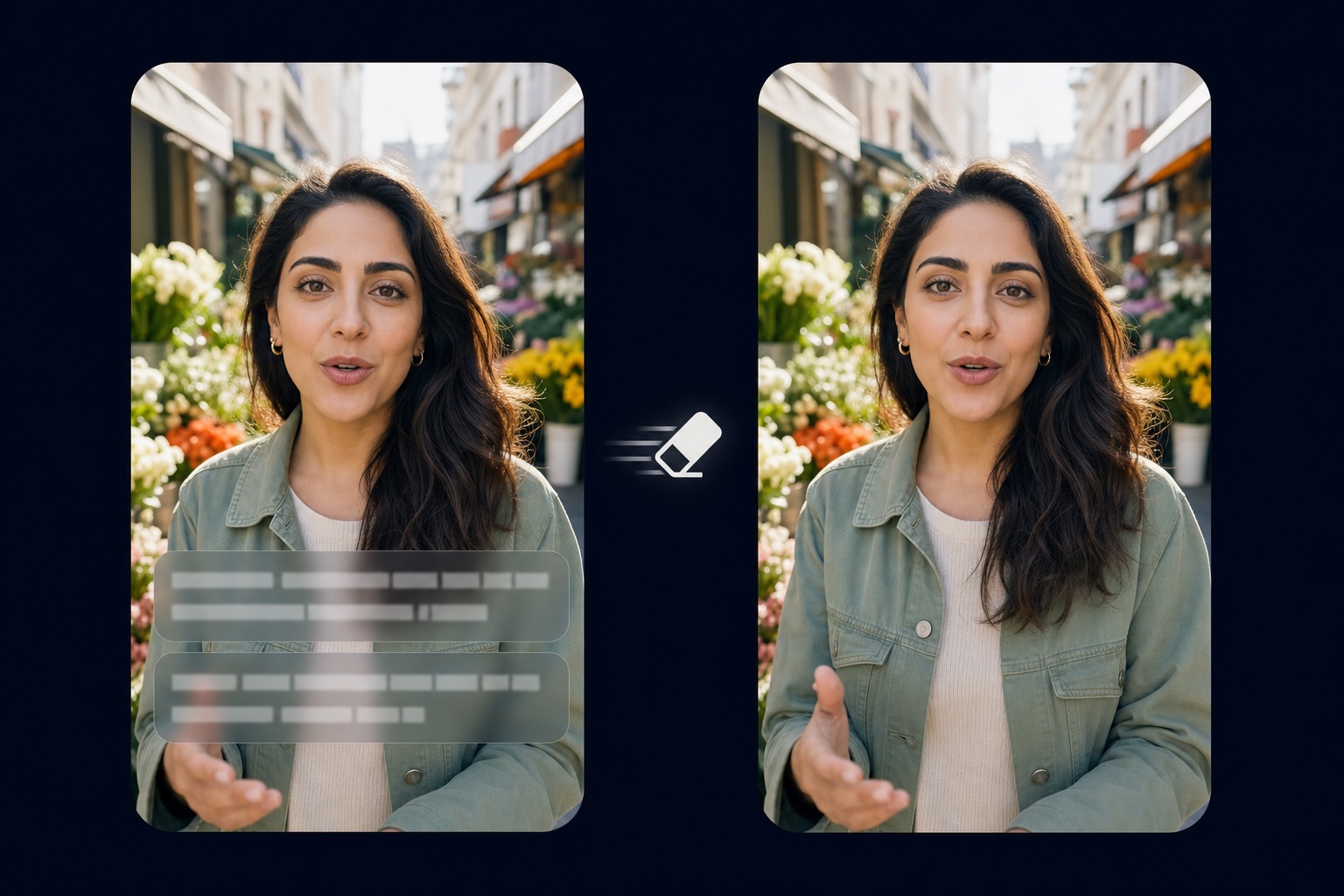
Remove burned-in captions and text from video
Open tool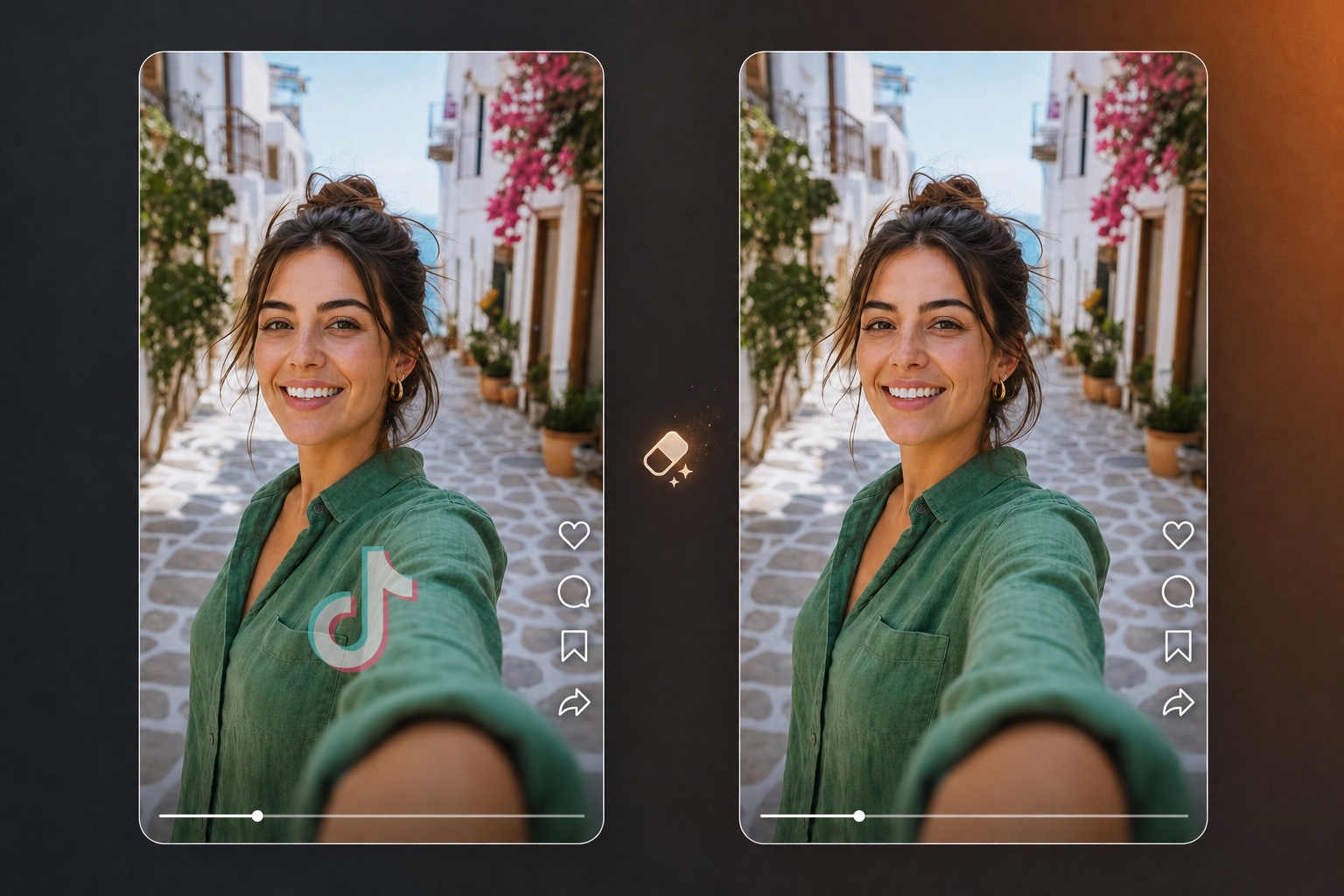
Erase logos, watermarks, and branding overlays from video
Open tool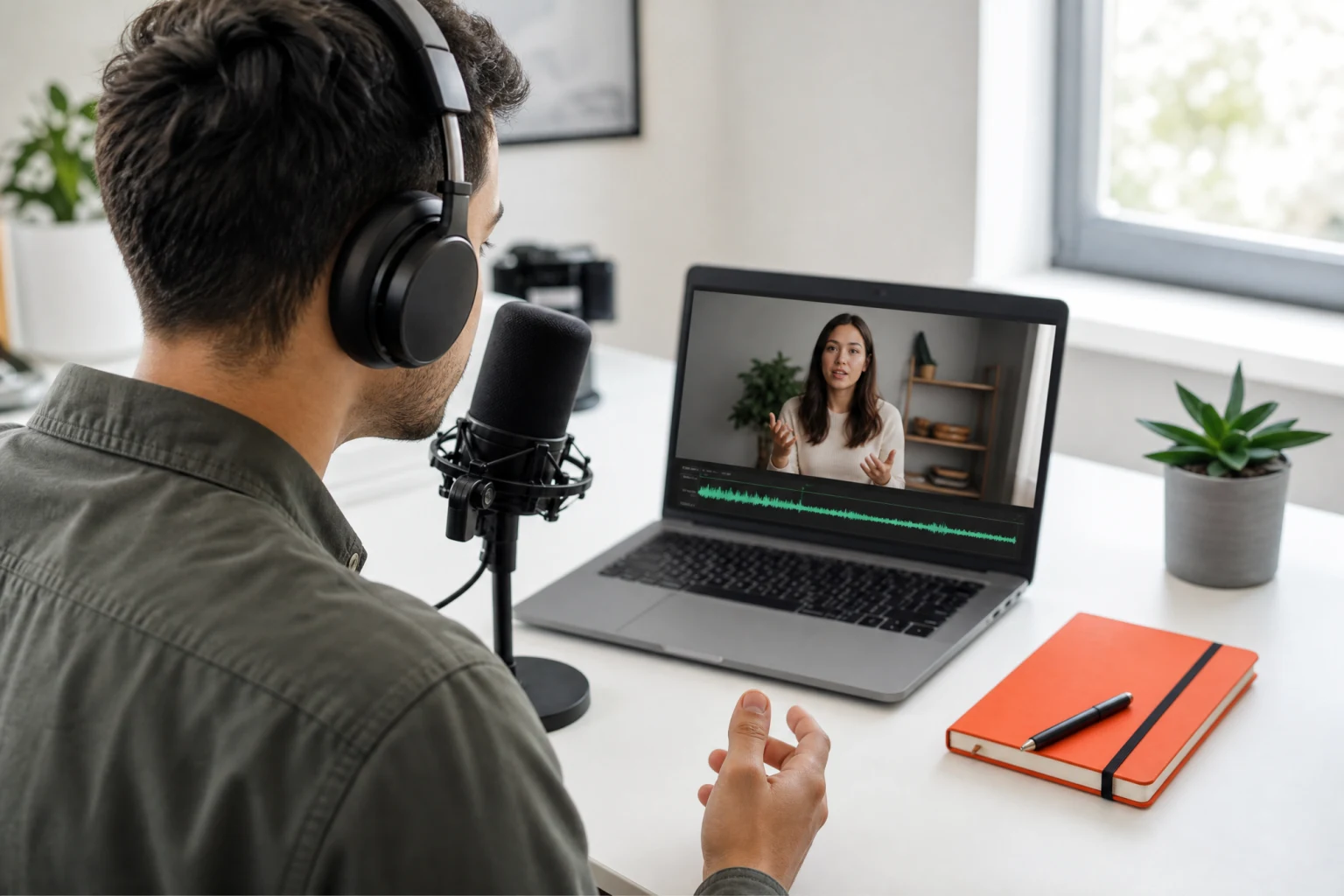
Synchronize speech audio with natural lip movement
Open tool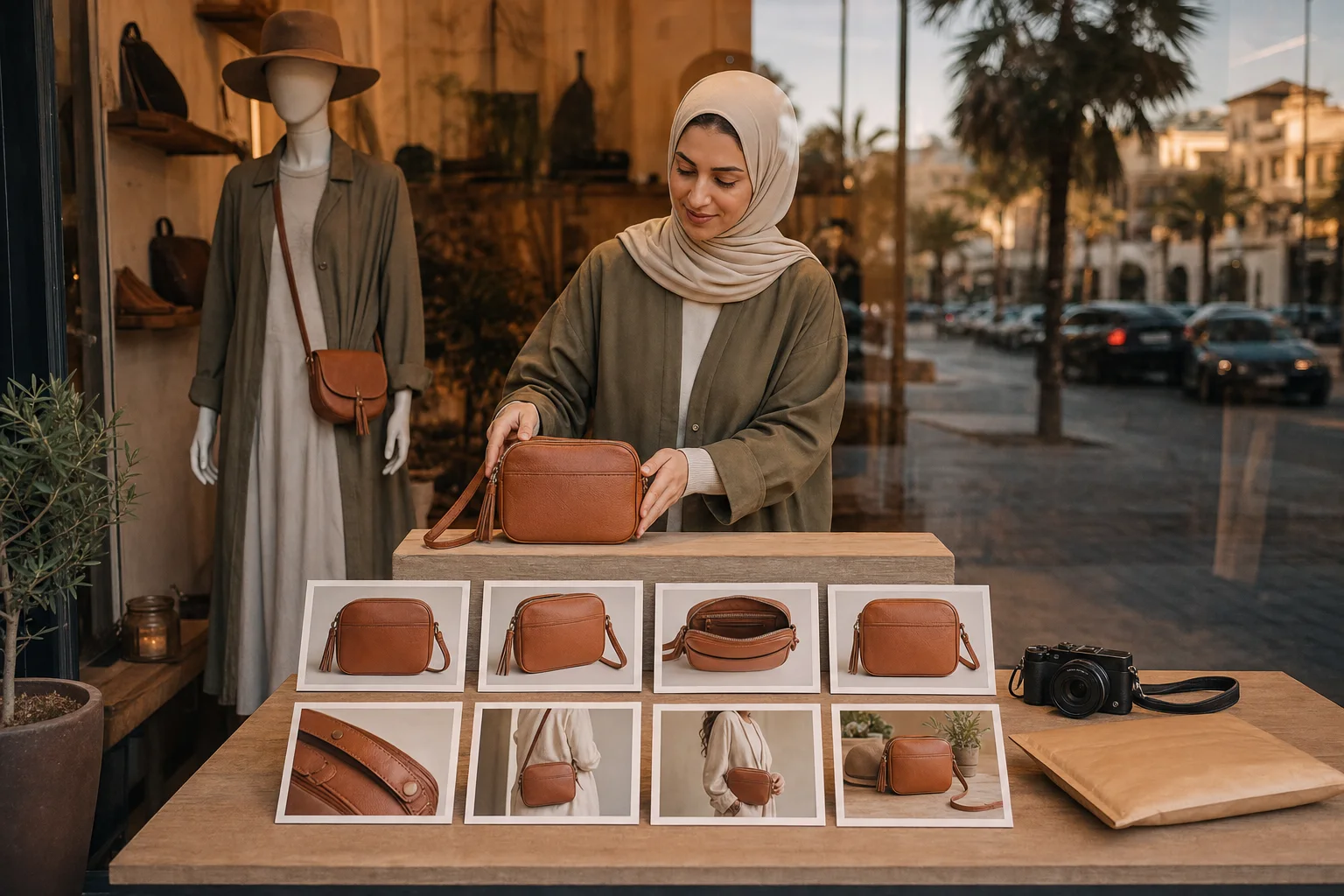
Generate a full listing image set from product photos
Open tool
Turn text into natural AI speech
Open toolOne reference video supplies the performance and one character image supplies the subject — the motion control AI adapts the movement to your character and returns a video that is ready to review.
The reference video drives the timing, gestures, and rhythm, so the generated motion transfer video follows a real performance instead of random movement. Dance clips, acting takes, and product demos all work as sources.
A photo, an illustrated avatar, a 3D render, or a brand mascot — the character image guides the appearance while the motion control AI maps the source movement onto it. Use material you have permission to transform.
Kling 3.0 motion control offers Standard 720p for quick drafts and a Pro 1080p tier for sharper final renders; Wan 2.2 Fun Control adds 480p and 720p options with prompt-guided action transfer.
Orientation, original-sound, and quality options appear in the editor for the selected model, and the exact credit cost is displayed before you generate — no surprises after the render.
From a source performance to your character's new video — the four things that decide how good a motion transfer looks.
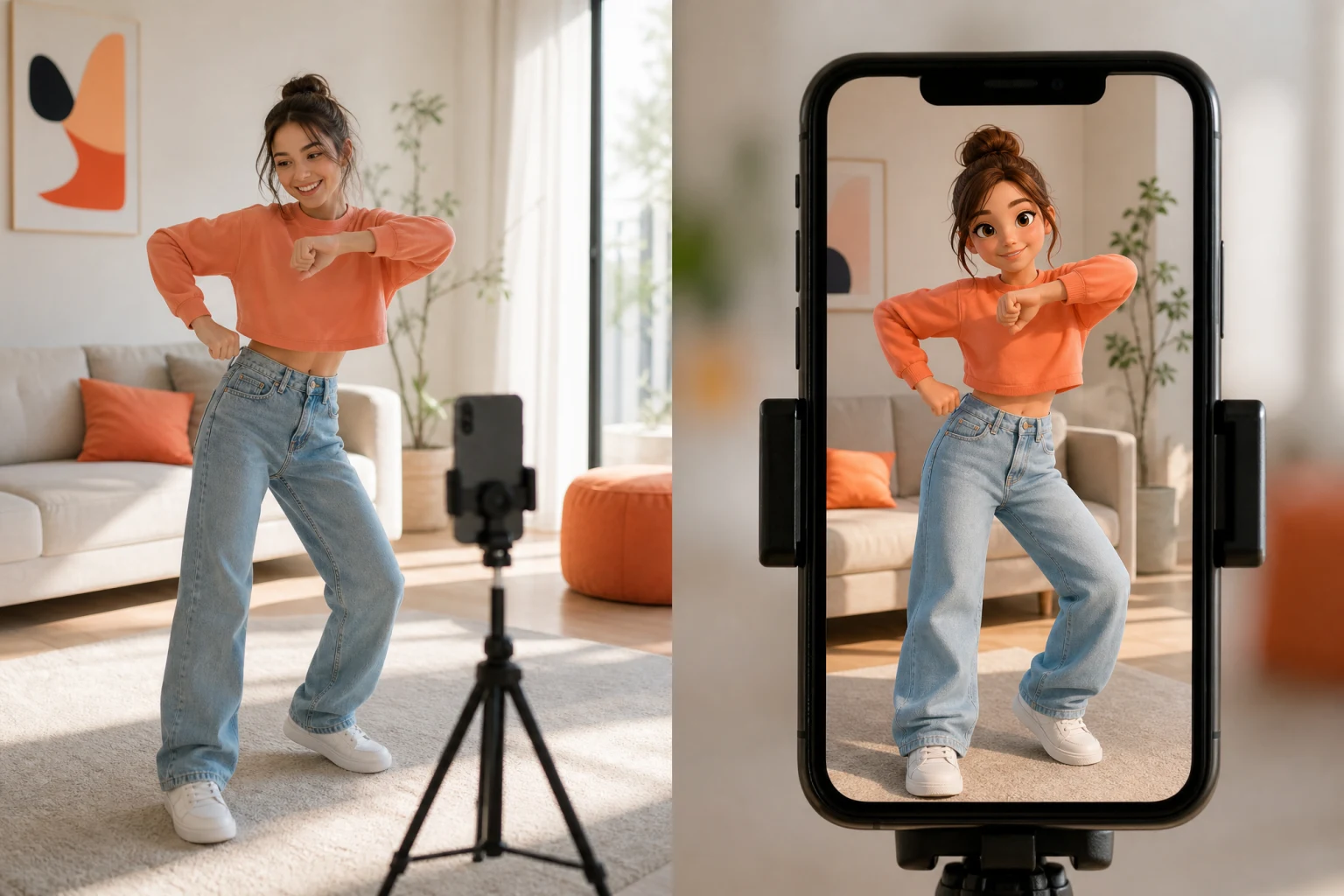
Everything the character does comes from your source clip: the rhythm of a dance, the gestures of a presentation, the footwork of a product demo. The motion control AI reads the performance and re-plays it with your subject, so a clean source beats a long one — a single visible performer, a steady camera, and full-body framing give the model the clearest signal. Fast cuts, overlapping people, and occluded limbs are the most common reasons a motion transfer needs a second take.
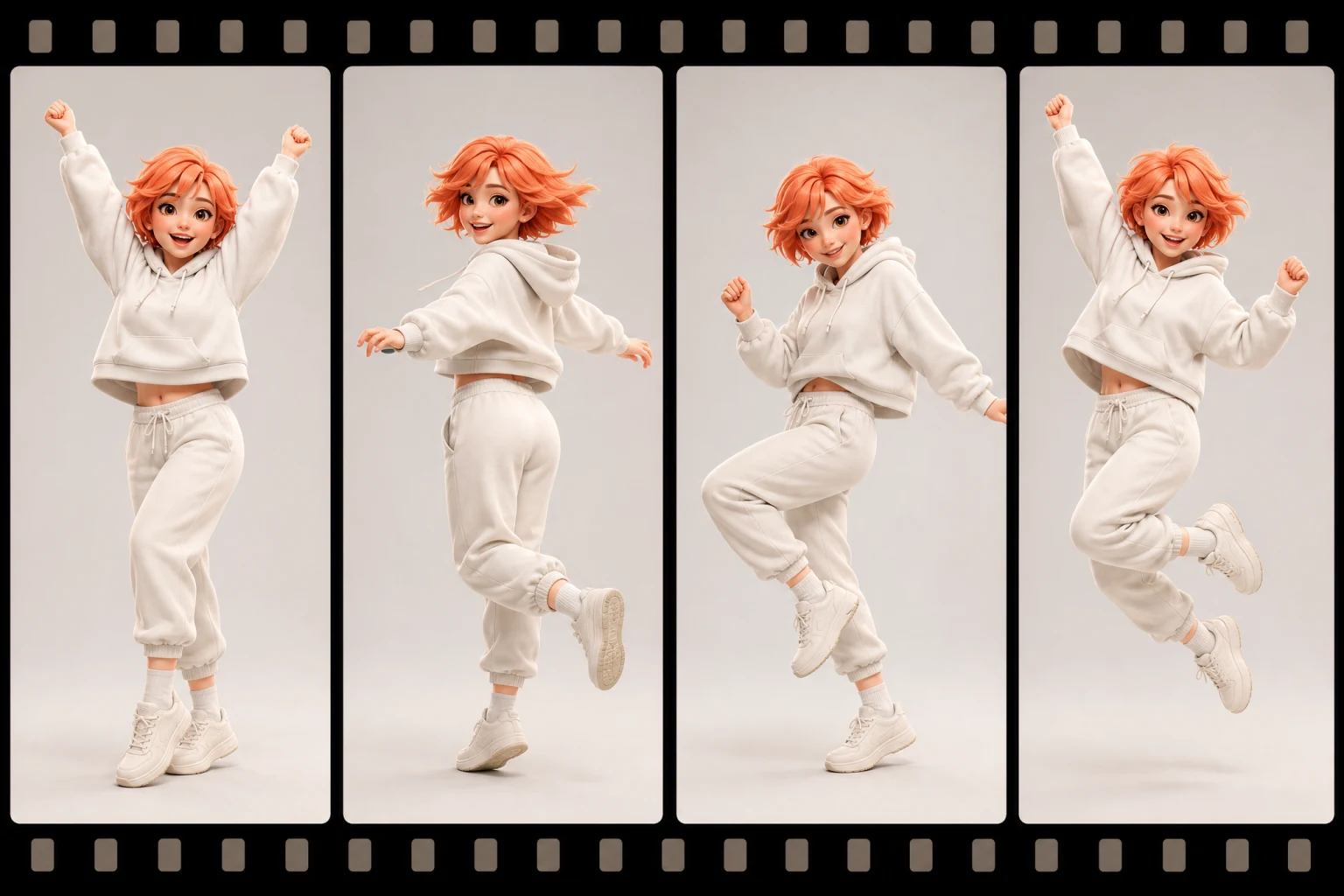
The character image is the star of the output: face, outfit, and proportions come from your upload while the movement comes from the reference. A well-lit, front-facing image where the full body is visible gives the motion control AI the strongest identity cues; heavy shadows, cropped limbs, and extreme poses leave more room for drift. When likeness matters, review the whole clip and rerun with a sharper source image rather than editing around a weak one.
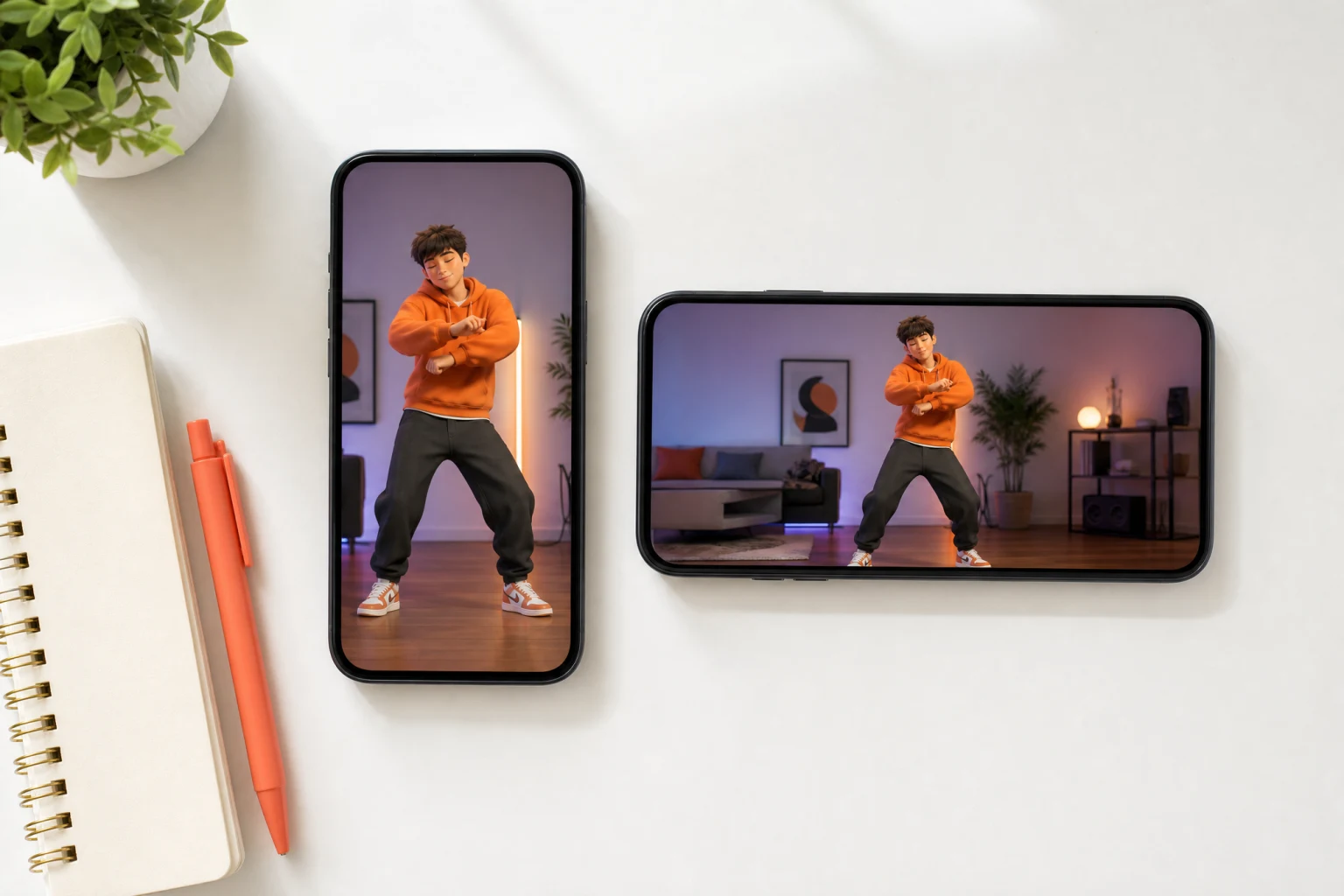
Kling motion control exposes two orientation modes that decide how your character is aligned with the reference performance. Image orientation anchors the output on your character's framing and supports clips up to 10 seconds; video orientation follows the reference camera more closely and extends to 30 seconds. The editor shows the limit for the selected mode before you upload, so the source clip and the mode always match.
Iterate fast, then render sharp. Kling 3.0 motion control lists a Standard 720p tier for quick drafts and a Pro 1080p tier for final output; Kling 2.6 adds audio-oriented options that can keep the reference sound, and Wan 2.2 Fun Control trades resolution for prompt-guided action transfer at 480p or 720p. Every tier shows its credit cost in the editor before you generate, and every result downloads as an MP4 ready for your editor or feed.
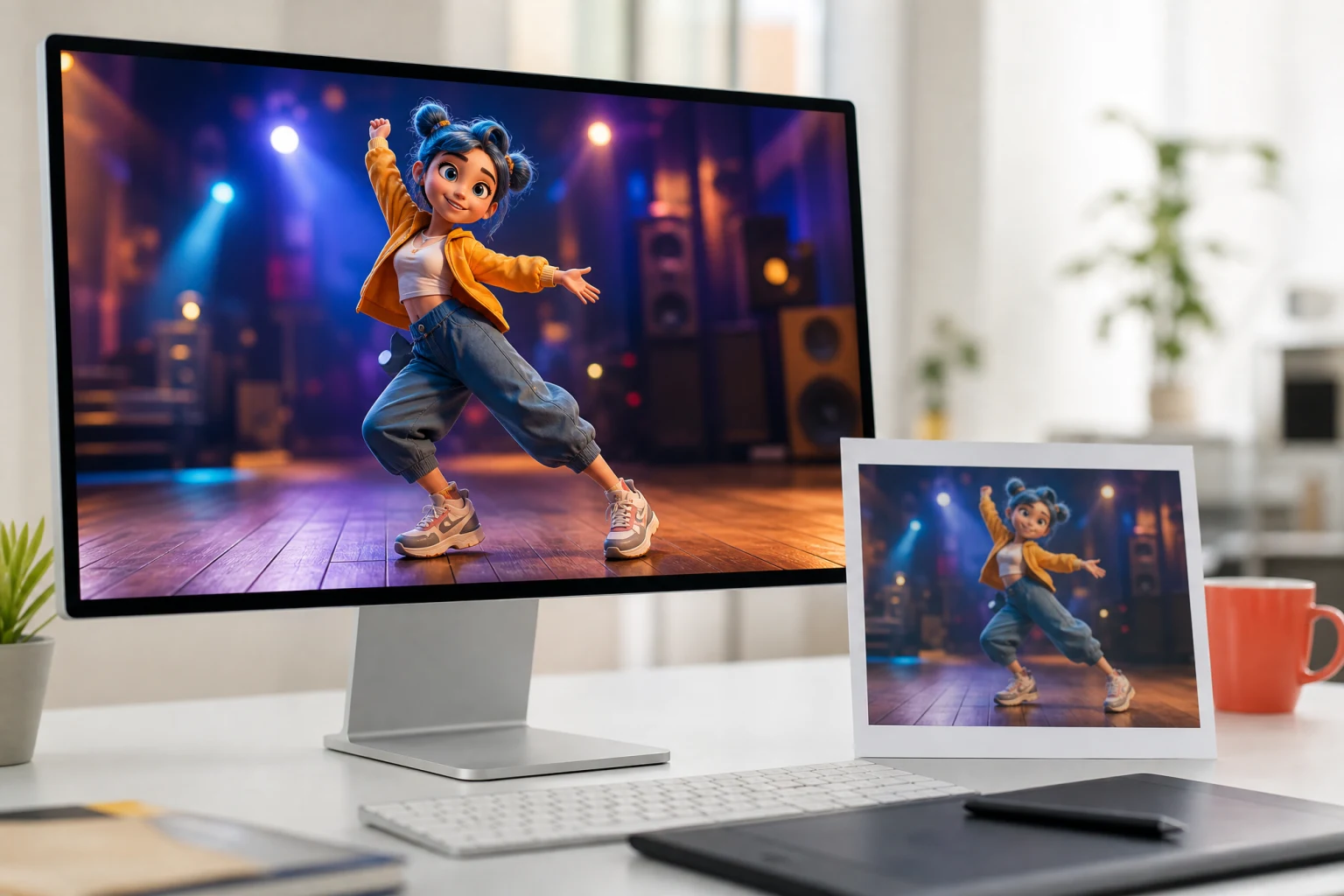
No animation software, no rigging — a reference video and a character image are the whole setup.
Drop an MP4 or MOV clip with the performance you want to transfer. One visible performer, a steady camera, and full-body framing work best; the editor shows the duration limit for the selected mode before you continue.
Upload a JPG or PNG of the subject — a real photo, an illustration, a 3D render, or a mascot. A front-facing image with the full body visible gives the motion control AI the clearest shape and pose cues.
Choose Kling 3.0, Kling 2.6, or Wan 2.2, review the quality, orientation, and sound options plus the credit cost, then generate. Preview the result and rerun with a cleaner source when a pose needs another pass.
From social media creators to indie filmmakers, motion control AI serves anyone who needs character animation without traditional motion capture infrastructure.
Social media creators use motion control AI to produce scroll-stopping character animation content. Record yourself performing a dance or skit, then transfer that motion onto illustrated avatars, fan art characters, or stylized versions of yourself. A single reference video becomes unlimited character variations — post the same choreography with different characters for A/B engagement testing on TikTok, Reels, and Shorts.
Marketing teams use motion control to bring brand mascots, spokesperson photos, and product characters to life without hiring actors or building animation rigs. Record a simple presentation or gesture sequence as your reference video, upload the brand character image, and generate motion control videos for ad campaigns, product launches, and social advertising.
Independent filmmakers leverage motion control AI as a pre-visualization and VFX tool. Transfer actor performances onto CGI characters, test blocking and choreography with character concepts before committing to expensive production shoots, or draft character animation sequences for short films before the final render pass.
Game developers use motion control to prototype character animations by transferring real human motion onto game assets. Record movement references with a smartphone camera, upload your game character sprite or 3D render as the character image, and generate motion control previews that inform your animation pipeline with natural weight shifts and follow-through.
Educational content creators use motion control AI to animate illustrated characters for lessons, tutorials, and explainer videos. A history teacher can make a historical figure gesture while explaining concepts; a language instructor can animate a character performing sign language from a reference video — no animation software expertise required.
VTubers, virtual influencers, and avatar designers use motion control to bring their character designs to life with realistic human motion. Upload your original character illustration as the character image, record a reference video of the performance you want, and generate motion control animations that keep your character's design intact while adding natural, expressive movement.
How AI motion control works, which reference videos transfer best, what the models and quality tiers offer, and what to expect from a motion transfer.
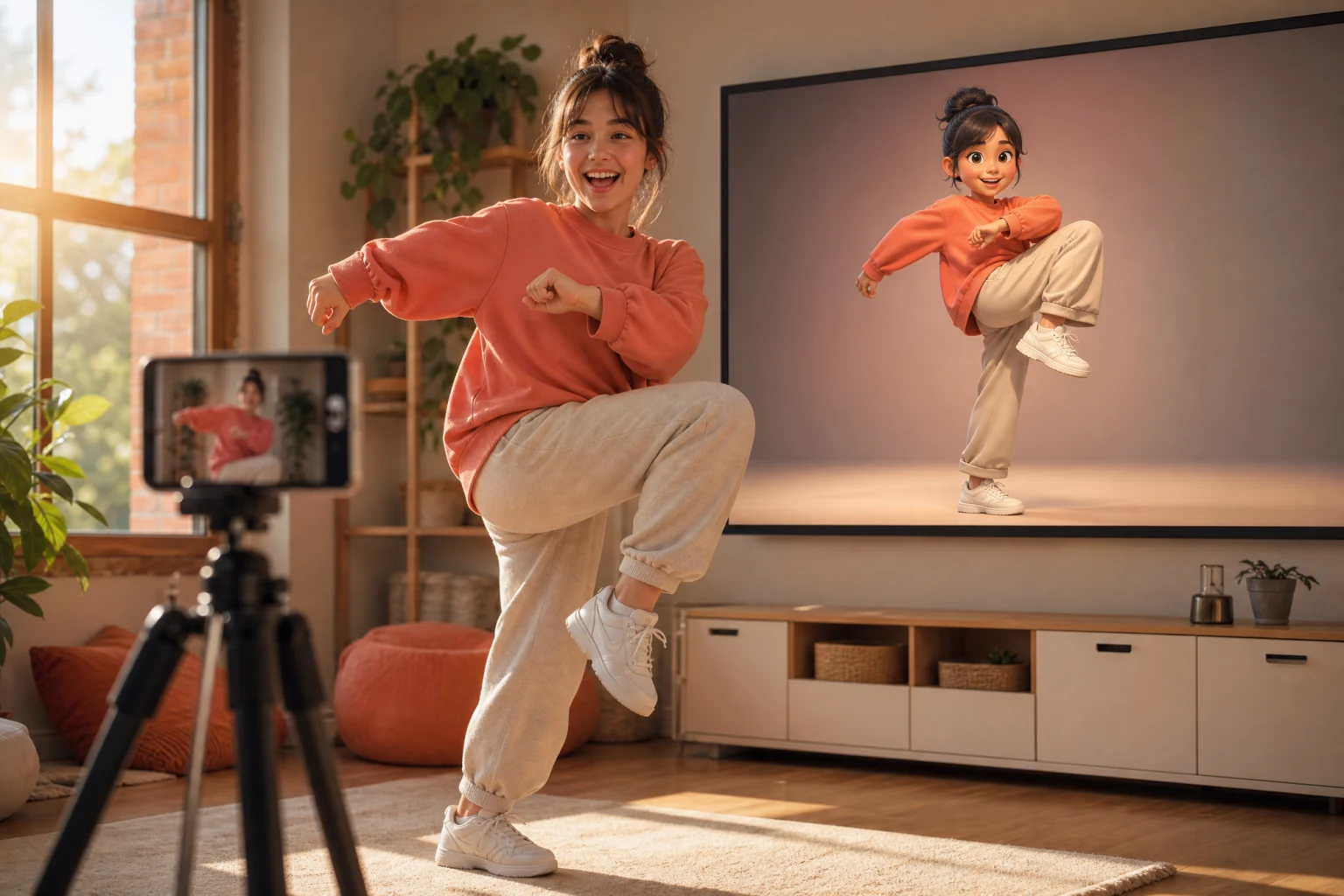
Upload a reference video and a character image, choose Kling 3.0 motion control with Standard or Pro output, and review your first motion transfer video in minutes — the credit cost is always shown before you generate.