1
Paste your script
Type or paste up to 5,000 characters — a video voiceover, a product read, a lesson. The live character counter shows exactly where the limit is.

Paste your script, pick from 100+ natural AI voices in 12+ languages, fine-tune the speed, and generate a studio-ready voiceover as an MP3 — the exact credit cost is shown before every generation.
Speech speed multiplier
Lower or raise the voice pitch
Output loudness
Text to speech is one step — sync it onto video with lip sync, transfer motion, transcribe TikToks, or clean up footage without leaving ViralClip.
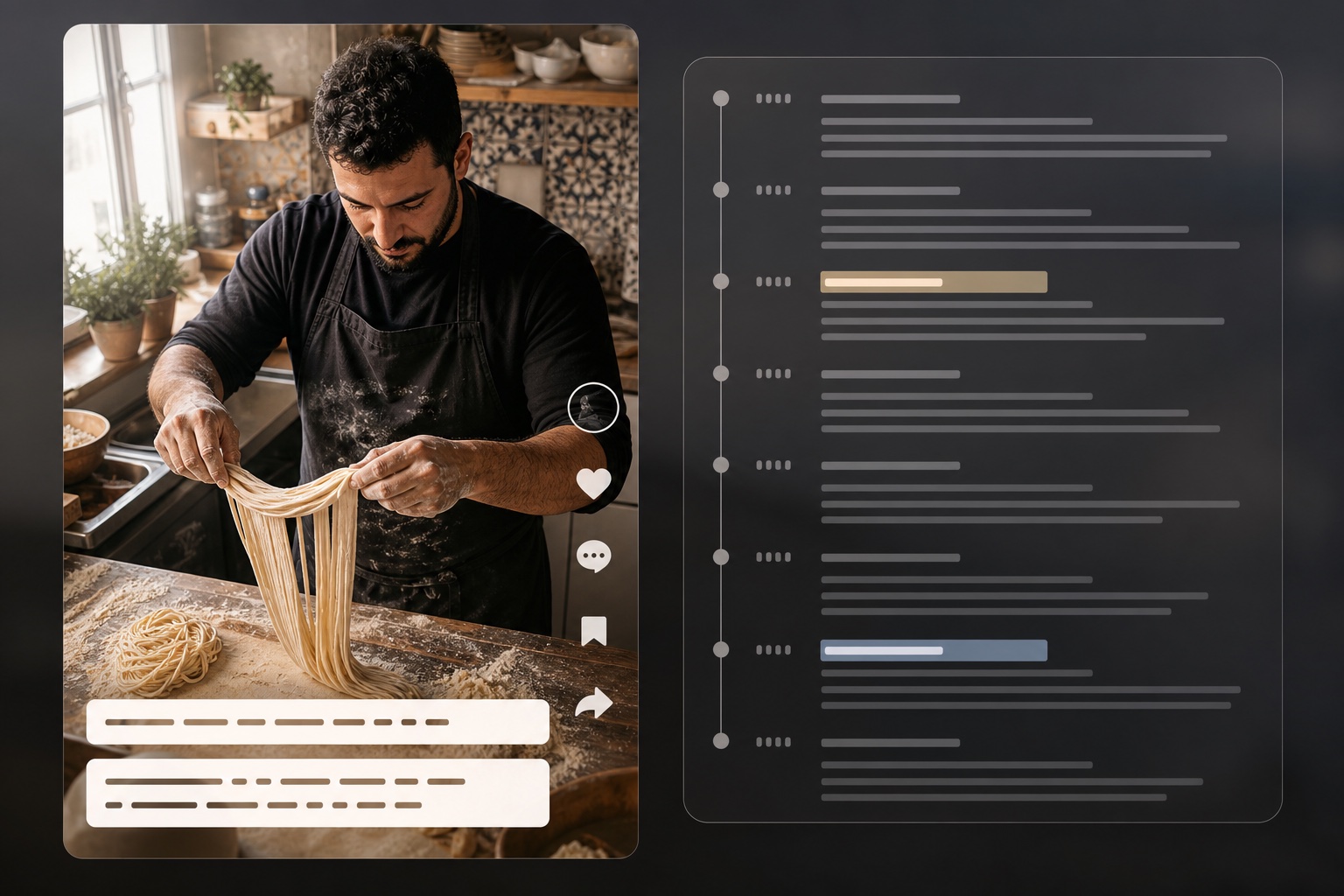
Extract scripts and timestamps from TikTok videos
Open tool
Reverse-engineer video into structured AI prompts
Open tool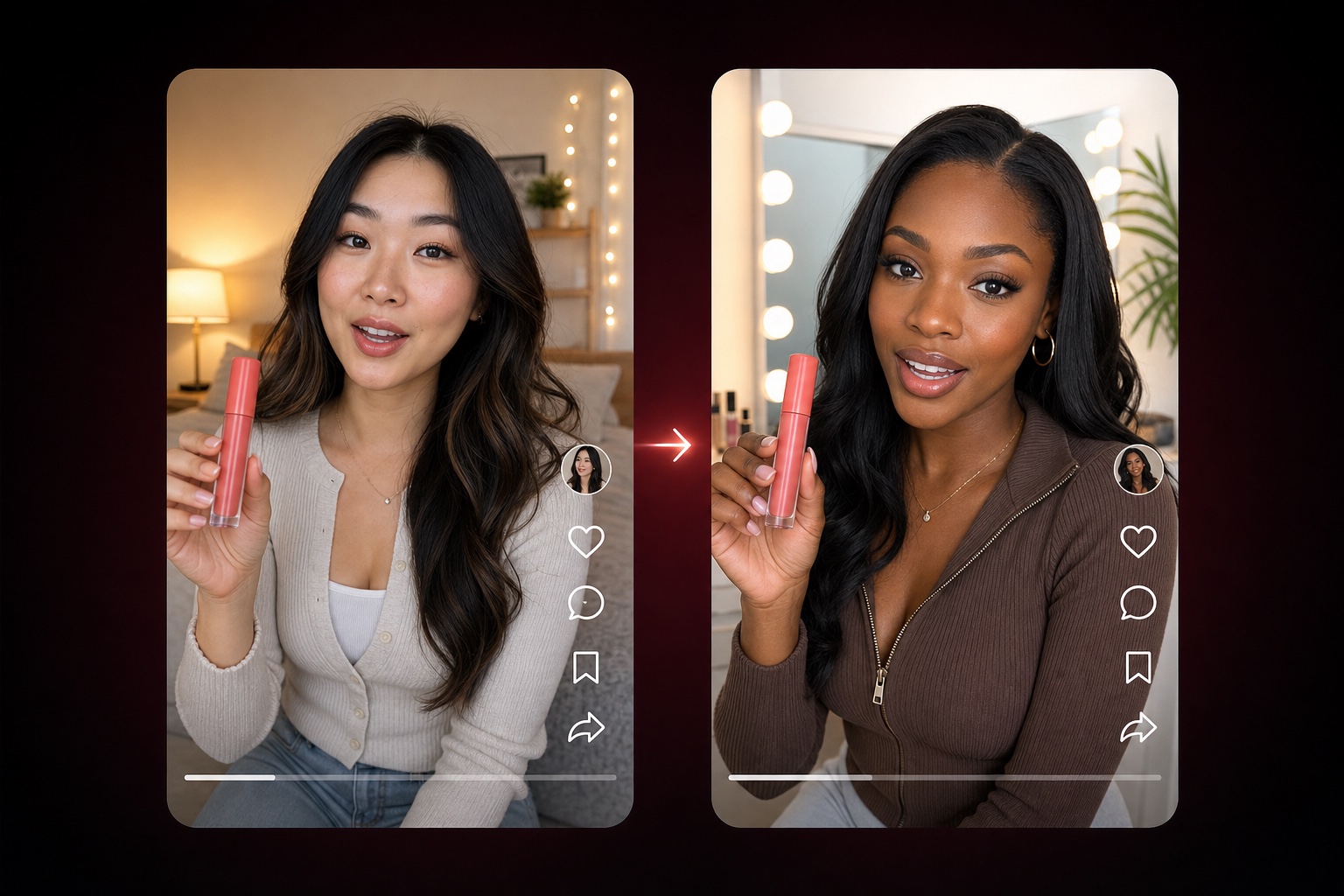
Adapt a TikTok product-video structure with nine editable dimensions
Open tool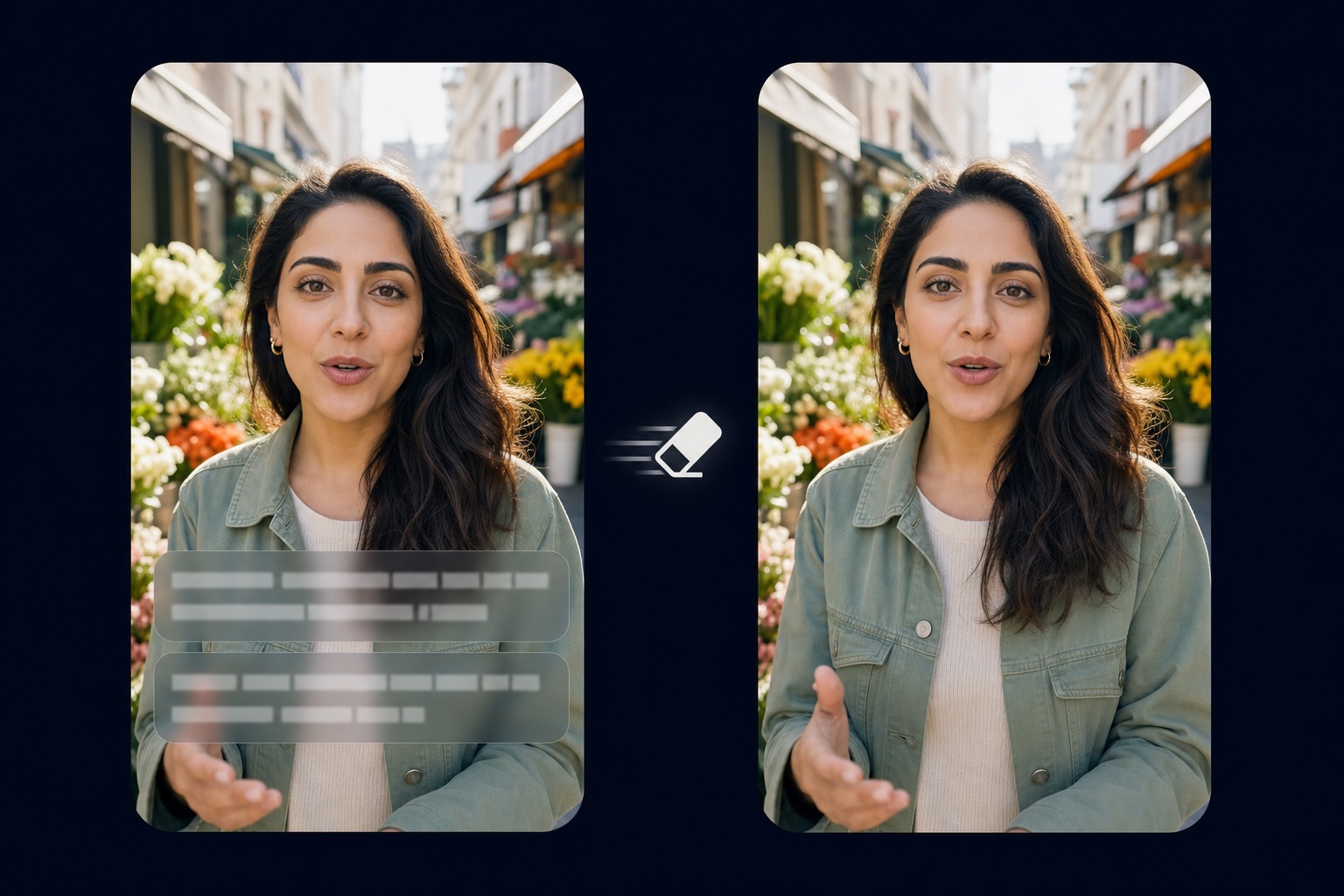
Remove burned-in captions and text from video
Open tool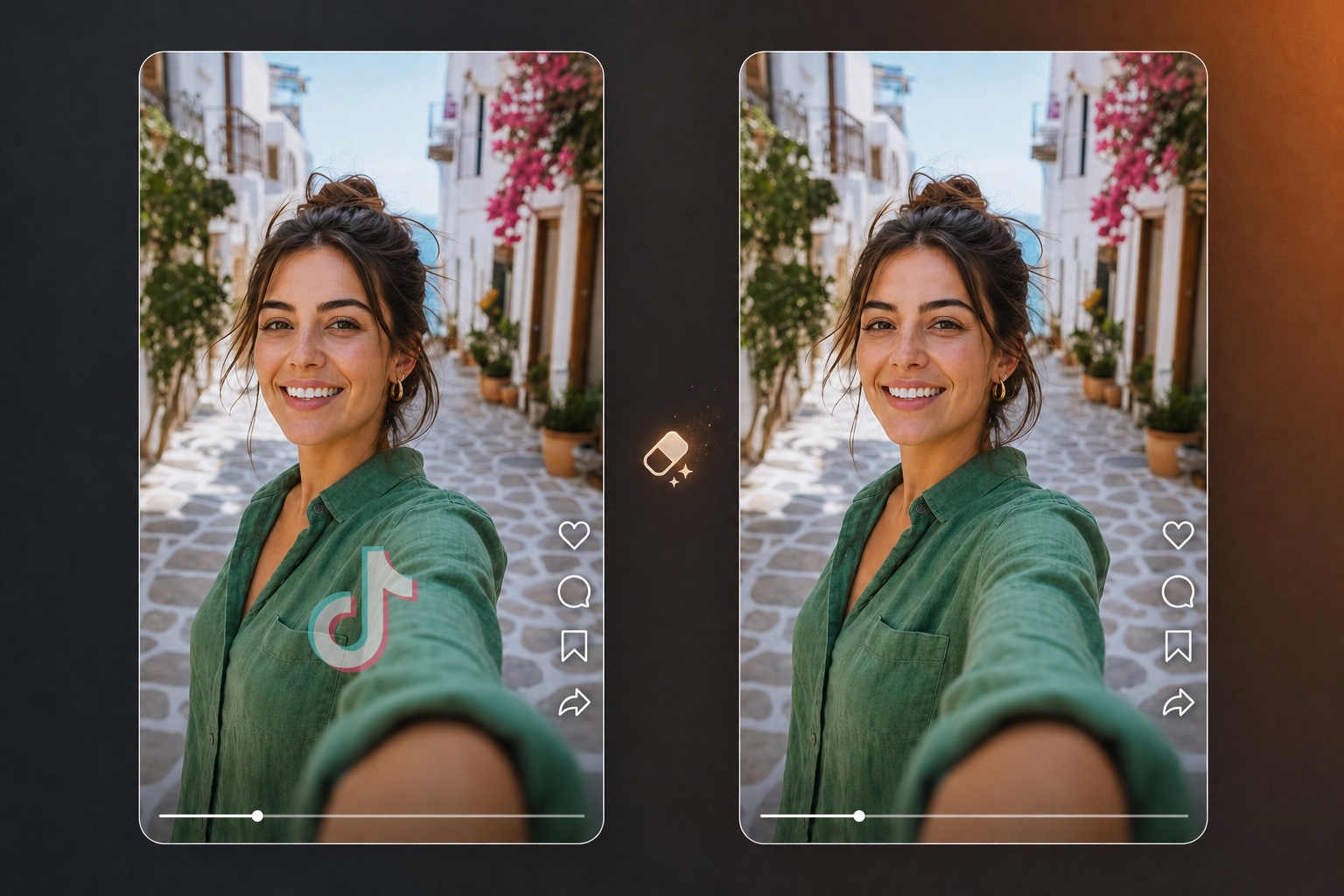
Erase logos, watermarks, and branding overlays from video
Open tool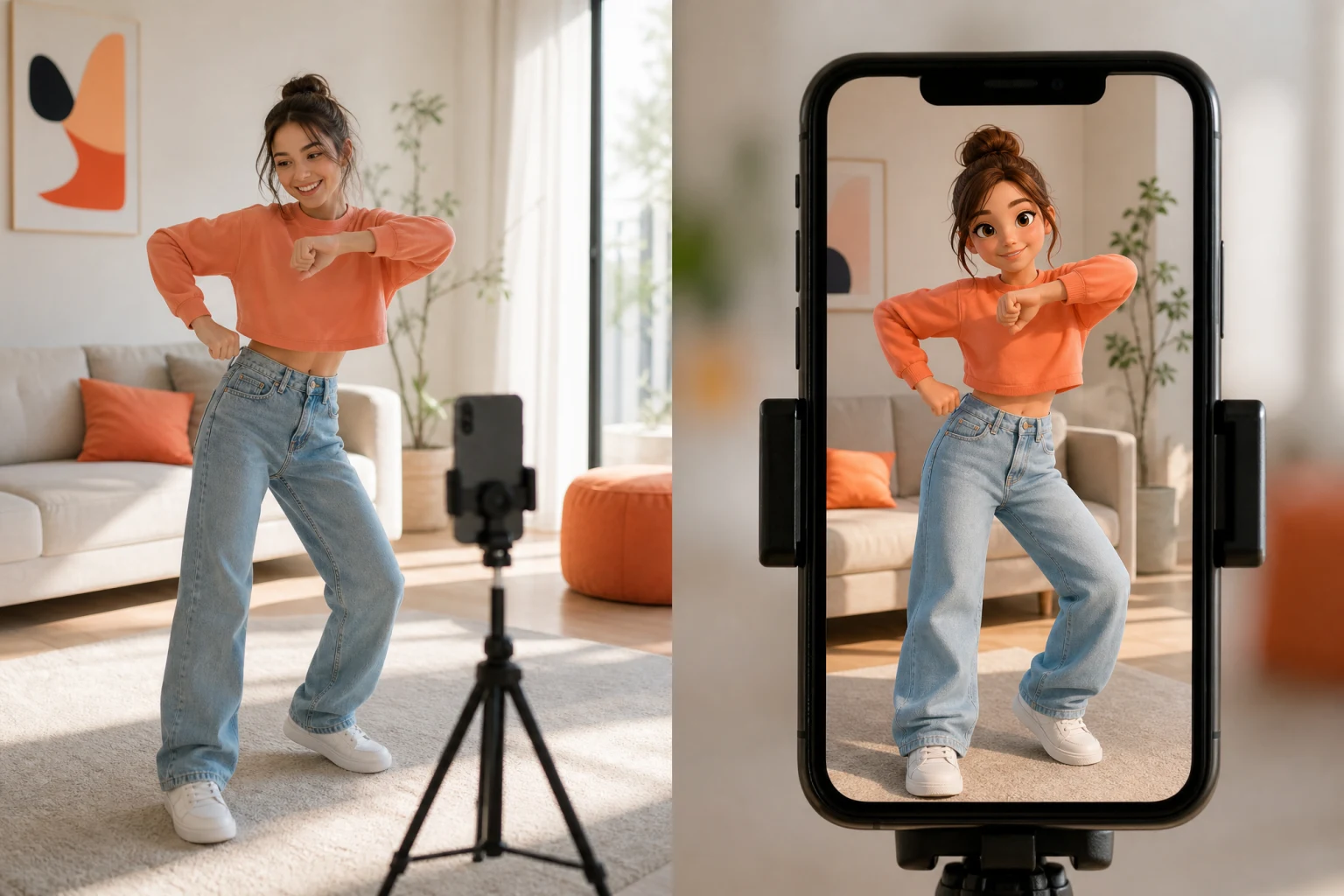
Transfer reference motion to a character image
Open tool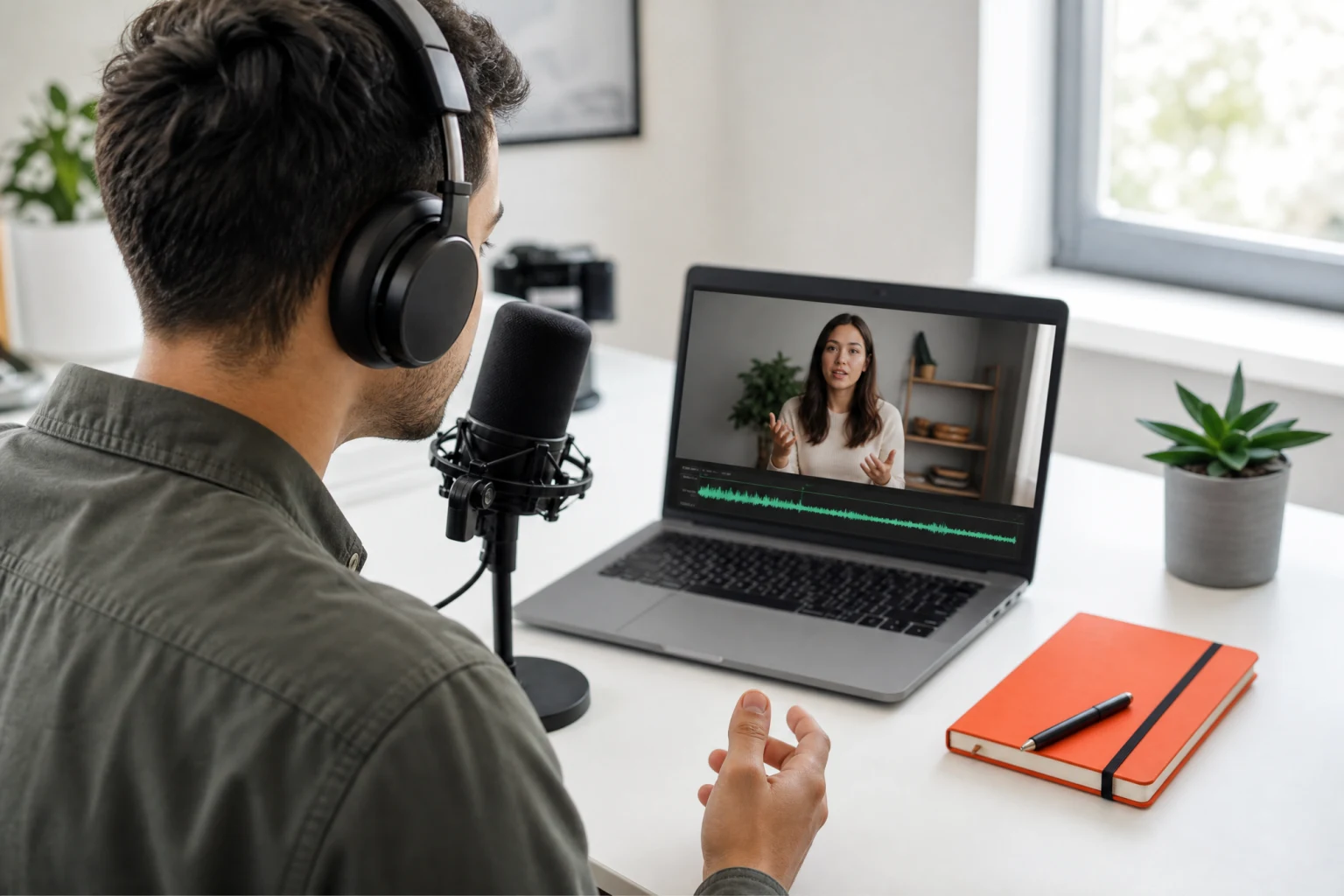
Synchronize speech audio with natural lip movement
Open tool
Generate a full listing image set from product photos
Open toolA written script goes in — a natural-sounding voice track you can drop straight into a video, podcast, or product page comes out.
Choose from over a hundred AI voices — narrators, conversational reads, energetic promo voices — and shape the delivery with speed, pitch and volume controls until the read matches your cut.
Generate the same message in English, Spanish, French, German, Italian, Portuguese, Polish, Hindi, Arabic, Chinese, Japanese, Korean, and more — one script becomes localized voiceovers without booking a single voice actor.
Fast renders drafts at 2 credits per 1,000 characters; High Quality trades a credit more per 1,000 for higher-fidelity reads. The editor shows the exact cost for your script length before you generate.
Every generation downloads as a standard MP3 — drop it into your video editor, pair it with the lip sync tool for a talking video, or publish it as podcast audio. Up to 5,000 characters per generation.
From a pasted script to a finished voice track — the four things that decide how your voiceover sounds.
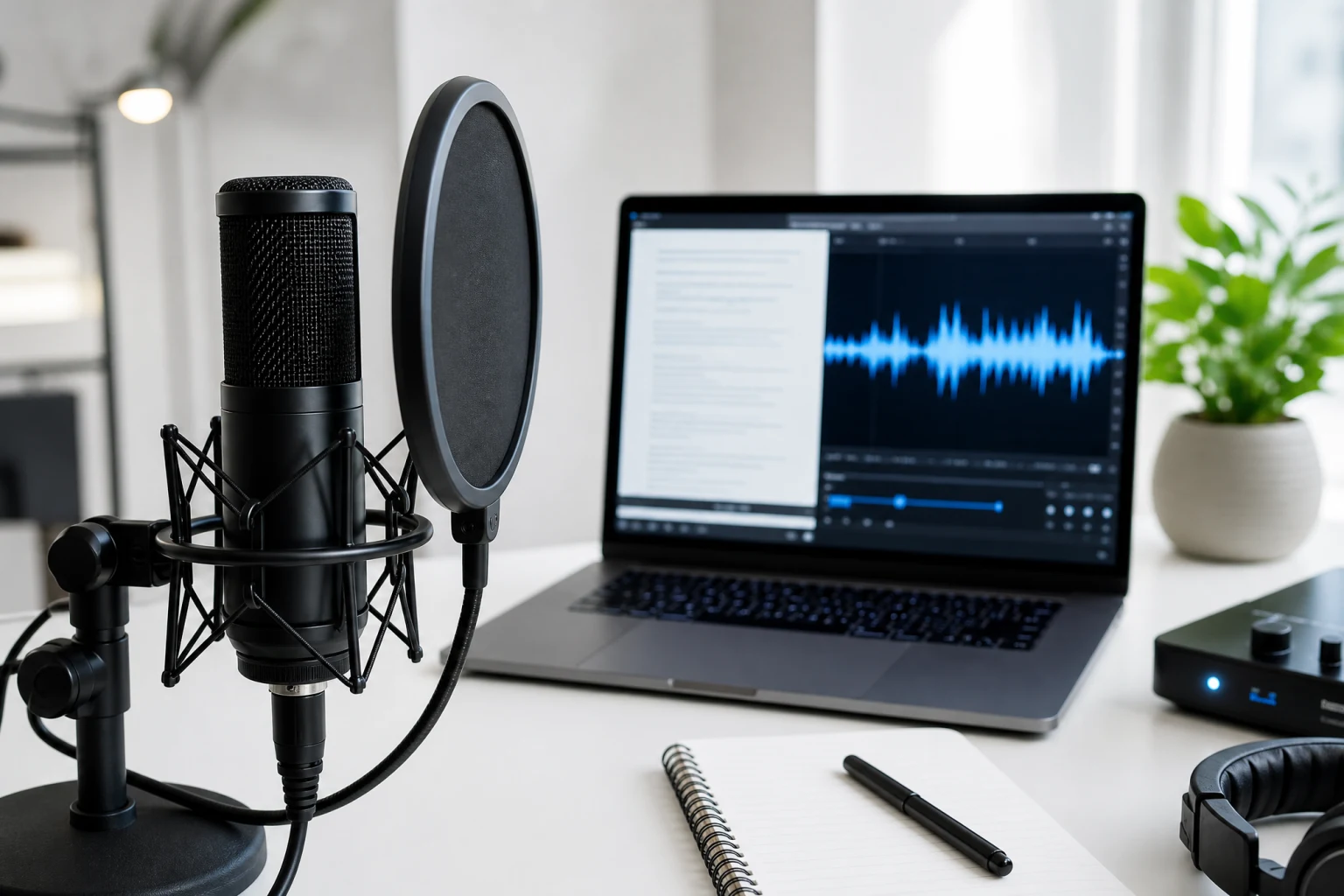
The workflow is one box and one button: paste up to 5,000 characters — a product intro, a course lesson, a video hook — and generate. The AI text to speech engine handles pacing, emphasis, and natural pauses, so the read sounds performed rather than flattened. Long scripts split cleanly across generations, and the character counter warns before you cross the limit.
Voice choice is a creative decision, so the library is built for browsing: narrators for explainers, warm conversational reads for product pages, high-energy voices for ads. Preview candidates, then adjust speed, pitch and volume to land the read exactly on your edit. The voice you pick is shown on every task in your history, so a winning combination is easy to repeat.
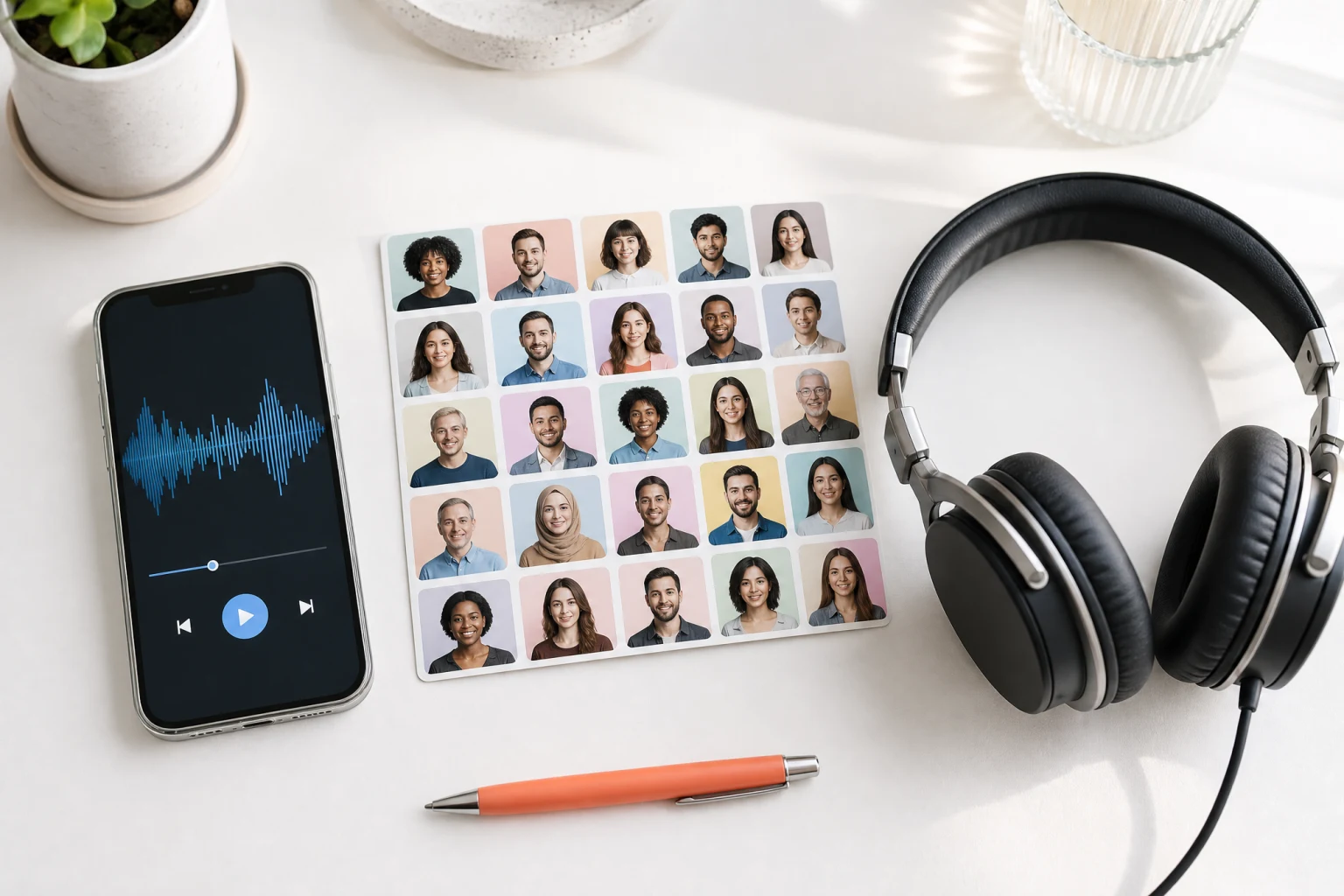
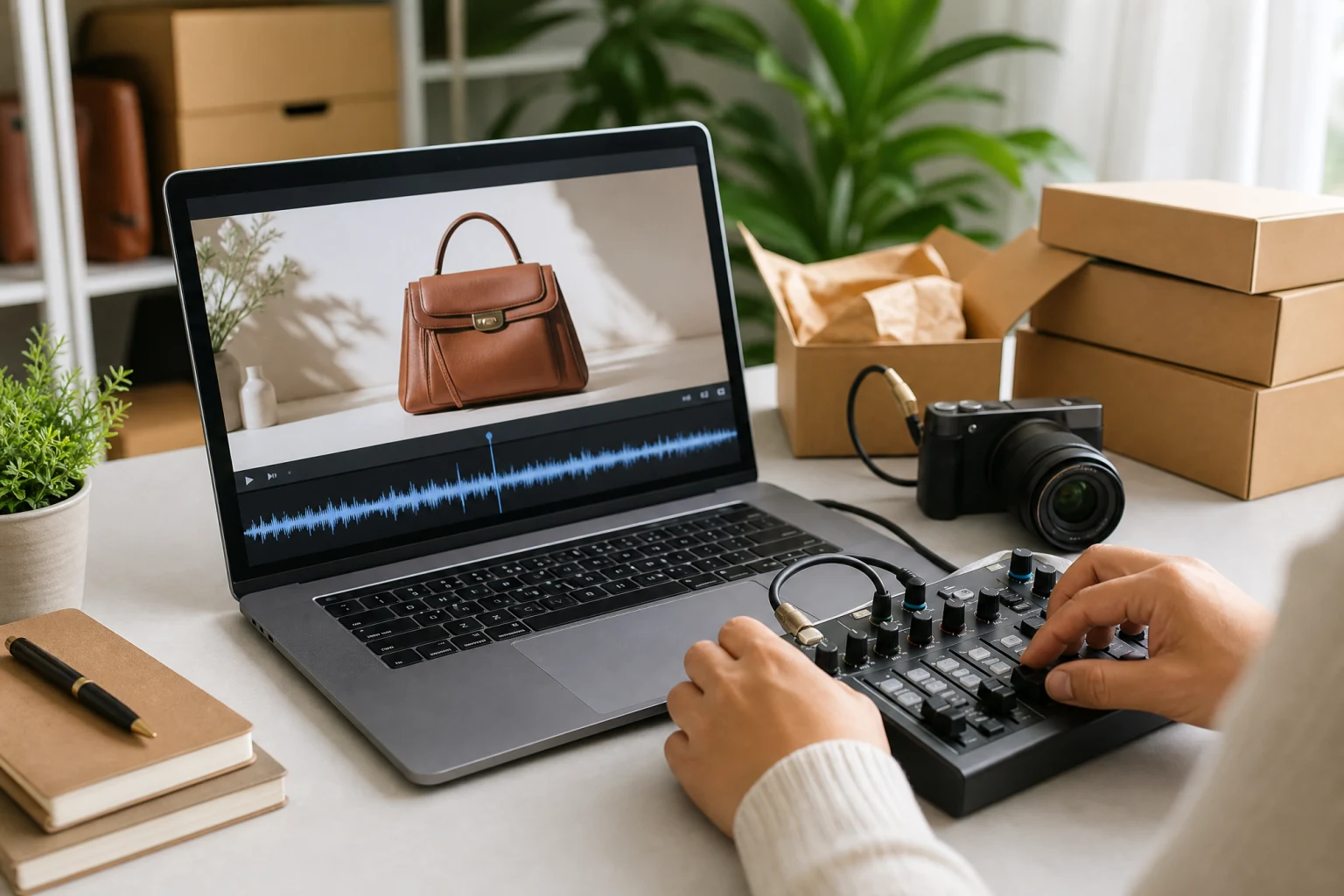
Product clips need narration that sells: hook, benefits, call to action. Generate the voice track here, then hand it to the rest of the workspace — sync it onto a spokesperson clip with the lip sync tool, lay it under a listing image set, or dub a viral-style product video. Sellers use the same flow to re-voice supplier footage and to produce regional ad variants without a recording session.
Write once, publish everywhere. The multilingual model reads your script in 12+ languages with natural pronunciation, so a single approved script becomes Spanish, French, German, Japanese, or Korean voiceovers in one sitting. Marketing teams use it for localized ad reads, educators for multilingual lessons, and sellers for marketplace listings that speak the buyer's language.

No microphone, no recording software — a script is the whole setup.
Type or paste up to 5,000 characters — a video voiceover, a product read, a lesson. The live character counter shows exactly where the limit is.
Browse 300+ AI voices, choose Fast for quick drafts or High Quality for higher fidelity, and tune speed, pitch and volume. The credit cost for your script length is shown up front.
Generate, preview the read in the built-in player, and download the MP3. Every take is kept in your history with its voice and settings, ready to replay, re-download, or iterate.
From solo creators to e-commerce teams, AI text to speech serves anyone who needs a voice track without a recording session.
Voice your edits without a microphone: YouTube narrations, TikTok hooks, Shorts reads, and explainer voiceovers. Draft with the fast model, render finals in high quality, and keep every take in your history.
Turn product bullets into persuasive voiceovers for listing videos and ads. Re-voice supplier footage, localize the same script for each marketplace, and keep messaging consistent across every SKU.
Prototype episode intros, ad reads, and narration segments before booking studio time — or publish AI-read updates and show notes as standalone audio content in MP3.
Narrate lessons consistently across an entire course, update a lecture by editing the script instead of re-recording, and offer the same material in multiple languages for international students.
Produce ad reads, product announcements, and social voiceovers on deadline. A/B test different voices and speeds against the same script, then localize the winner for each market.
Give written content a voice: read-aloud versions of articles, onboarding flows, and product guides that serve users who prefer or require audio, generated on demand from the source text.
How AI text to speech works, voice and language options, limits, credits, and what you can do with the generated audio.

Paste up to 5,000 characters, choose from 100+ AI voices in 12+ languages, and download your first voiceover in minutes — the credit cost is always shown before you generate.